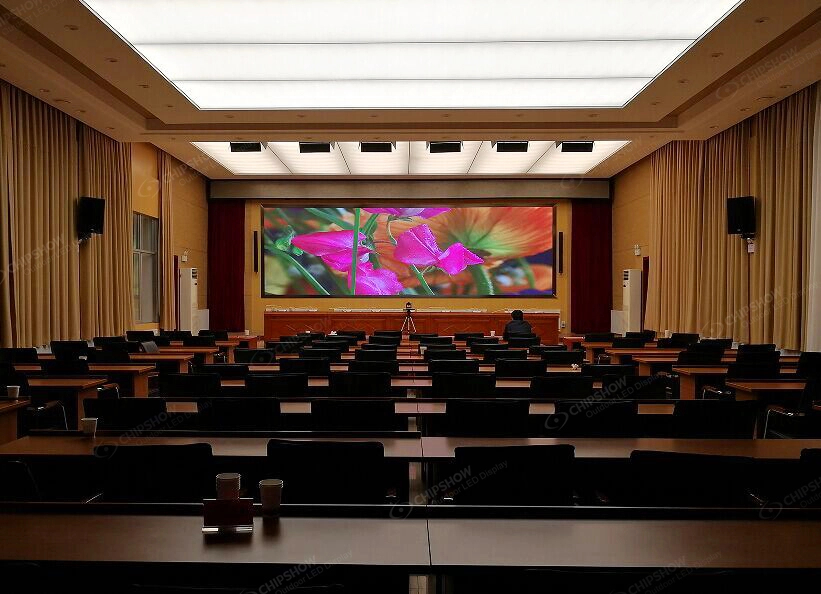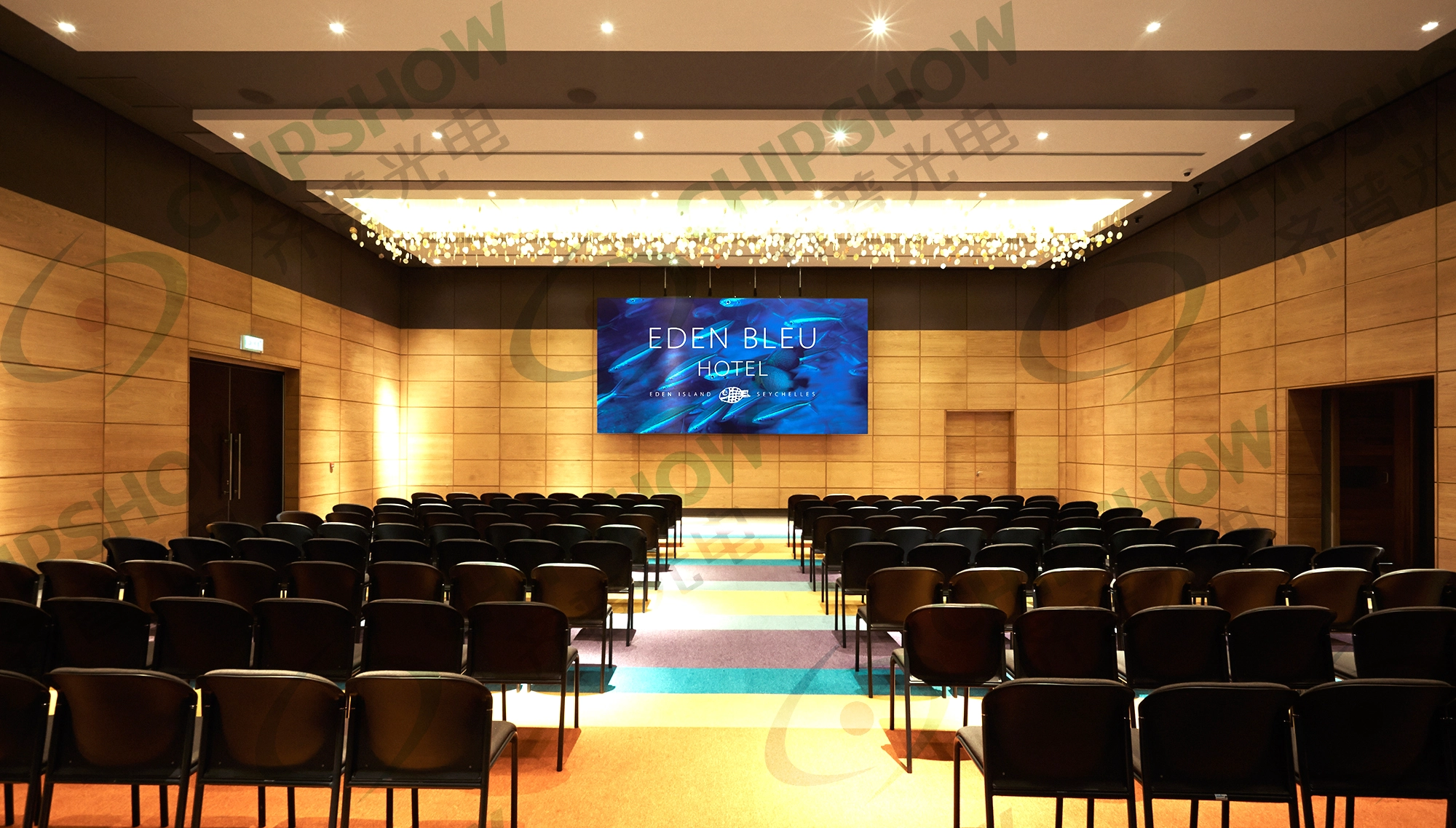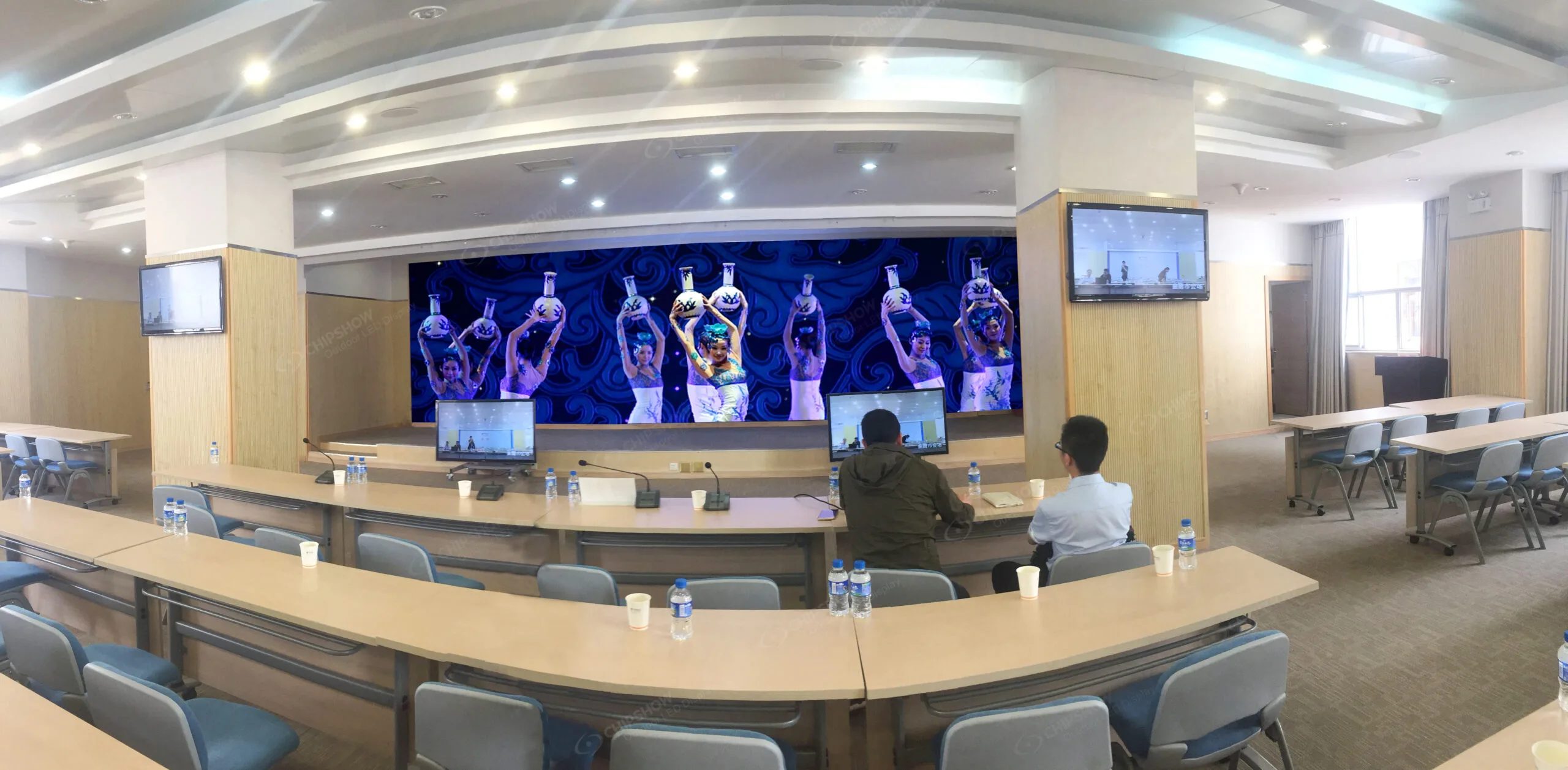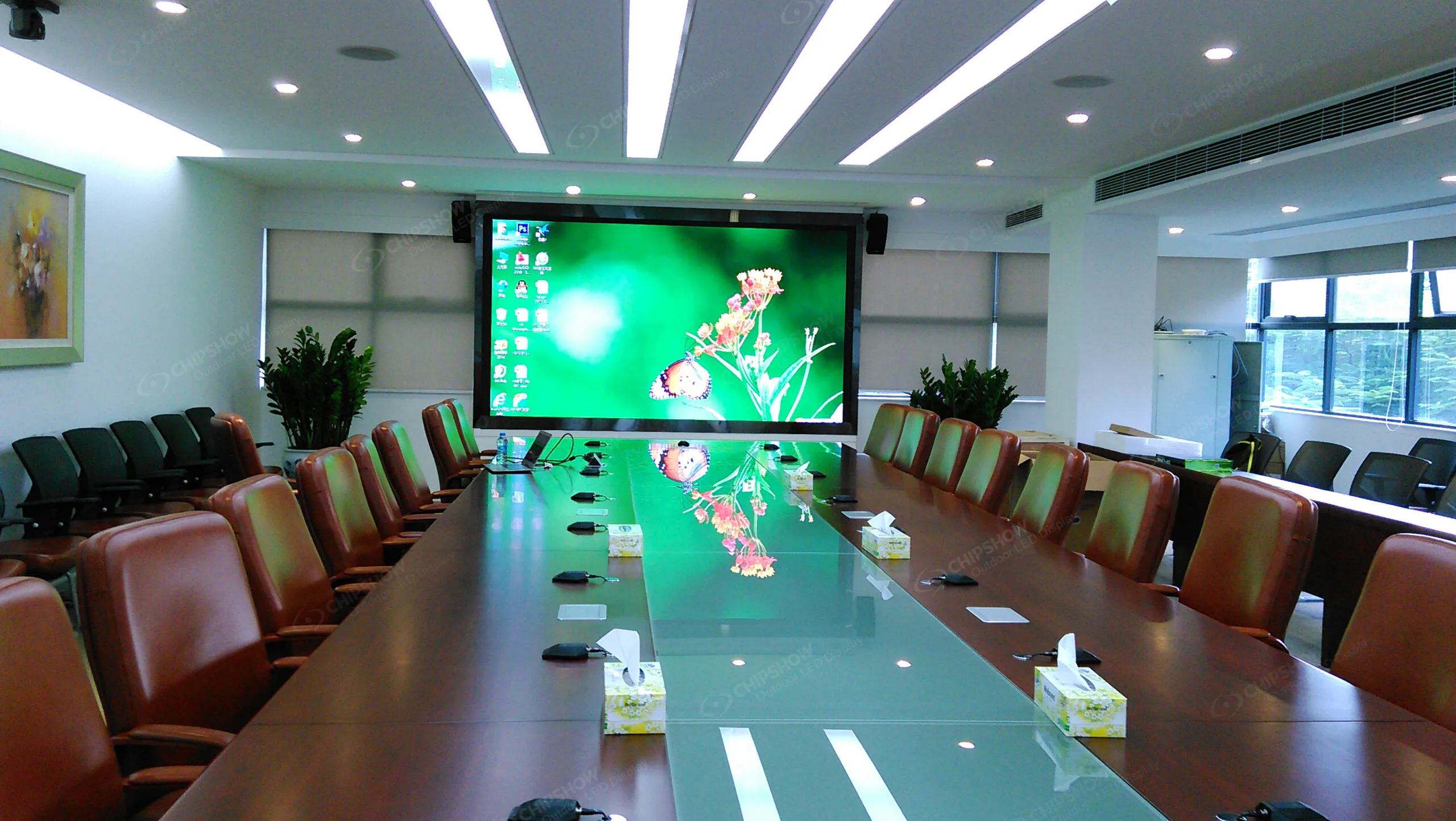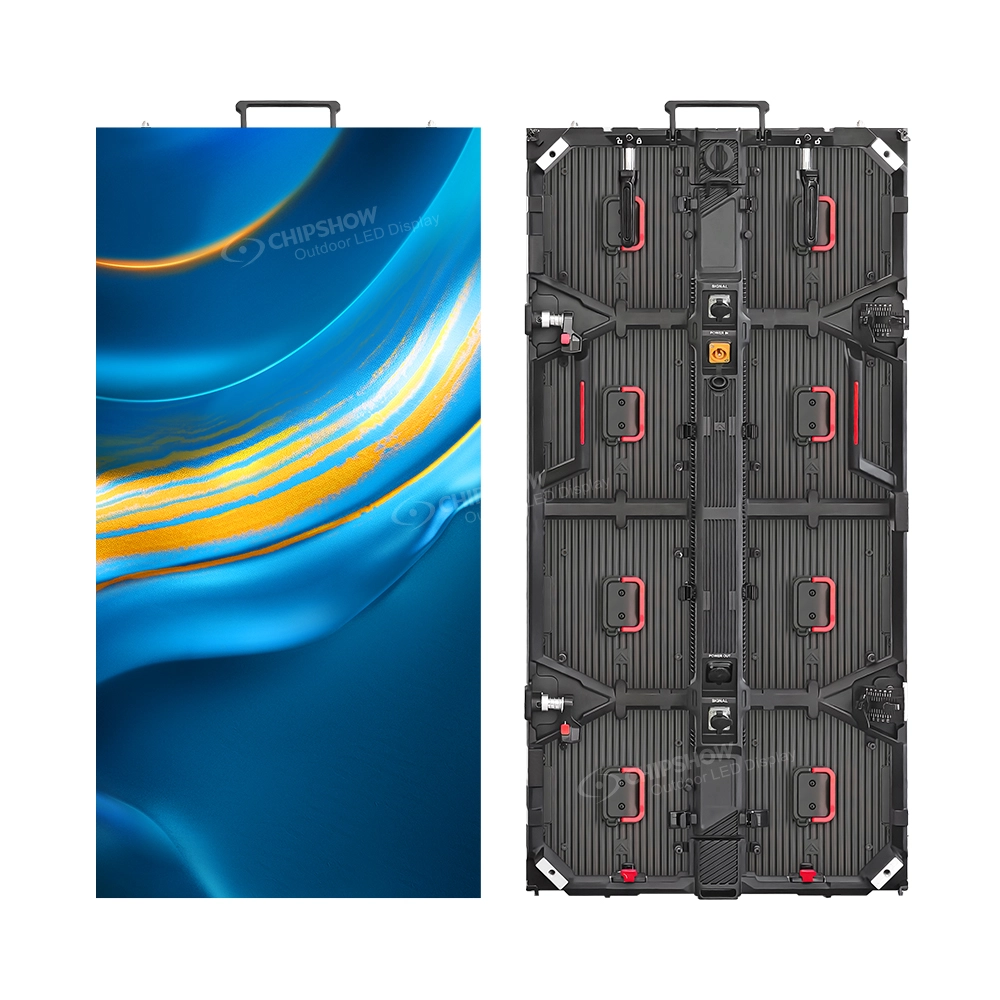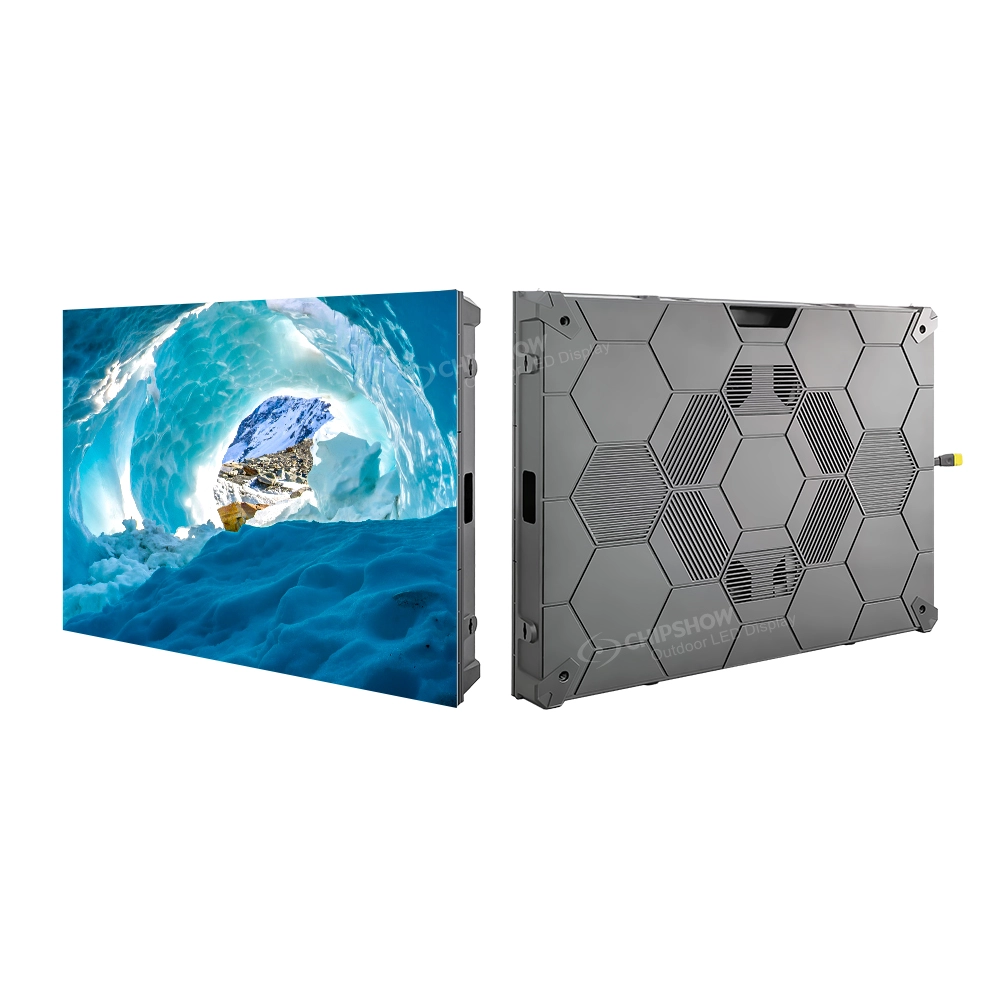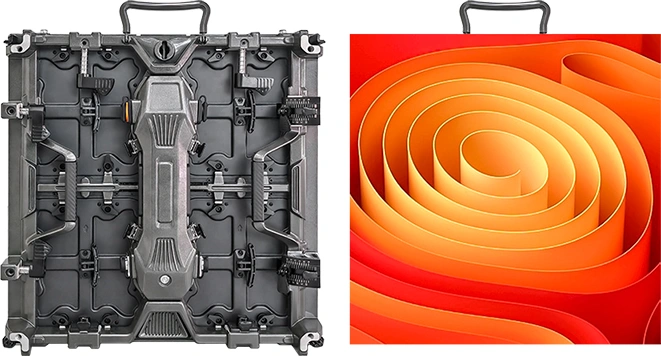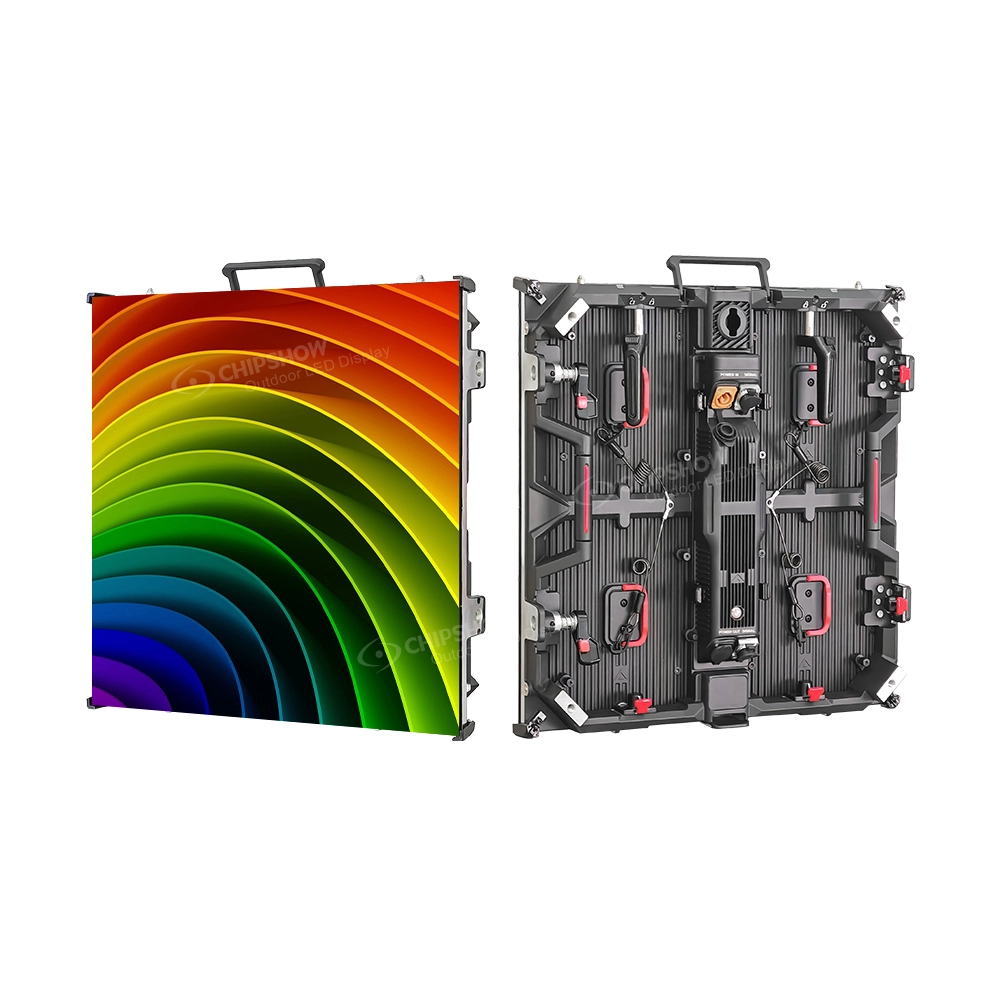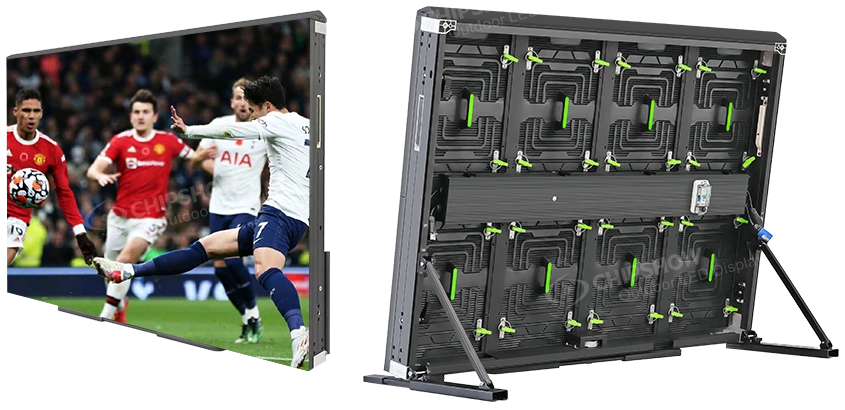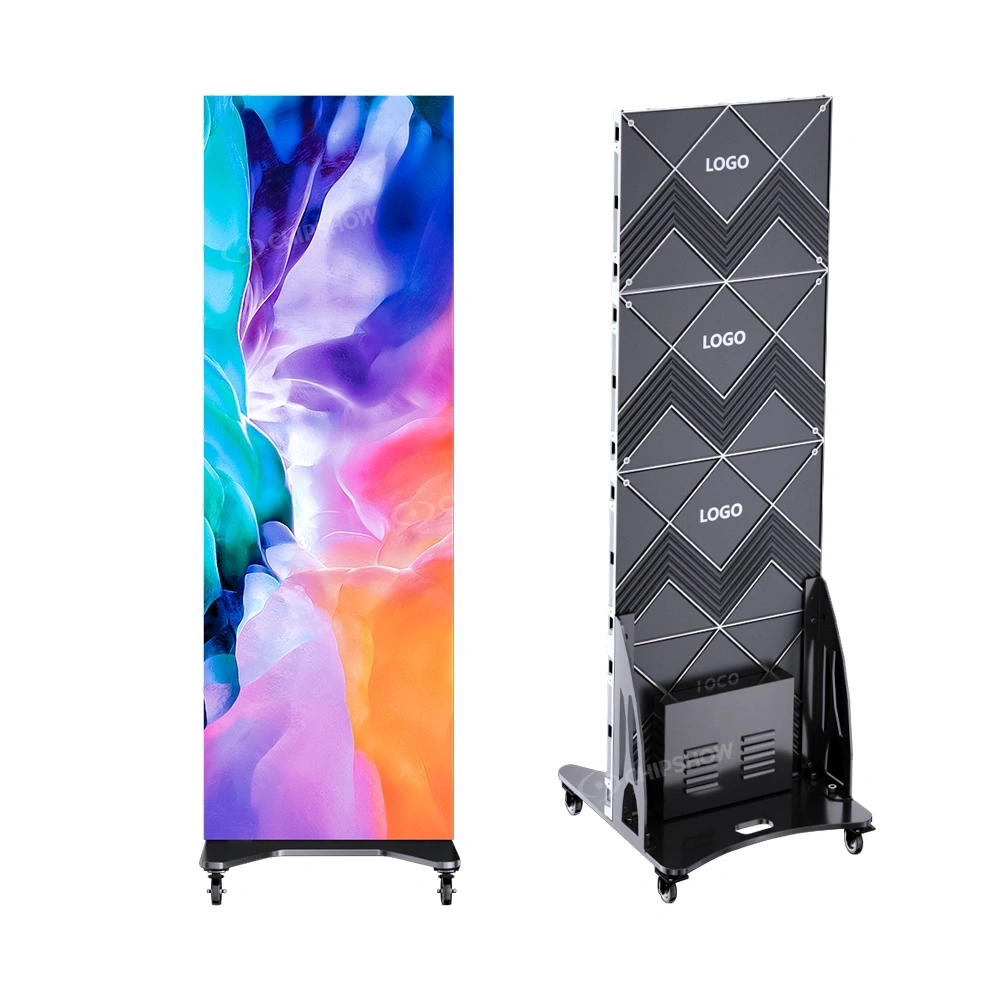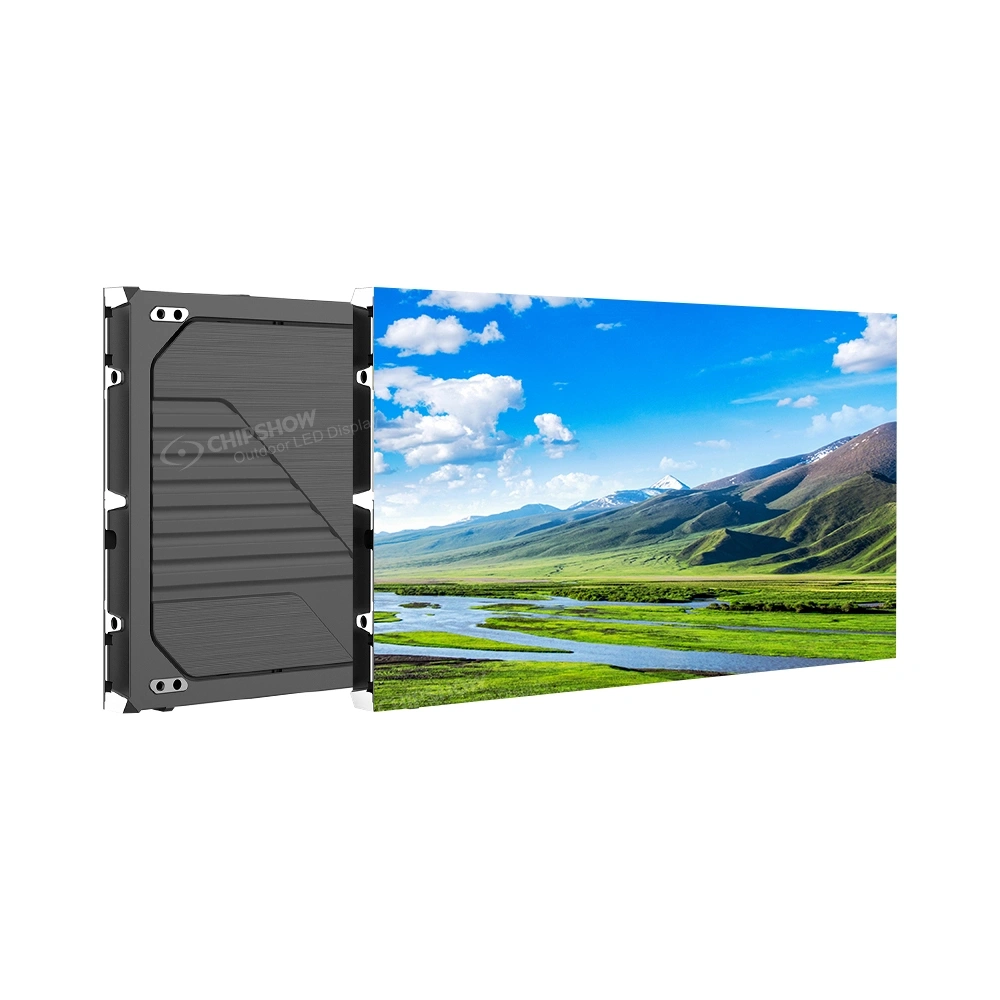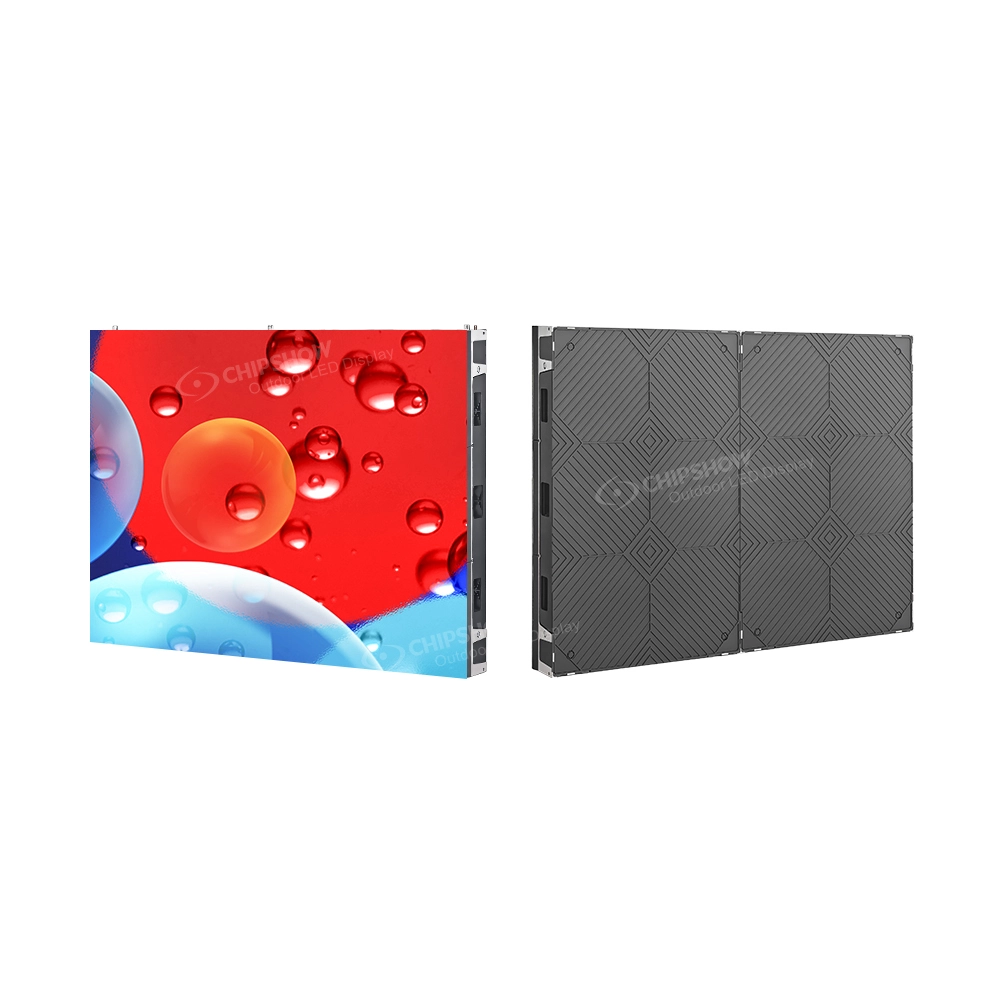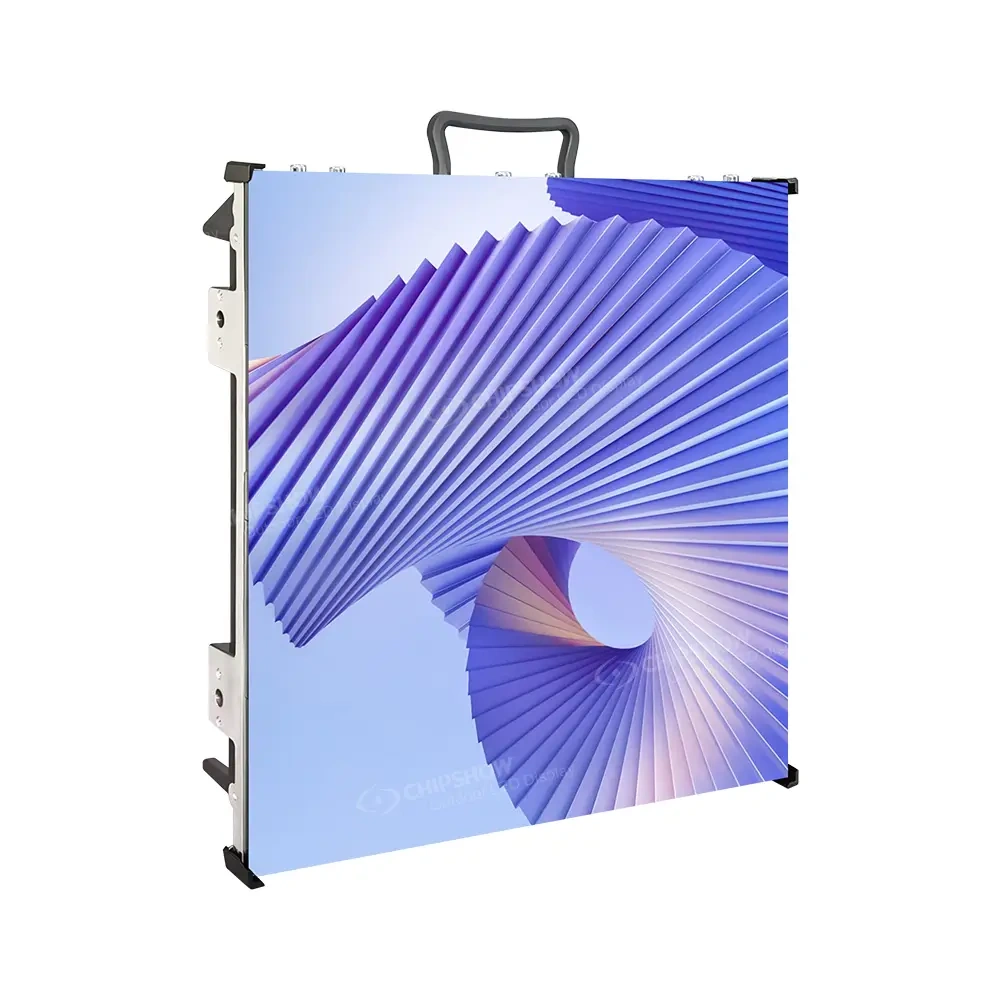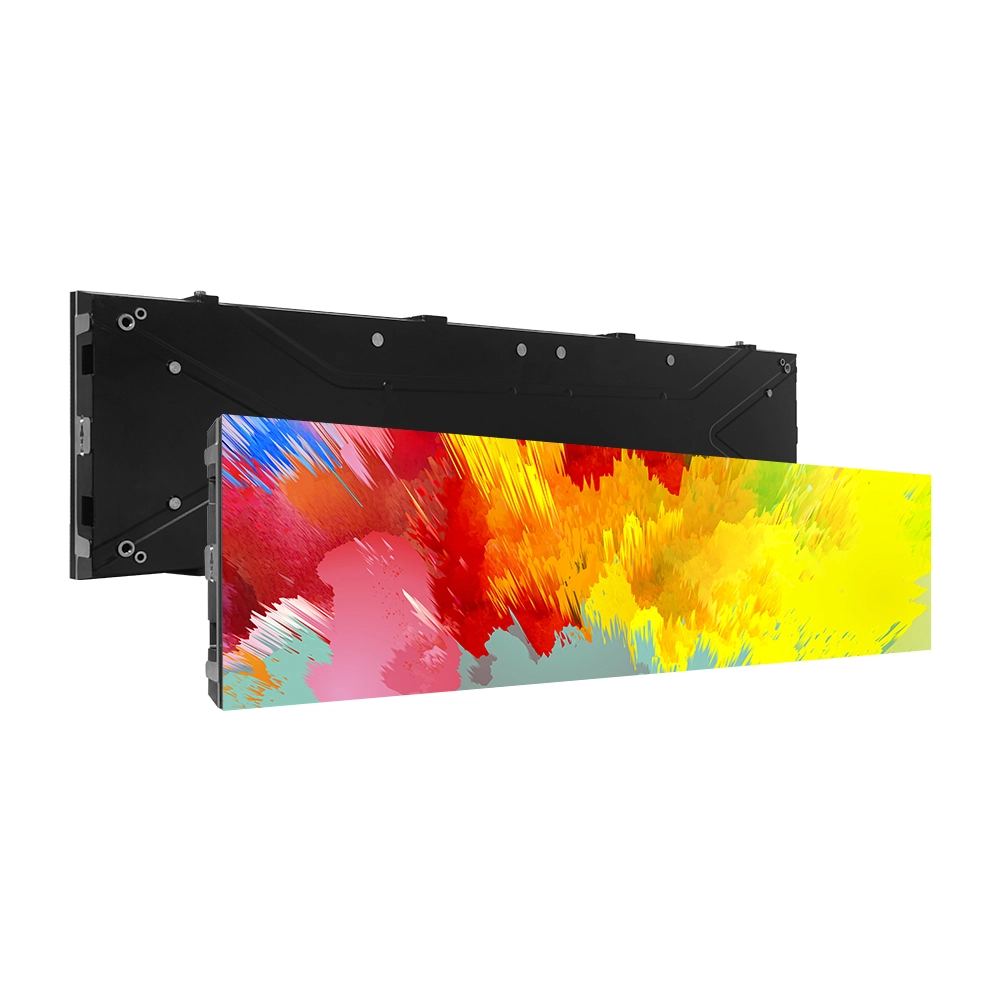
Compare rental LED screens against the actual event: the nearest viewer and content, venue lighting, production camera settings, the complete suspended load, and cabinet handling. The product table below keeps the published model references together, while the decision steps show what to confirm for a hire or fleet purchase. Check the exact configuration, current availability and required documentation before signing.
You can size this to your venue in minutes with the Europe LED screen selector: pick your nearest viewer, choose the format, and compare product references.
Selecting the correct LED screen configuration directly affects event quality, rigging costs, and long-term rental asset reliability. A pixel pitch mismatch degrades image quality in close-viewing environments. An unnecessarily heavy cabinet increases rigging complexity and crew deployment time on each build.
This rental LED screen comparison guide examines the specifications that decide rental LED screen selection for European events: pixel pitch and viewing distance, brightness, refresh rate, cabinet weight and European stock availability. The product examples used throughout are the rental platforms currently listed on the Chipshow EU site.
What Specs Actually Matter When Comparing Rental LED Screens?
Five checks help narrow a rental LED screen comparison: pitch and native pixels for the content, output under venue lighting, camera performance, the complete rigging load, and cabinet handling. Test the proposed combination against the event rather than treating a single headline specification as approval.
Usage period matters: a single gala, a multi-city tour and a fleet redeployed every weekend create different handling, transport and spares plans. Confirm which components can be serviced after the wall is built, who holds compatible spares, and the delivery terms for the event dates.
The table below maps the five comparison checks to the sections where each is examined in this guide.
| Comparison check | What it decides | Covered in |
| Configuration (pixel pitch, brightness, refresh rate) | Picture quality against viewing distance, venue light and camera plan | Pitch, Brightness and Refresh Rate sections |
| Installation method (cabinet size, curve, locks) | Build speed and crew size on each deployment | Cabinet Size & Lock System section |
| Event scale (audience size, venue size) | Acceptable pitch and brightness class | Where Are Rental LED Screens Used |
| Usage period (single event, tour, rental fleet) | Weight margin, transport and spare-part planning | Weight section, Step 4 |
| Maintenance conditions (service access, stock) | Repair speed and replacement lead time | Service access, European stock rows |
Pixel Pitch: The Viewing Distance Rule
Pixel pitch is the distance between adjacent pixel centres, measured in millimetres. Treat a pitch-to-distance rule as an early comparison aid, then review the actual content at the nearest seat and camera position. Do not use a P3.91-to-4 m shortcut as a guaranteed minimum viewing distance.
The rule works as a first filter, and content type shifts the threshold in practice. Full-motion video tolerates closer viewing than text-heavy slides or detailed product visuals, and a camera pushed in for a close-up exposes pixel structure faster than a wide audience shot ever will.
For the same wall area, finer pitch increases the native pixel count. Compare supplier quotes for the same equipment and service scope, then decide whether the additional pixels improve the actual slides, video or camera shot.
Weight per Square Meter: The Rigging Budget
Cabinet weight decides crew hours and rigging load. Weight per m² drives two cost lines that recur on each deployment: the crew hours a build takes and the load the rigging has to carry.
Truss load ratings vary by system, span and configuration, so the total per-square-meter load, including cabinets, controller hardware and cabling, should be checked against the load tables of the specific truss being used. Cabinet weight is examined in detail in the weight section below.
Peak Brightness: Surviving the Venue Light
Brightness decides how the picture survives the venue lighting. Peak Brightness (nits) measures the maximum light output of the screen. The figure that matters on site is the balance between screen output and ambient light: the same screen that reads clearly in a dim conference hall washes out under stage wash or afternoon sun.
Rental work faces this problem in its hardest form, because each event brings a different venue and a different lighting plot, so the brightness class of the panel has to cover the brightest condition it will meet.
Use the model table below to compare the listed indoor and outdoor configurations. Ask for the dated datasheet for the pitch and cabinet size being quoted; the published peak value is a starting reference, while venue visibility and dimmed image quality still need review.
Within a class, the peak figure should be read alongside how the panel behaves when dimmed, since an event day runs from dark rehearsal to bright show conditions, and a screen that holds image quality well below its peak is easier to specify against unknown venues than one tuned only for maximum output.
Compare the proposed screen under the venue lighting. The following checklist identifies the test conditions; it does not establish a universal minimum brightness for every booking.
| Environment | What to review at the venue |
| Dim conference room / indoor stage | Readability and dimmed image quality with the planned content |
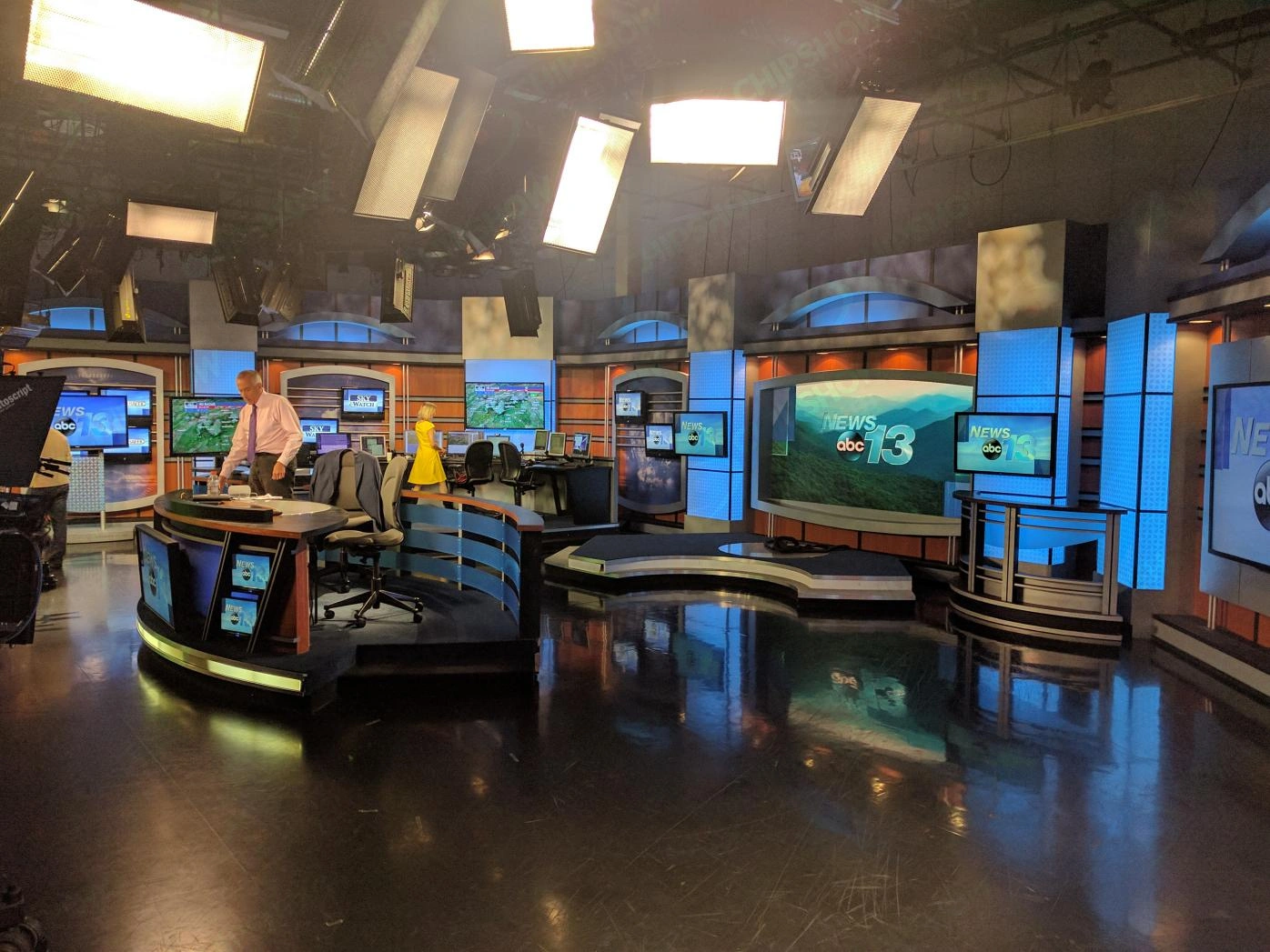
| Bright indoor venue / TV studio | The actual stage wash, camera exposure and required contrast |
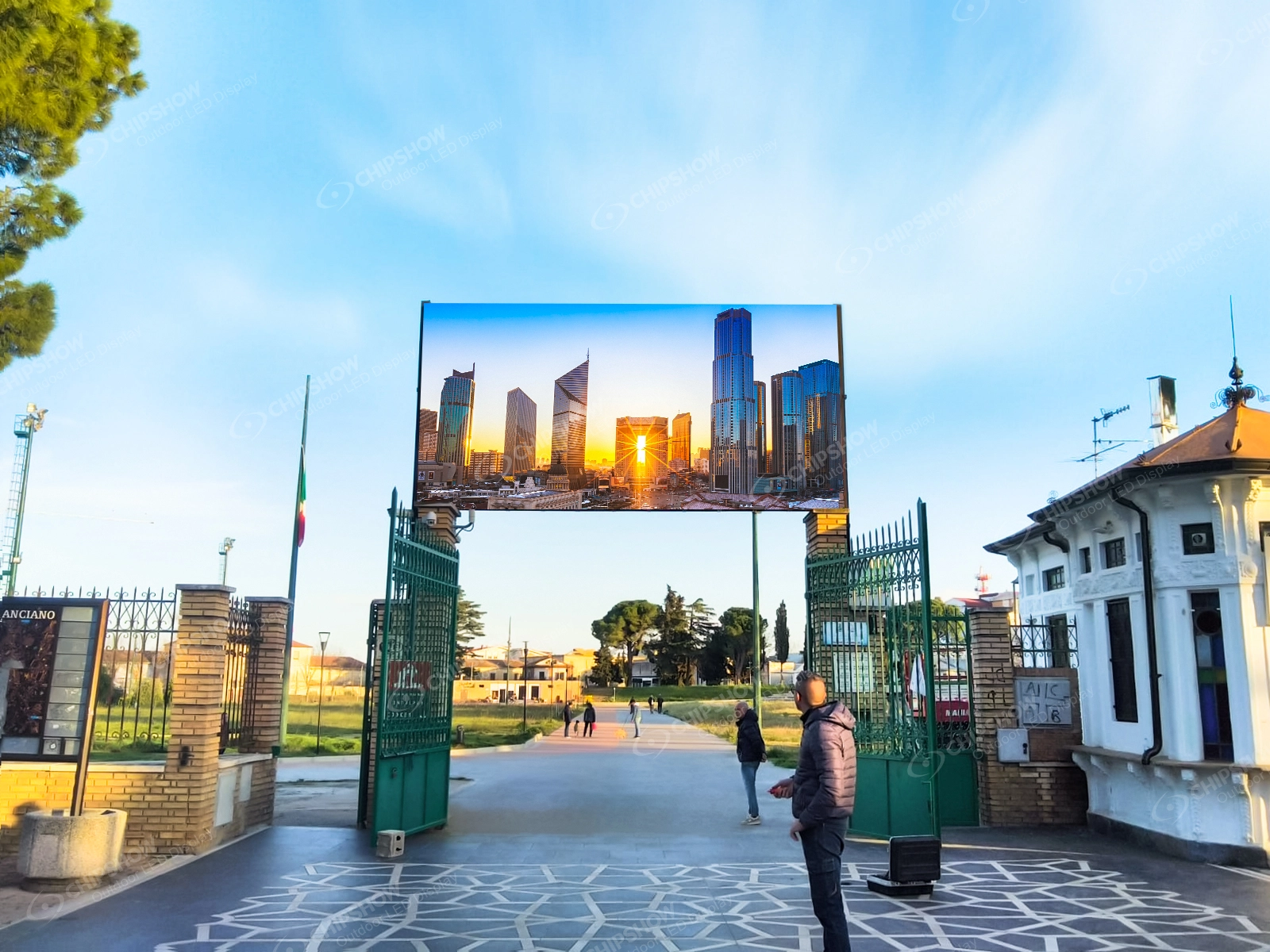
| Outdoor daytime / festival stage | Daylight direction, event hours and the quoted outdoor configuration |
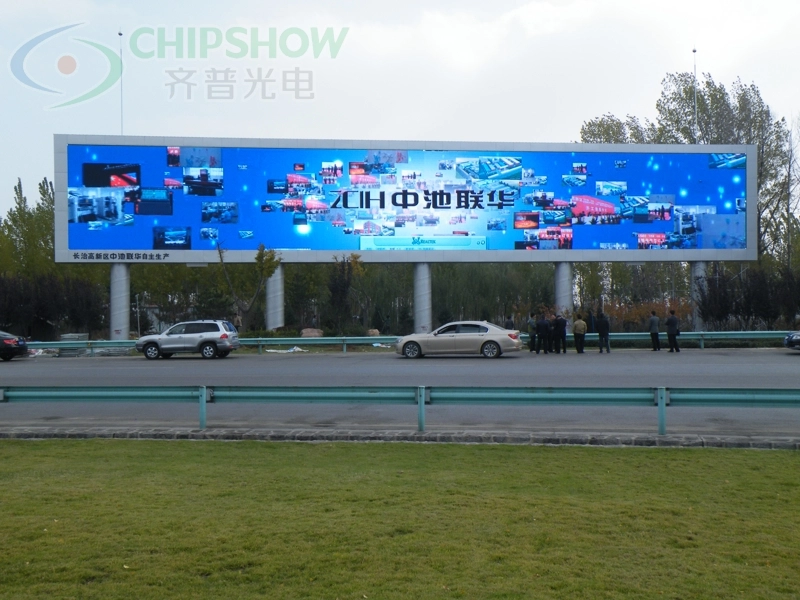
| Direct sunlight / outdoor billboard | Direct-sun exposure, content legibility and brightness-control limits |
Refresh Rate: The Camera Specification
Refresh rate protects the image once a camera points at the screen. A camera shutter samples the screen at fixed intervals, and when the screen refresh falls out of alignment with the shutter, some frames catch the LEDs mid-scan and display horizontal banding.
For camera work, confirm the proposed panel, processor and receiving-card settings with the production camera, lens, shutter, frame rate and brightness settings.
- Use the actual production shutter and frame-rate settings, including any planned slow-motion shots.
- Ask how the supplier specifies refresh and scan behaviour for the exact configuration.
- Review recorded footage for banding, flicker and moiré before accepting the camera-facing setup.
Where the audience watches the wall directly and the event stays off camera, refresh rate moves down the priority list behind pitch and brightness.
Cabinet Size & Lock System: Build Speed
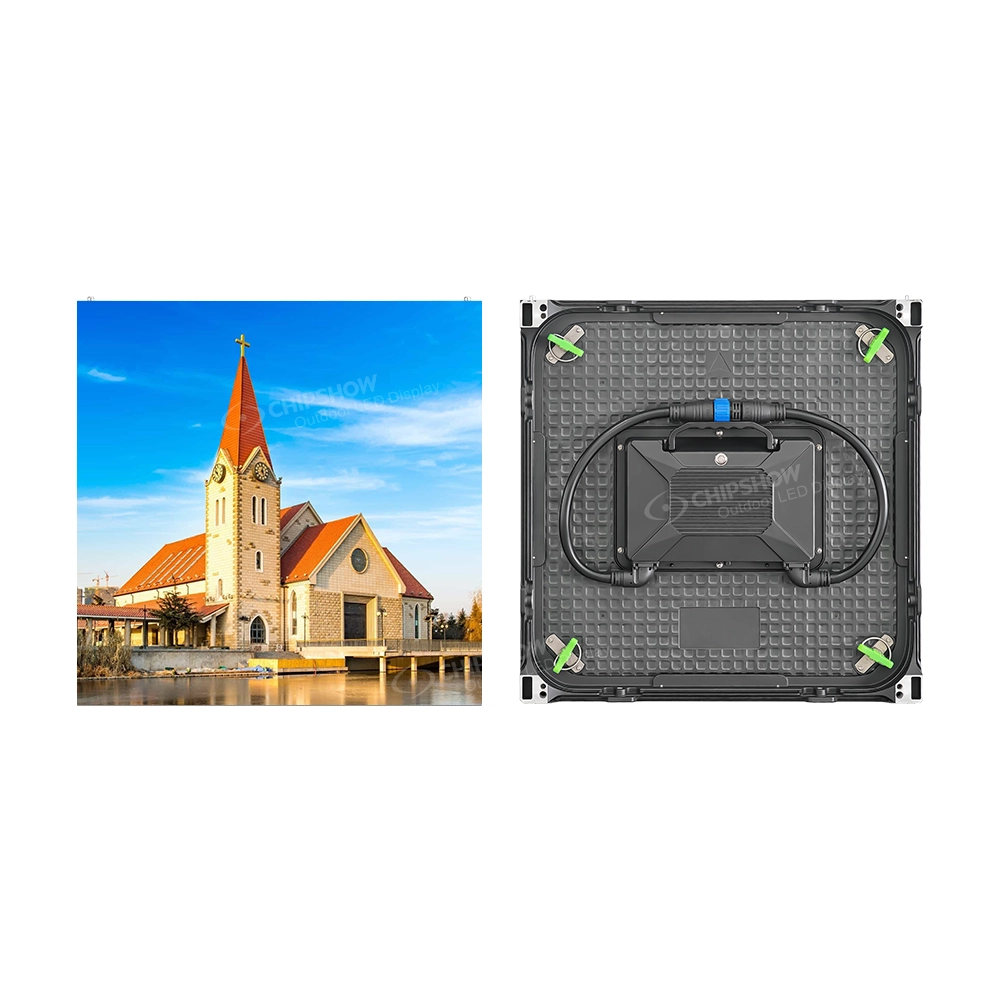
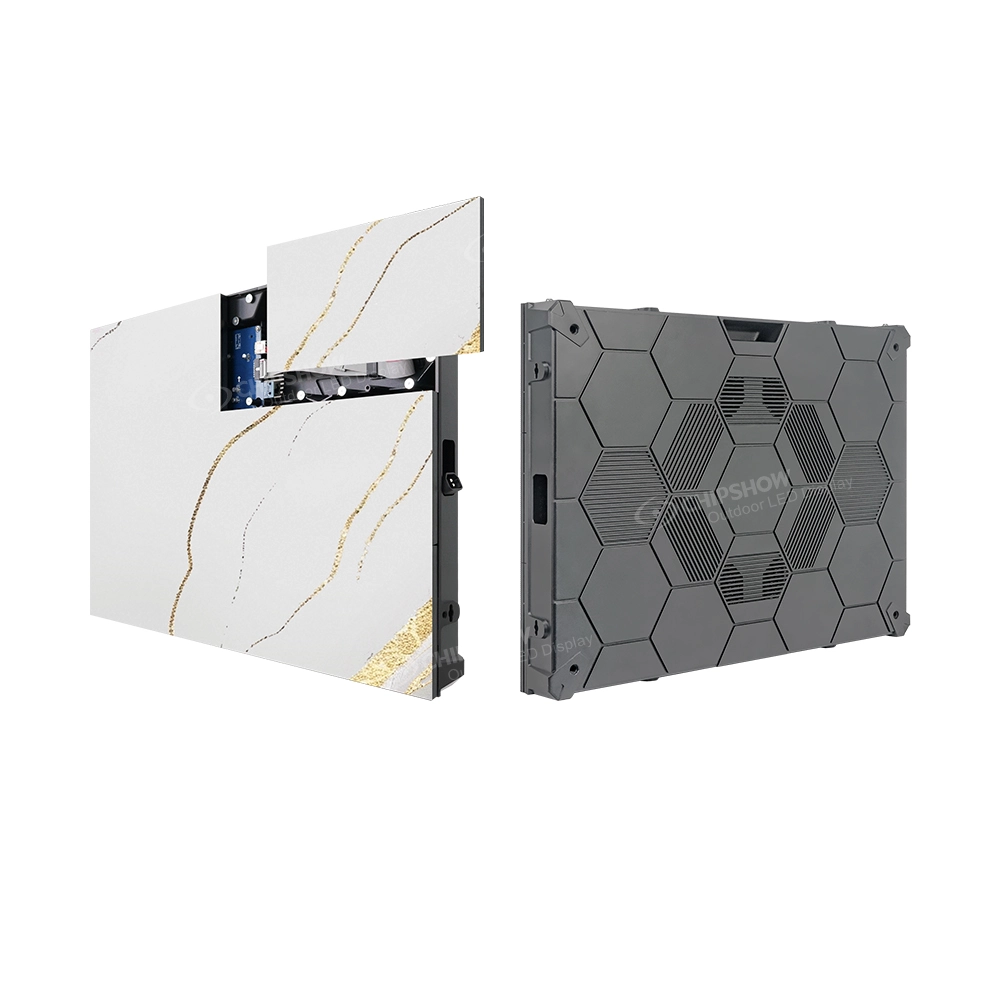
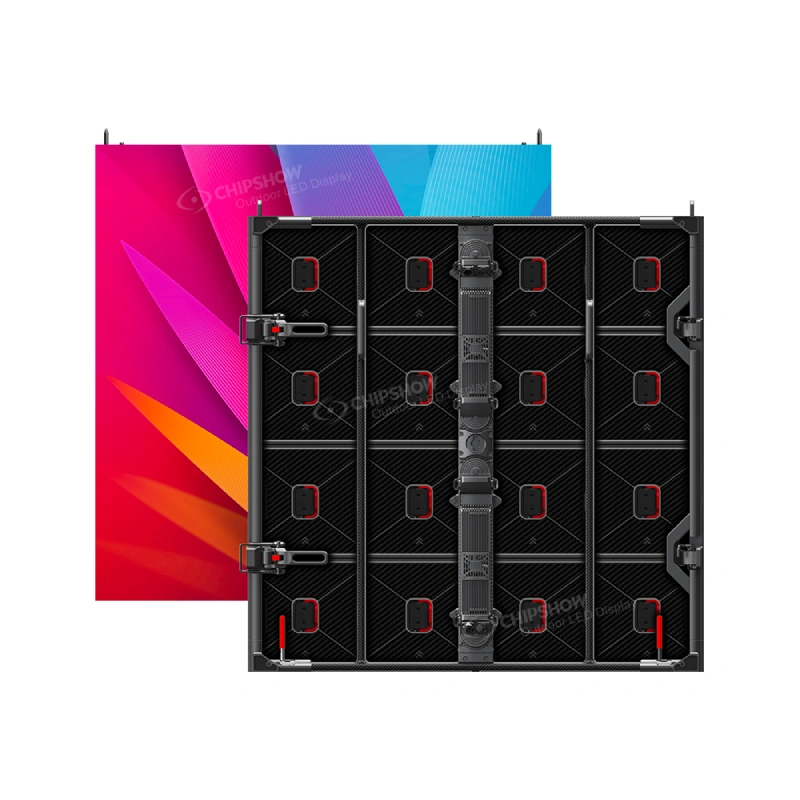
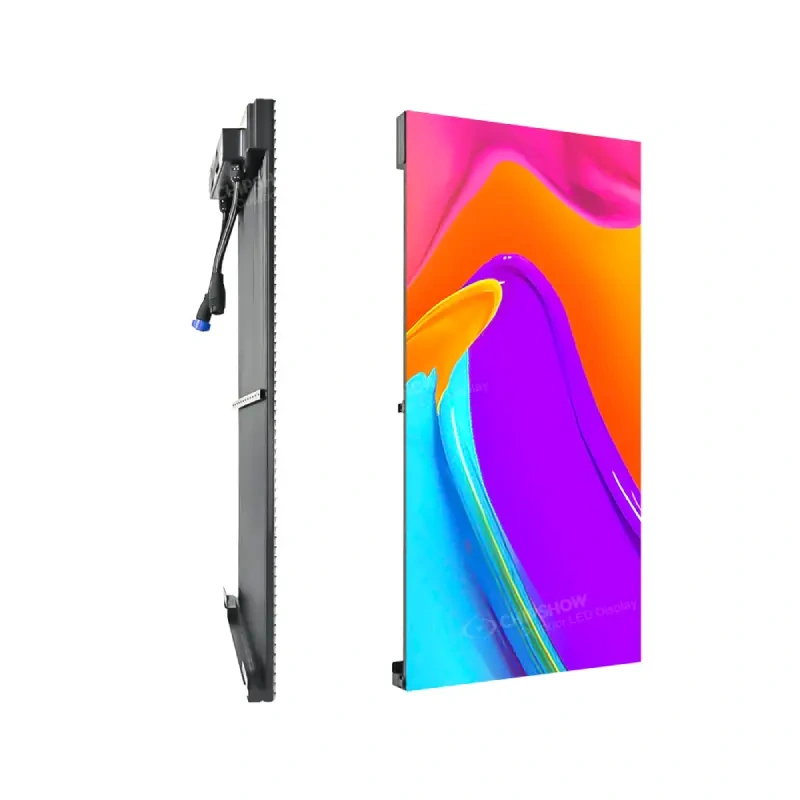
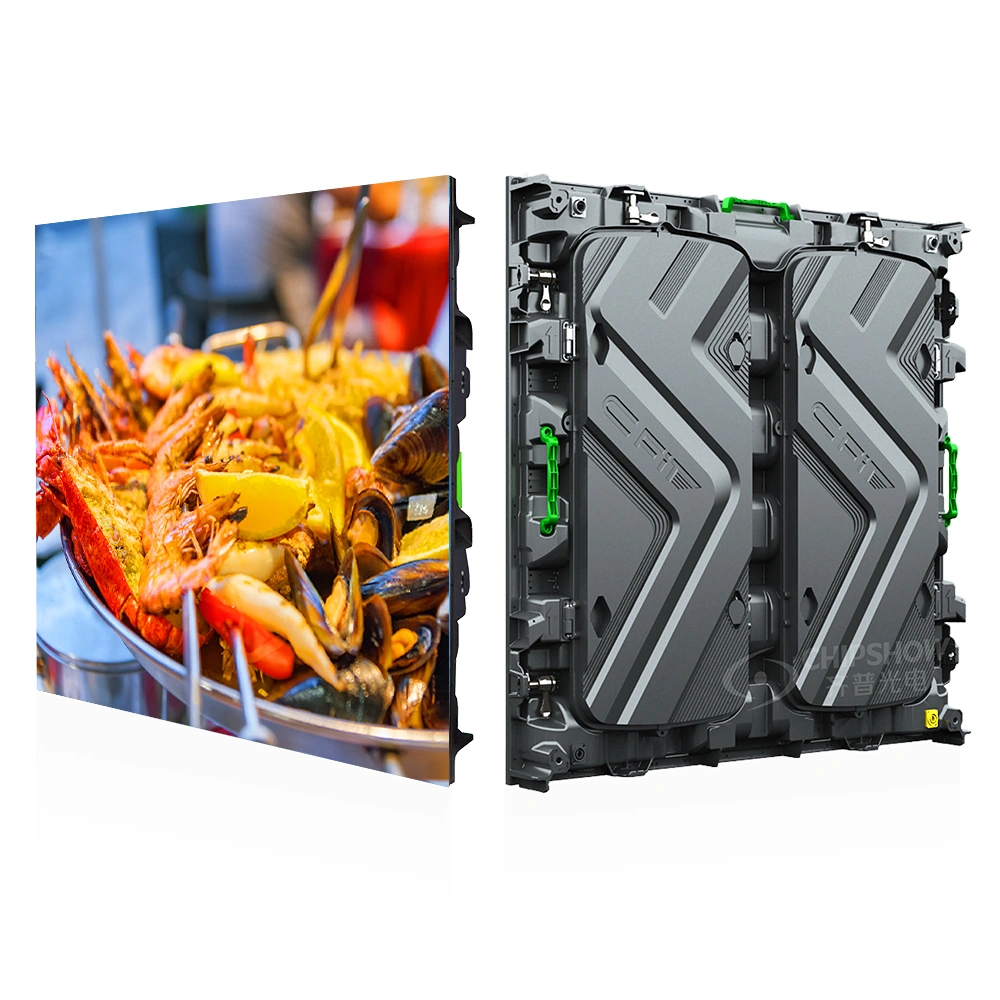
Cabinet format determines what the build costs in crew and time. Cabinet Size & Lock System sets build speed and fleet logic. Rental LED screens are assembled from modular cabinets, and the two formats used across the platforms compared in this guide are 500×500 mm and 500×1,000 mm.
For a worked layout using 500×500 mm and 500×1,000 mm cabinets, the larger cabinet covers twice the area and uses half as many cabinets for the same rectangular wall area. Compare connection count, lifting, handling and spare compatibility before assuming the larger format builds faster.
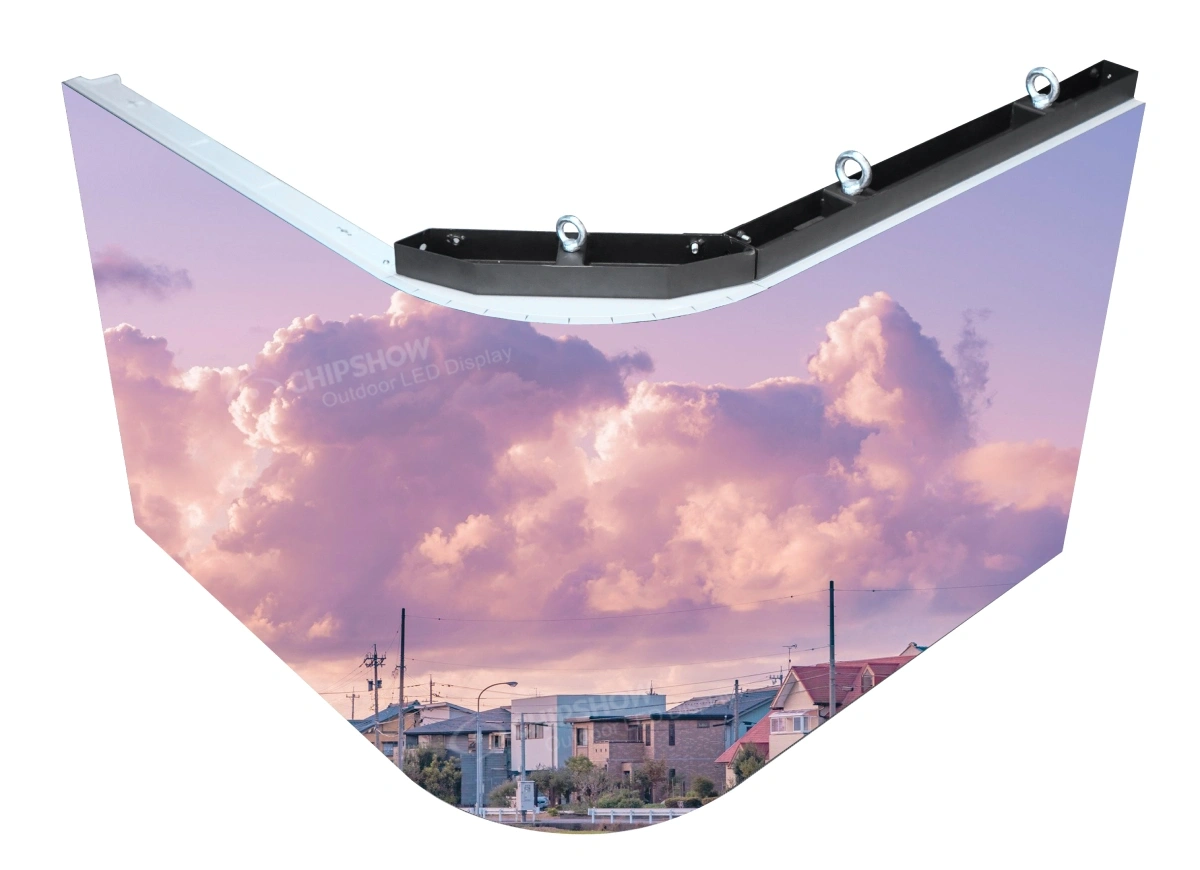
Curve capability varies by platform, and the range available in the lineup compared in this guide spans -10° to +15°, which covers the gently curved stage designs common at exhibitions and award shows.
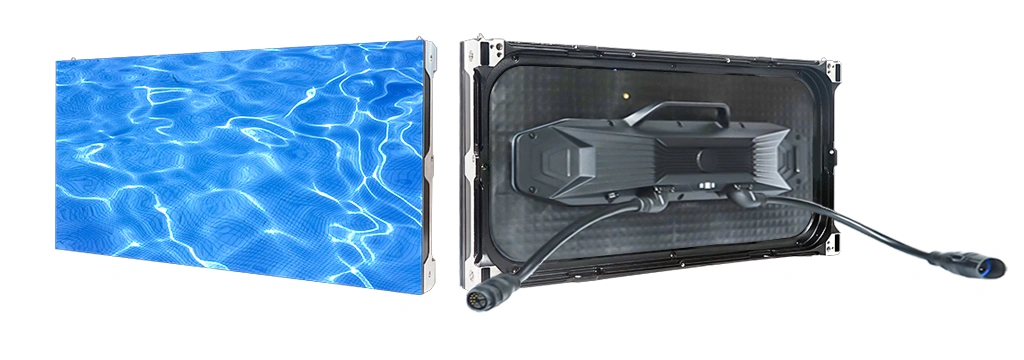
Service access belongs in the comparison as well: panels that can be serviced from the front as well as the rear can be maintained on either side of a finished wall, a practical point wherever the backstage gap behind the screen is narrow. Which platform offers which access routes should be confirmed on the product pages.
Where Are Rental LED Screens Used?
Rental LED screens serve a broad range of applications across the European event industry, each with distinct technical requirements.
The table below summarizes the specification priorities by event type.
| Event type | Brightness class | Priority specifications |
| Corporate event | Indoor 600–800 nits | Refresh rate, pixel density |
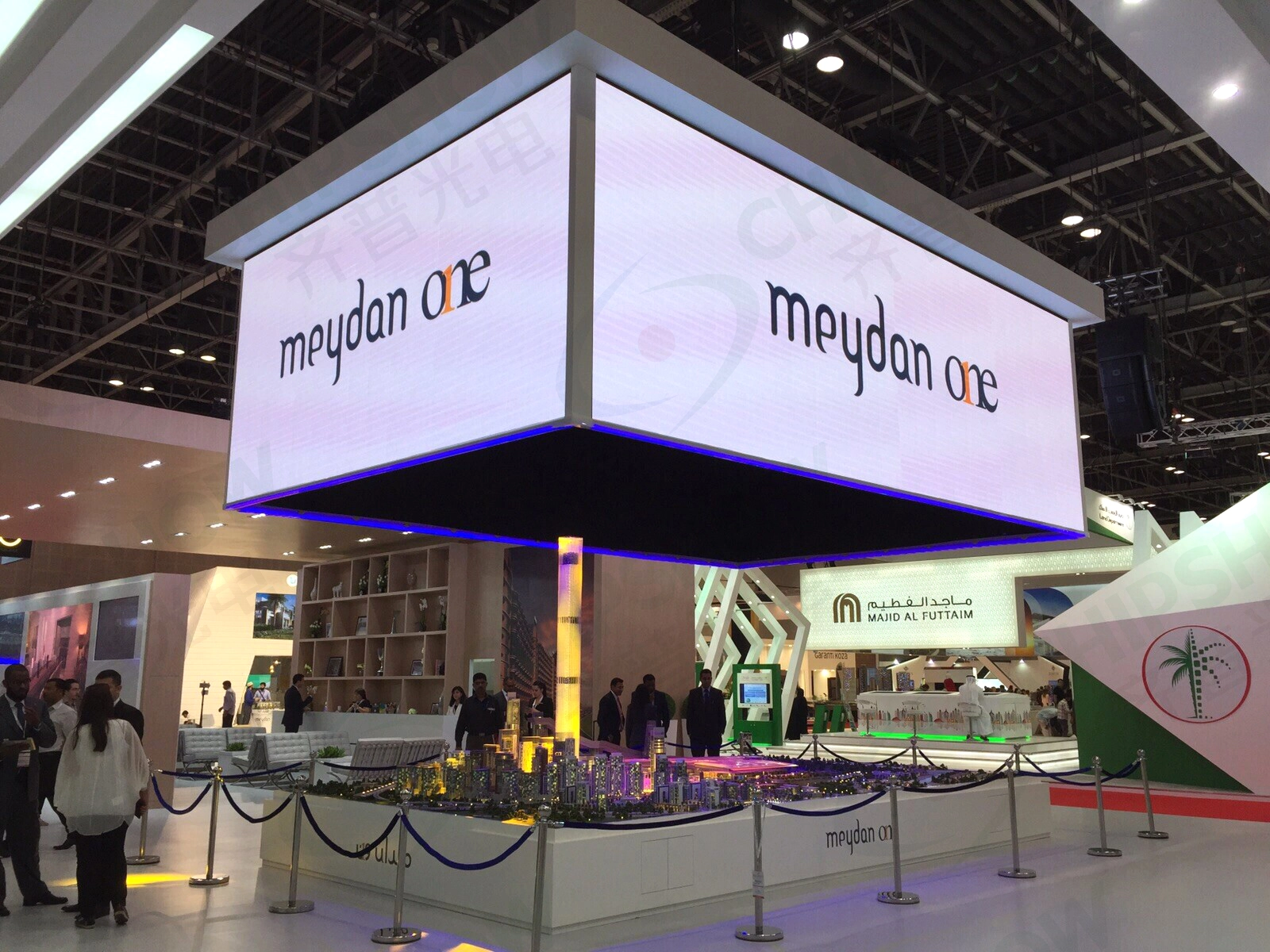
| Trade show & exhibition | Indoor class | Hall-light output, build speed, curve range |
| Concert & music festival | Outdoor 4,000–4,500 nits | Weather protection, cabinet weight, build speed |
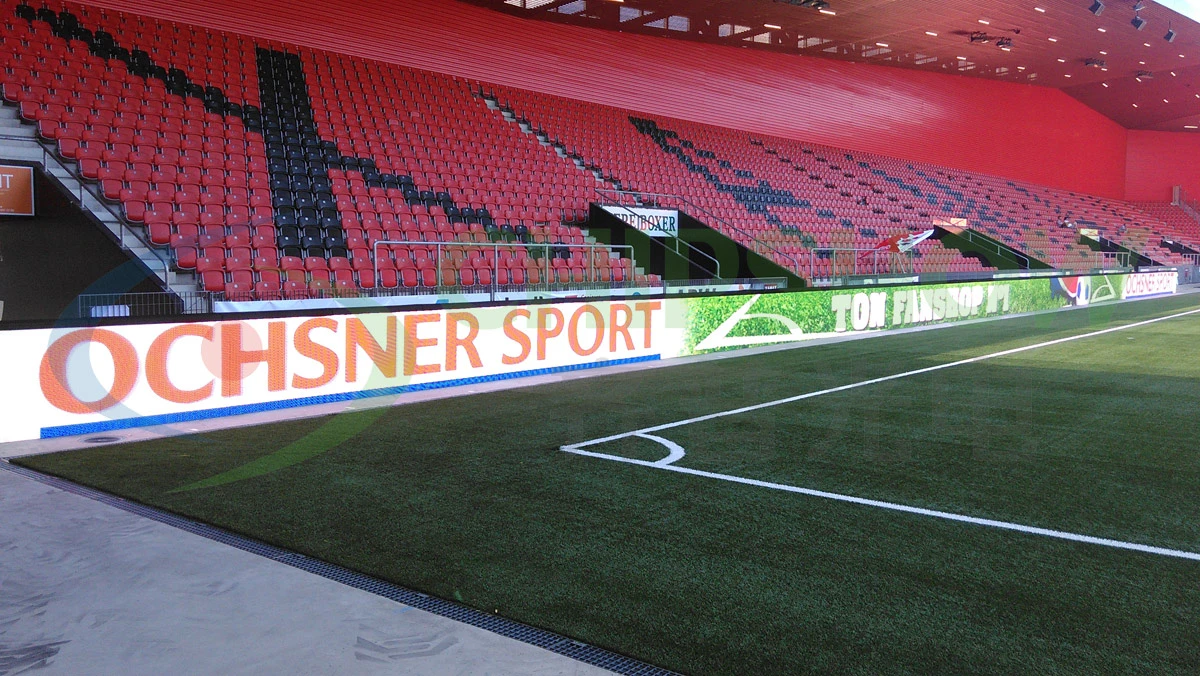
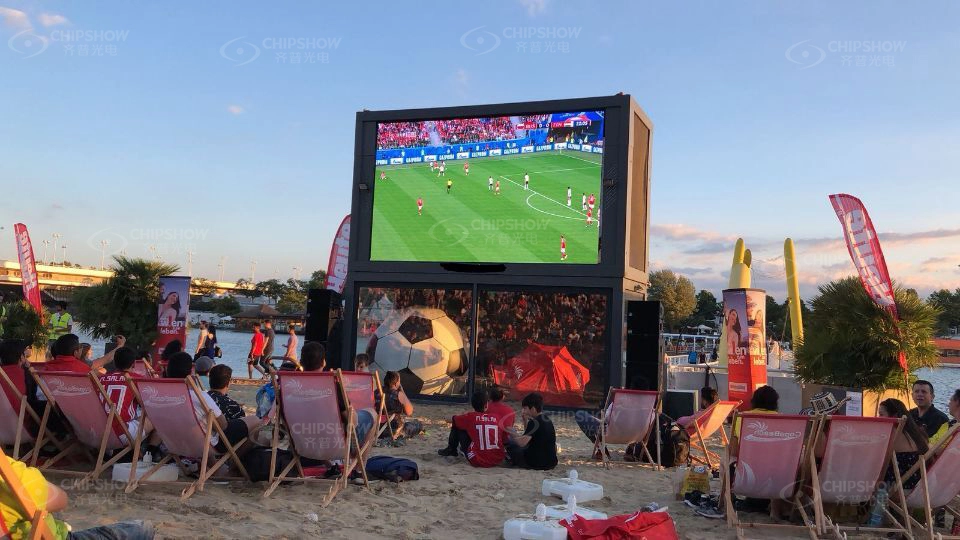
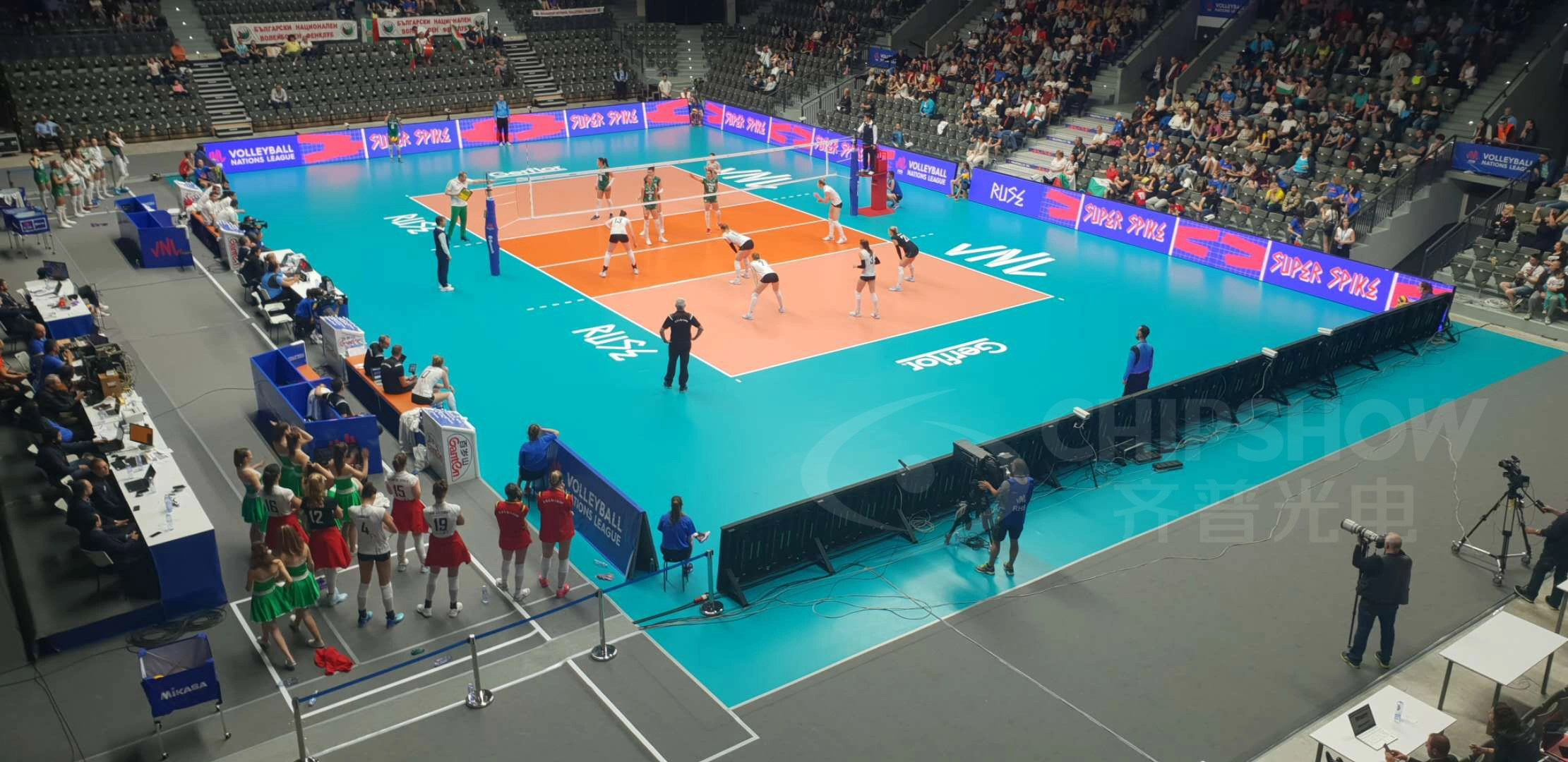
| Sports event & stadium | Outdoor 4,000–4,500 nits | Daylight output, weather protection |
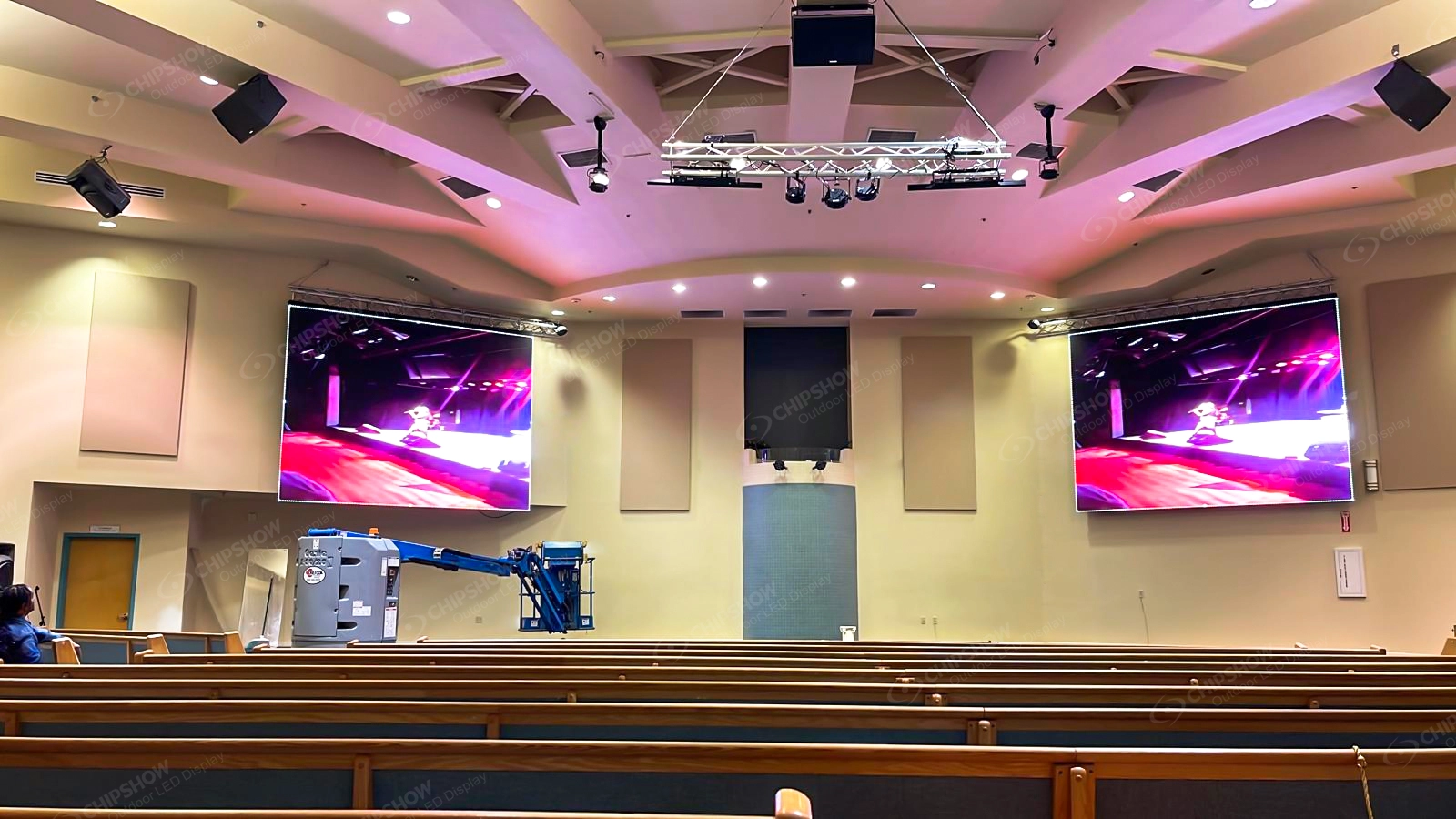
| Worship & church | Indoor class | Refresh rate for livestream, simple processing |
| Wedding & private event | Indoor fine pitch | Handling weight, build speed |
Corporate Event
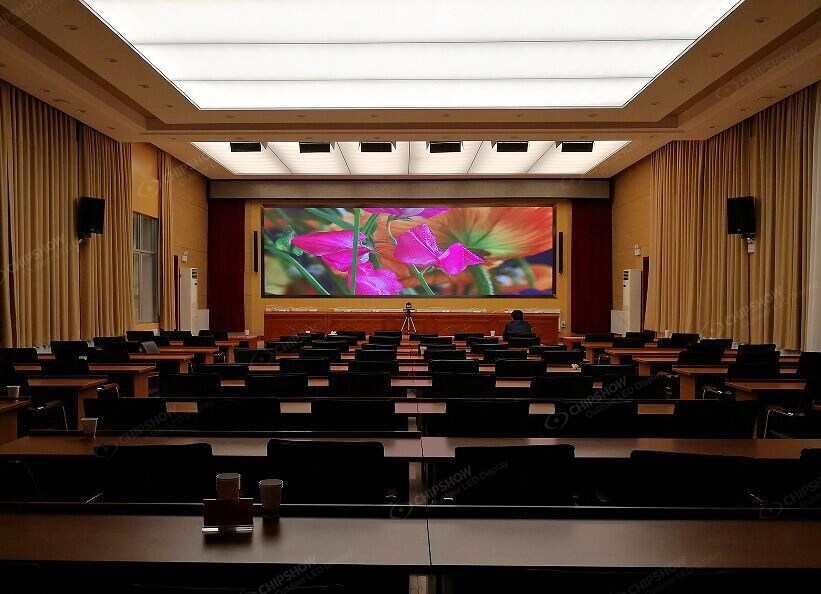
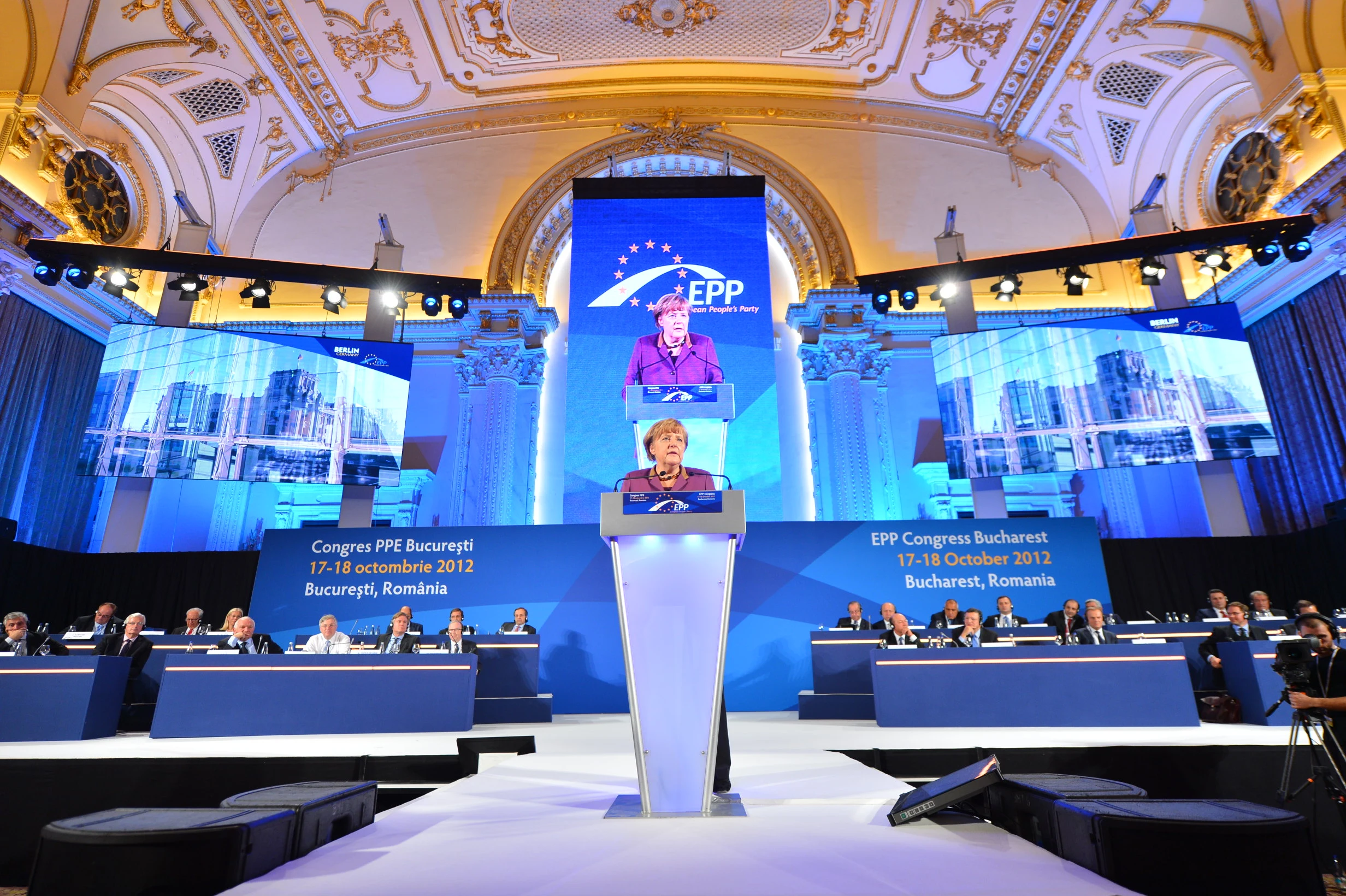
Product launches, annual general meetings, and industry award ceremonies are among the most common rental LED applications in the European corporate sector. Screens sit close to audiences and are captured by broadcast cameras, so refresh rate and pixel density take priority over maximum brightness, and the indoor brightness class covers the controlled lighting of a conference venue. For close-range corporate stages, the indoor fine-pitch configurations compared in this guide cover pitches from P1.9 to P3.9.
Trade Show & Exhibition
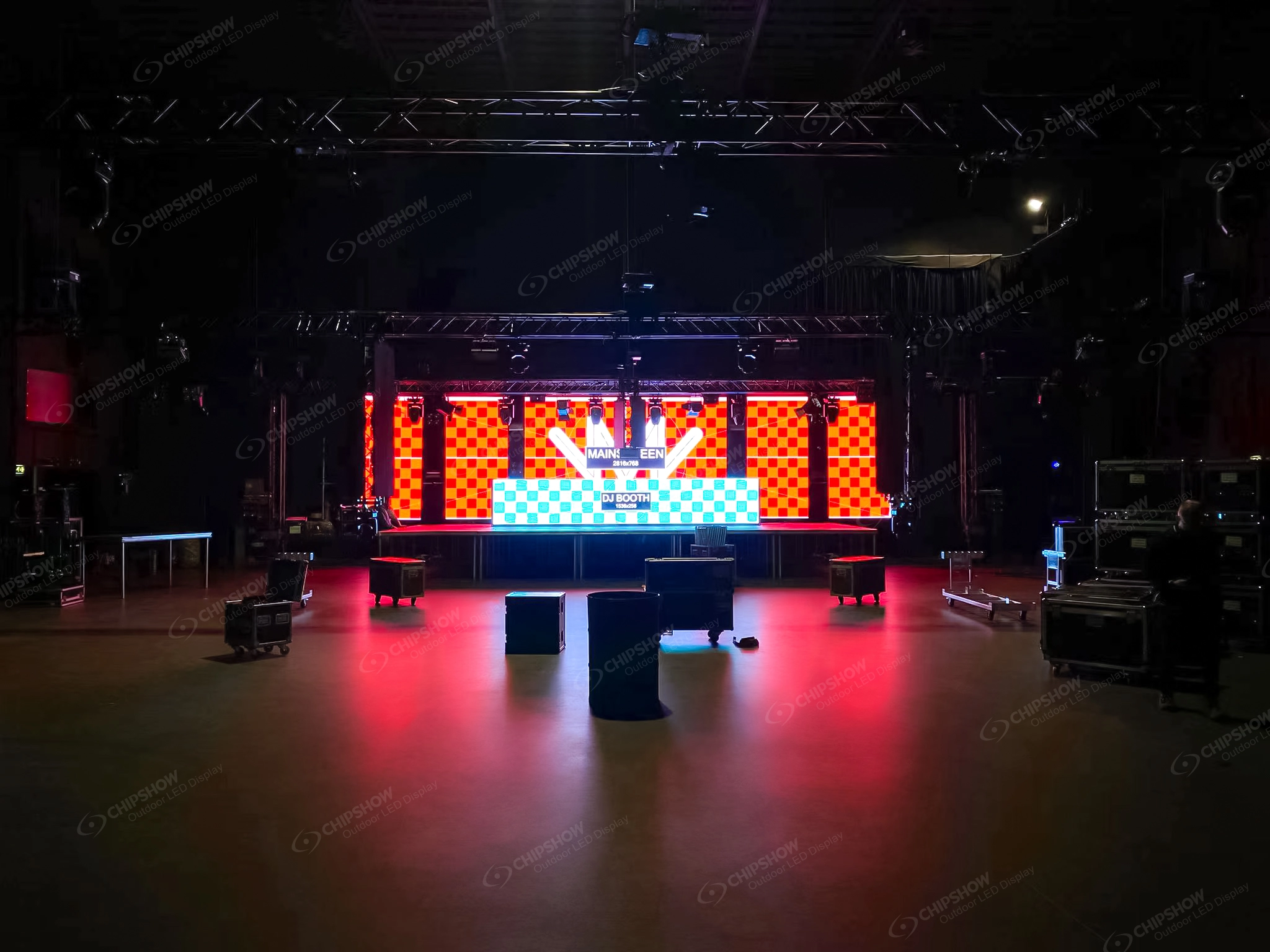
For exhibitions, review hall lighting, content detail, build access and the proposed curve layout. Check the documentation and site conditions requested by the venue for the exact panels and support system.
Concert & Music Festival
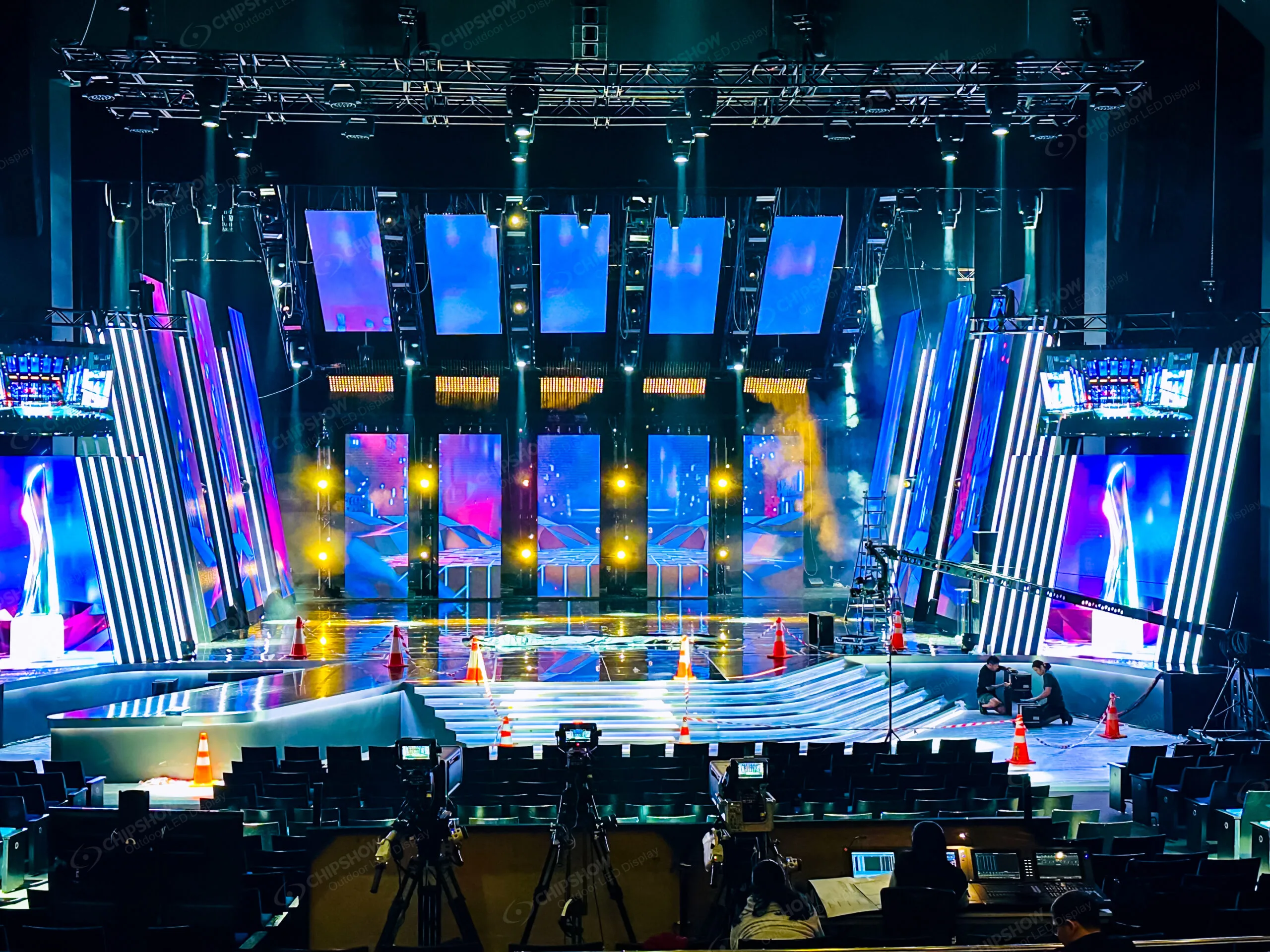
The dominant large-format rental application. Large-format upstage video walls, IMAG side screens, and stage floor panels form the visual infrastructure of modern live music production. The controlling specifications are the outdoor ones: brightness in the outdoor class for daylight and stage wash, the protection rating against weather, cabinet weight on the rigging, and build speed, since festival changeovers across the European summer season are measured in hours.
Sports Event & Stadium
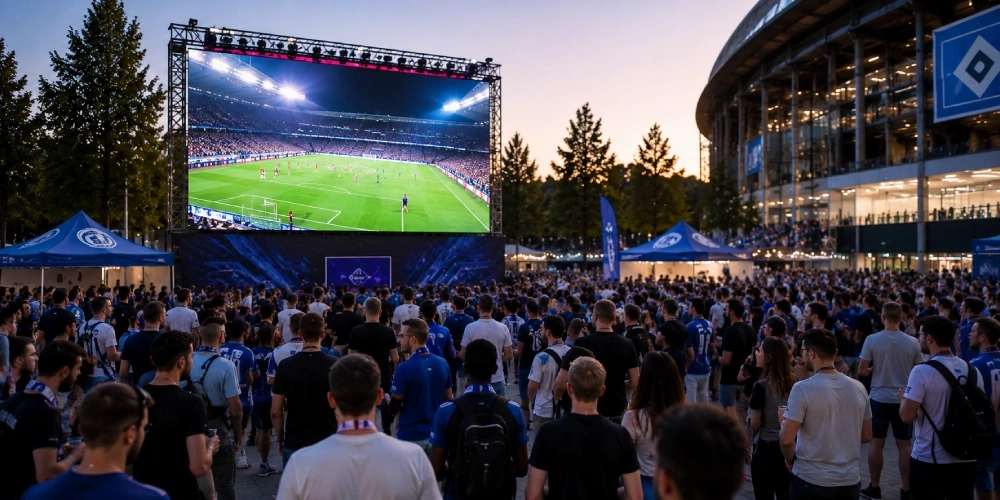
Scoreboard installations, perimeter LED advertising, and stadium atmosphere displays. Viewing distances are long, which relaxes the pitch requirement, and the specification burden shifts to daylight output and weatherproofing: the outdoor configurations compared in this guide publish 4,000–4,500 nits, with IP65 front protection listed on two of the three platforms.
Worship & Church
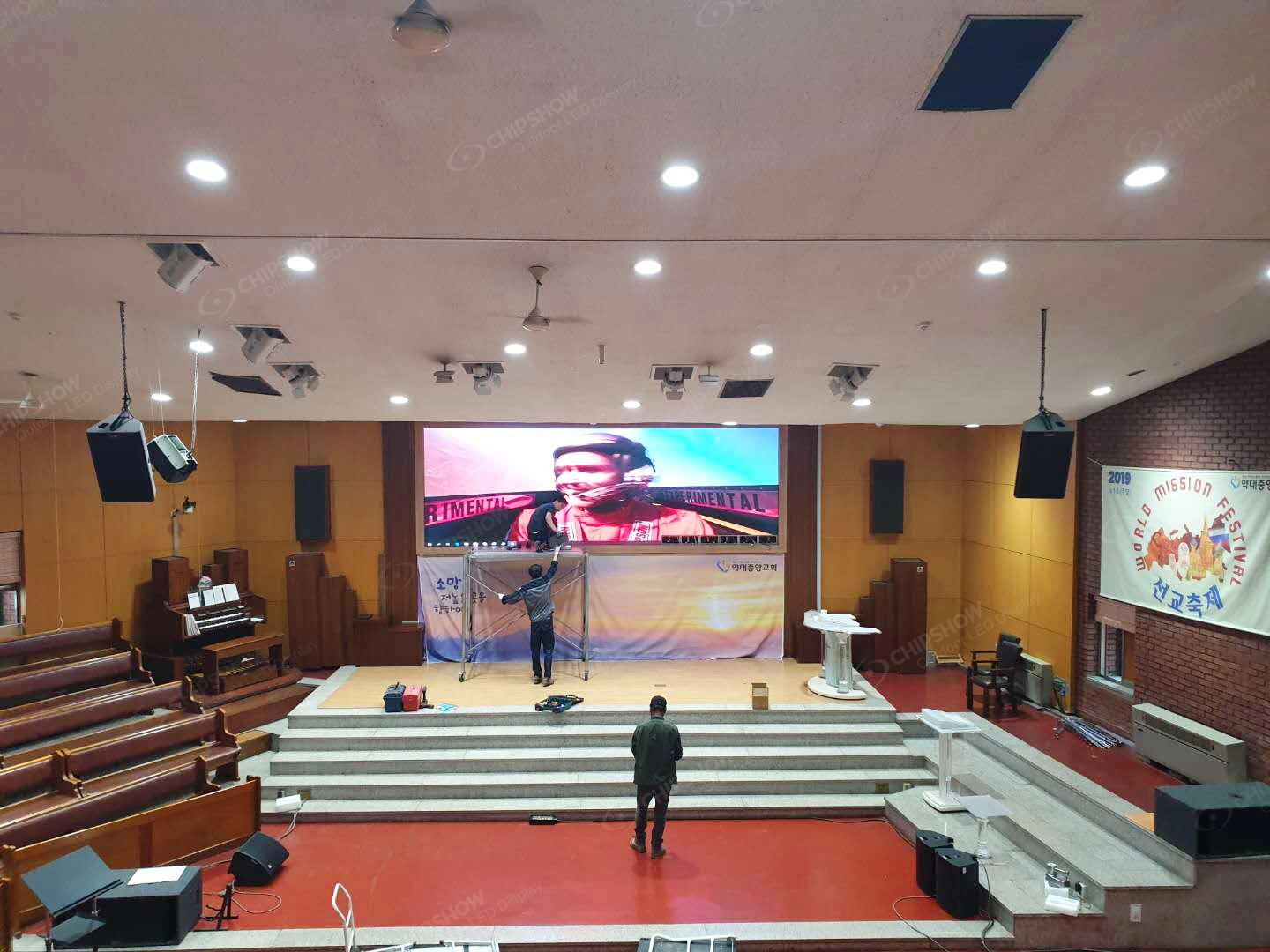
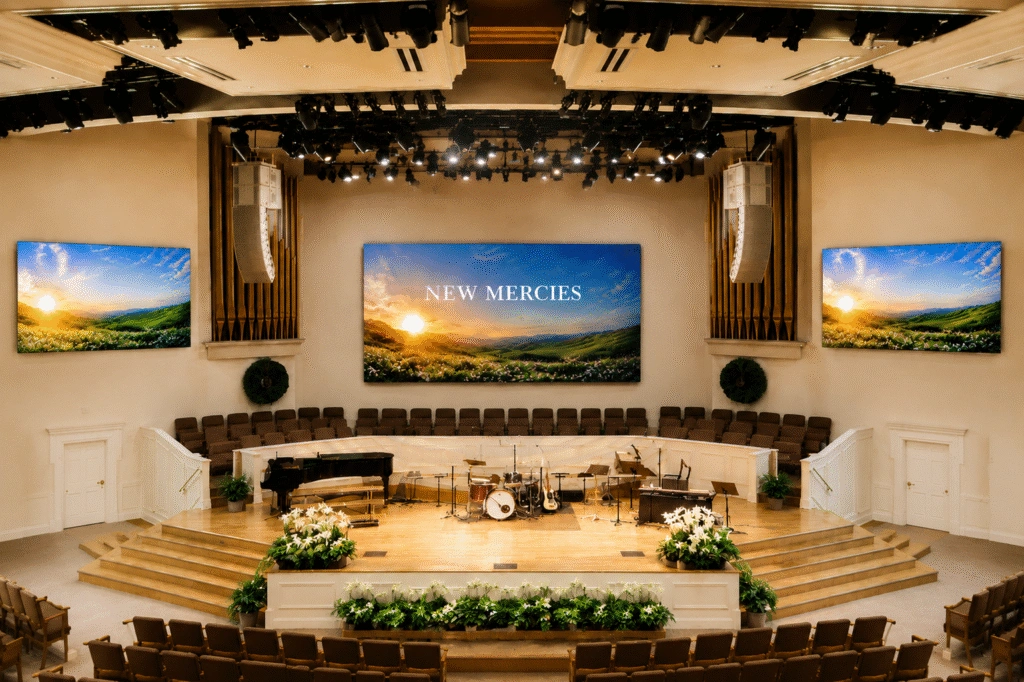
Houses of worship across Europe are adopting LED walls for lyric display, sermon IMAG, and immersive stage design. Where the service is livestreamed, refresh rate joins pitch at the top of the specification list, and operation often falls to volunteer technical teams, so panels that are simple to set up and process matter more than headline specifications.
Wedding & Private Event
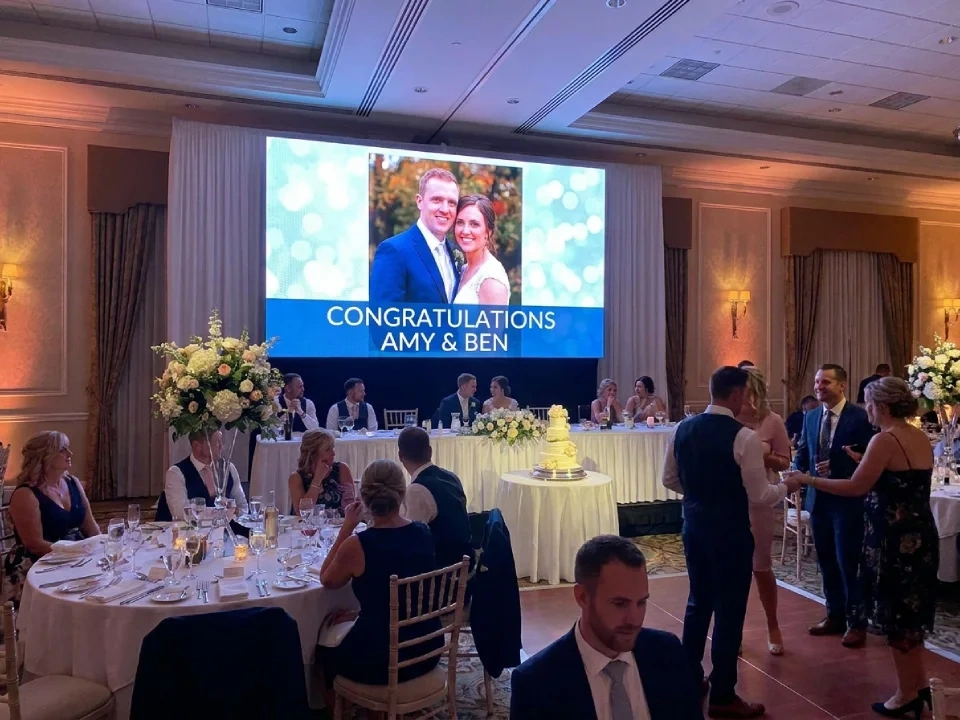
For weddings and private events, compare handling, build and teardown effort alongside viewing distance and content. A fine-pitch option may be useful at close range, but cabinet weight alone does not determine profitability.
Understanding the intended application narrows the specification requirements before any comparison begins. More about rental led applications and implementations can be found in our rental LED display solutions learn more.
P2.6 vs P2.97: When Fine Pitch Makes Sense
The step from P2.97 to P2.6 is smaller than many rental operators expect, but carries a measurable cost differential. When does the investment return value?
Choose P2.6 when:
- The planned camera shot or close audience view shows visible pixel structure on the coarser candidate.
- The brief requires detailed content, and the wall dimensions and native pixels can support it.
- A content preview shows the finer candidate improves text or detail from the nearest seat.
- The production camera test supports the finer candidate under the planned settings.
Choose P2.97 when:
- The proposed content is readable at all agreed audience positions.
- The event type is corporate: product launch, conference keynote, awards ceremony
- A preview does not show enough useful improvement to justify the finer-pitch quotation.
- A fine-pitch configuration with lower inventory complexity is preferred
Choose between P2.6 and P2.97 by testing the closest required audience and camera views and comparing the complete quotes. Neither pitch is a universal fleet optimum or a guarantee of a broadcast result.
P3.91 vs P4.81: The Stage Rental Workhorses
P3.91 and P4.81 are widely used across the European stage rental market. Both configurations are designed for durability, cost-efficiency, and rapid deployment at scale.
P3.91: Compare this option for indoor or outdoor event work where the planned content remains readable from the nearest viewer. Check the exact configuration in the product table and preview it with the actual seating and camera plan.
For example, a 12 m × 4 m upstage wall and audience positions from 5 m to 40 m describe a test brief, not an assured image-quality result. Preview the proposed pixel map, smallest text and camera shots across that viewing range.
P4.81: Include this option in the quote comparison for larger stages and longer viewing distances. Test the required content and compare the measured power and complete price of the actual configuration; lower pixel density alone does not establish a thermal or cost saving.
Supplementary note: if the screen may be used at close range (IMAG confidence monitors, backstage artist relays), maintain a small inventory of P2.97 or P3.91 panels as supplements.
Pitch availability, brightness and protection ratings for the configurations compared in this guide are set out in the comparison table above.
Rental LED Screen Specs Comparison Table
The table below compares the three rental LED platforms currently listed on Chipshow EU, across the specifications that matter for European event builds.
| Spec | C-Shine Plus | C-Rock Outdoor | C-LITE-U |
|---|---|---|---|
| Pixel Pitch | Indoor P1.9 / P2.6 / P3.9 · Outdoor P2.9 / P3.9 | P2.6 / P2.97 / P3.91 / P4.81 | P3.91 |
| Peak Brightness | Indoor 600–800 nits · Outdoor 4,000–4,500 nits | 4,000–4,500 nits | 4,500 nits |
| Refresh Rate | ≥3,840 Hz | ≥3,840 Hz (up to 7,680 Hz) | 7,680 Hz |
| Cabinet Weight | ≤7 kg (500×500) / ≤14 kg (500×1000) | 8 kg (500×500) / 14 kg (500×1000) | 13 kg (500×1000) |
| Cabinet Size | 500×500 / 500×1000 mm | 500×500 / 500×1000 mm | 500×500 / 500×1000 mm |
| Protection | Indoor IP40 · Outdoor IP54 (front and rear) | IP65 front / IP54 rear | IP65 front / IP54 rear |
| Curvature | -10° to +15° | -10° to +15° | — |
| European Stock | Confirm stock for the quoted configuration and dates | Confirm stock for the quoted configuration and dates | Confirm order route and dated delivery schedule |
| Best For | Corporate and exhibition stages | Outdoor touring and festivals | Concerts, festivals and city events |
The table retains the published product references for comparison. Confirm the exact pitch, cabinet size, ratings and order availability against a dated quotation and datasheet; do not transfer one configuration’s values to every option. Entries marked “—” have no value listed here.
Weight Is the Hidden Cost in European Rental Builds
Cabinet weight decides how many people it takes to build the wall, and how much load the rigging has to carry. On a tight festival changeover, both translate directly into build hours.
As a calculation example, a 60 m² wall built from 500×500 mm cabinets uses 240 cabinets. At assumed cabinet weights of 7 kg and 8 kg, the cabinet subtotals are 1,680 kg and 1,920 kg, a 240 kg difference. These are cabinet-only figures: add rigging, supports, controls, cabling and other suspended equipment before checking the approved load plan. The difference does not, by itself, determine crew size.
The published per-cabinet weights of the platforms compared in this guide are listed in the comparison table above.
How to Choose the Right Rental LED Screen for Your Application
The following decision framework can be applied before requesting a quotation:
Step 1: Establish minimum viewing distance
Measure the distance from the closest seat and each planned camera position to the screen. Use those positions to review the actual content and camera image on the candidates; do not convert metres directly into a maximum acceptable pitch in millimetres. Record the smallest text, native wall pixels and lens/framing requirements with the supplier.
Step 2: Assess ambient light conditions
- Controlled indoor (dim): fine-pitch indoor panels, for example C-Shine Plus indoor (P1.9 / P2.6 / P3.9, 600–800 nits)
- Mixed indoor (stage wash): P3.91-class panels at higher output
- Outdoor daytime / festival: outdoor configurations rated 4,000–4,500 nits, for example C-Shine Plus outdoor and C-Rock Outdoor (P2.9 to P4.81)
The same wall can meet two of these conditions in one event day, which is why the brightest condition, rather than the typical one, should set the brightness class.
Step 3: Confirm refresh rate requirement
Confirm refresh and scan settings with the supplier, then test the complete camera-facing setup. The model table records published frequencies, but neither 1,920 Hz nor 3,840 Hz is a universal acceptance threshold for every audience or camera. Keep the camera plan with the technical brief.
Step 4: Calculate weight allowance
Ask the responsible rigging team for the usable load allowance in the proposed span and configuration after accounting for other equipment. Compare the full display-system load, not just the cabinet kg/m², with that approved plan before selecting panels.
Step 5: Cabinet size and arc compatibility
- Standard venue with flat wall: 500×500 mm or 500×1,000 mm
- Curved stage design: confirm the curve range of the chosen platform (-10° to +15° on C-Shine Plus and C-Rock)
Confirm cabinet-size availability, case packing, locks and spare compatibility separately for each platform. A shared nominal cabinet size does not establish that parts or connections are interchangeable.
Step 6: Request the technical data sheet
A specification sheet with verified brightness, refresh rate, weight, and cabinet dimensions should be a mandatory part of any rental LED screen procurement. Request it as part of the quotation, and treat a supplier that declines to provide one as a signal worth investigating.
Conclusion
Rental LED screen comparison centres on five measurable parameters: pixel pitch, viewing distance, brightness, refresh rate, and weight. Accurate assessment of these five specifications resolves the majority of selection decisions.
To compare specific configurations against your event requirements, request a consultation with Chipshow’s team for a specification-matched quotation with verified data sheets and current EU lead times.
Frequently Asked Questions
Q1: How does refresh rate affect camera recording?
Test the proposed wall with the production camera and settings used for the event. Review banding, flicker and moiré in the footage across planned brightness and shot conditions; the published refresh-rate number alone is not a camera-acceptance result.
Q2: How much difference does cabinet weight make across a rental fleet?
Lower cabinet mass changes the cabinet-load subtotal, but the crew and transport plan also depends on cabinet size, cases, handling routes, rigging and working methods. Compare the full build and transport scope; the table is a product reference, not a staffing guarantee.
Q3: What EU compliance documentation is required when deploying LED screens at European venues?
Ask the venue and procurement team which documents apply to the exact equipment and installation. Request the matching declarations, test reports and responsible supplier details with the quote. Do not assume a generic compliance pack establishes suitability for every venue or contract.
Q4: Which rental LED screens ship from European stock?
Ask Chipshow for a dated stock and delivery confirmation for the exact pitch, cabinet format and quantity. Confirm available spares and the required documents with the order; an existing product listing is not a reservation for an event date.
Q5: Which pitch should I pick for a mixed indoor and outdoor inventory?
For fleets that serve both close-range corporate work and outdoor stages, the C-Shine Plus platform covers the widest span, with indoor P1.9, P2.6 and P3.9 and outdoor P2.9 and P3.9 in one cabinet family. Pairing it with C-Rock Outdoor extends outdoor coverage to P4.81 for large festival stages.
Q6: Can the rental LED panels be used outdoors in the European climate?
The table distinguishes the listed front and rear ratings for the model references. Match the complete enclosure, cable entries and installation to the event’s exposure and the supplier’s permitted conditions. An IP label alone does not approve a fully exposed stage; confirm temperature, drainage and the weather operating plan.
Ready to scope your display? The LED screen selector walks through viewing distance, format and layout in one pass.