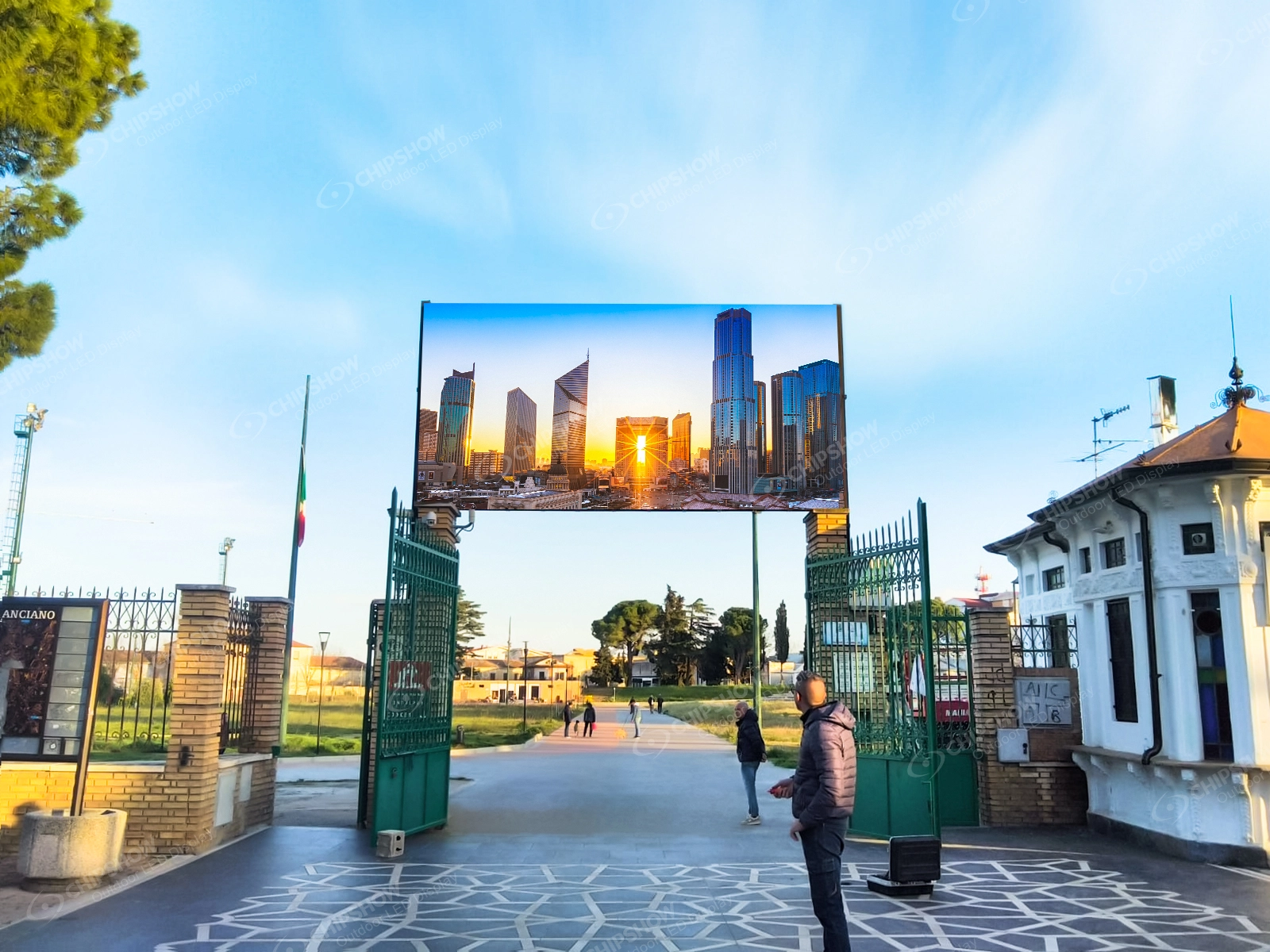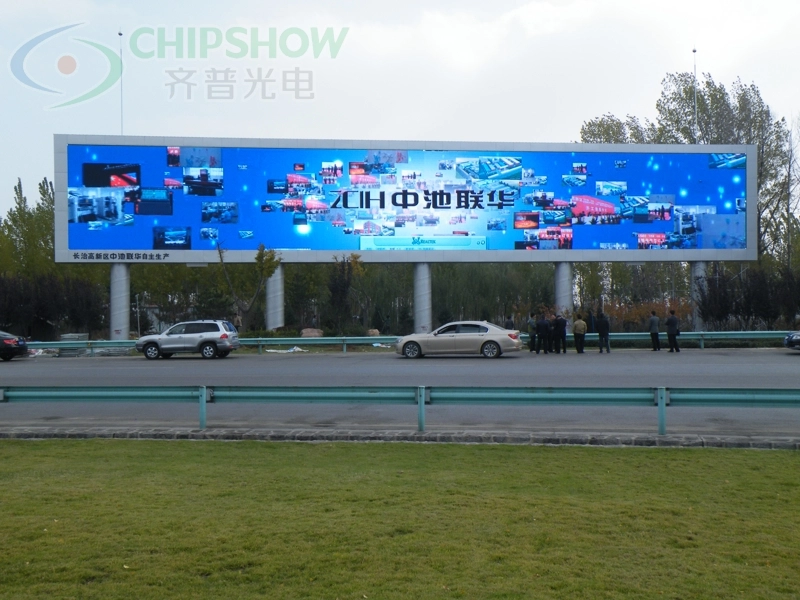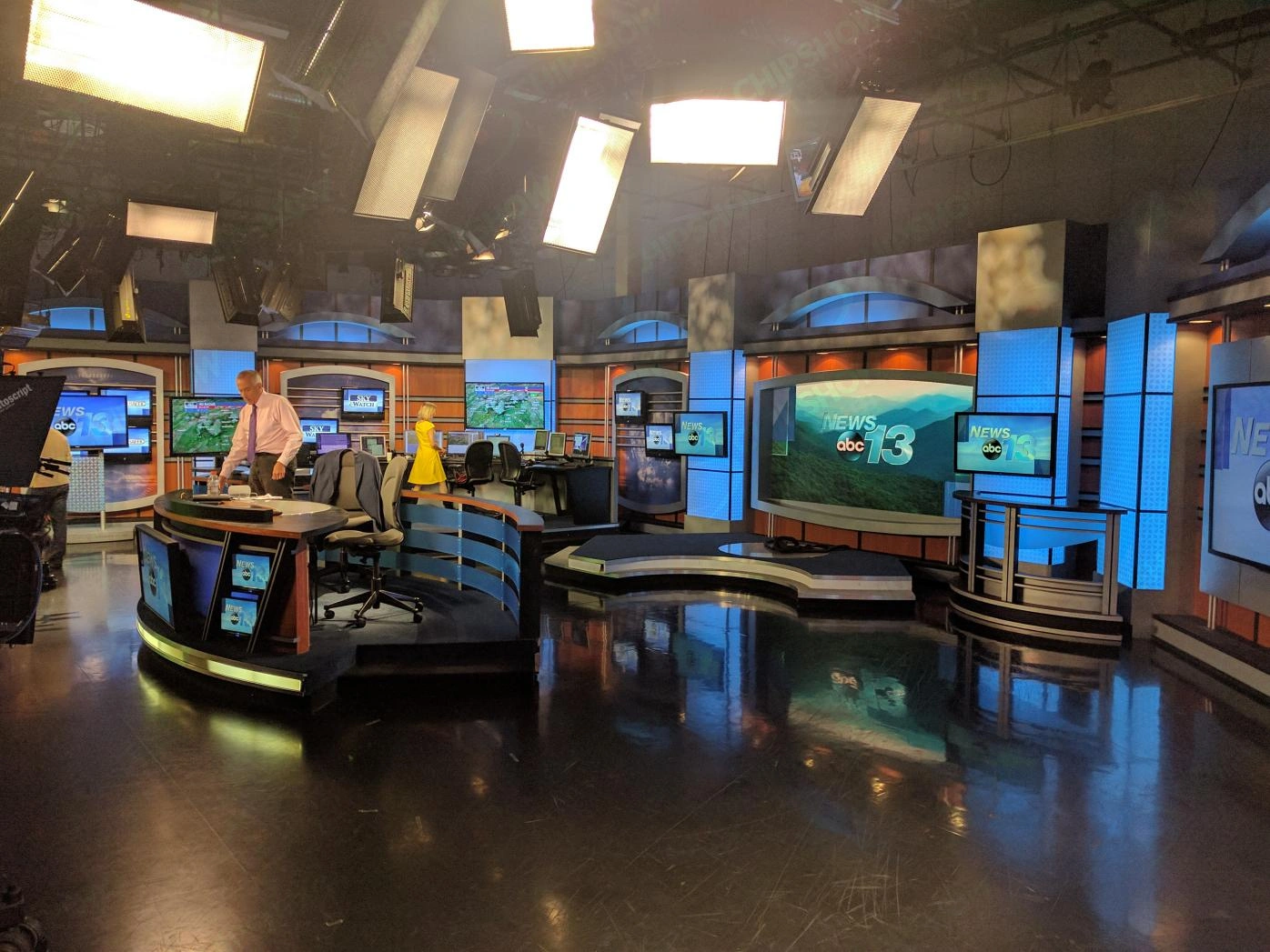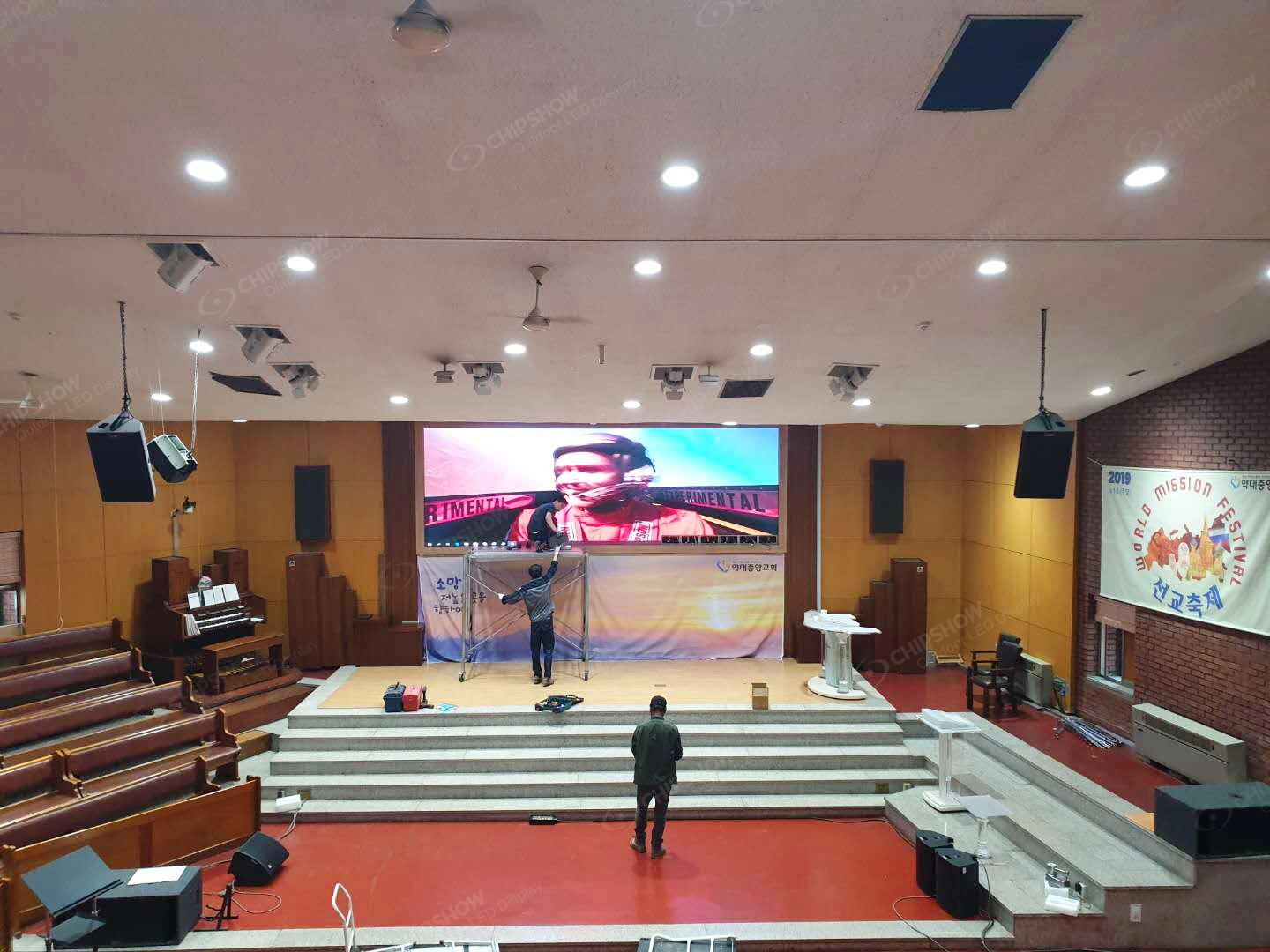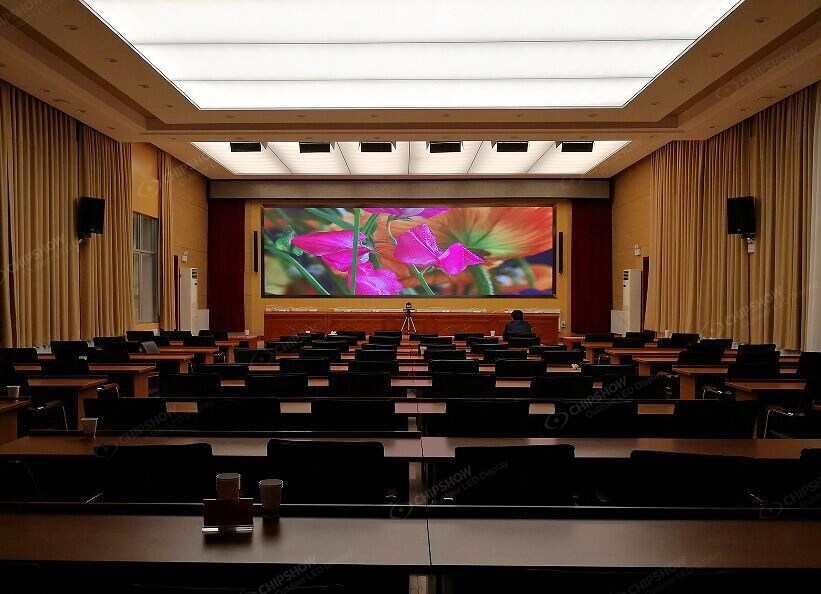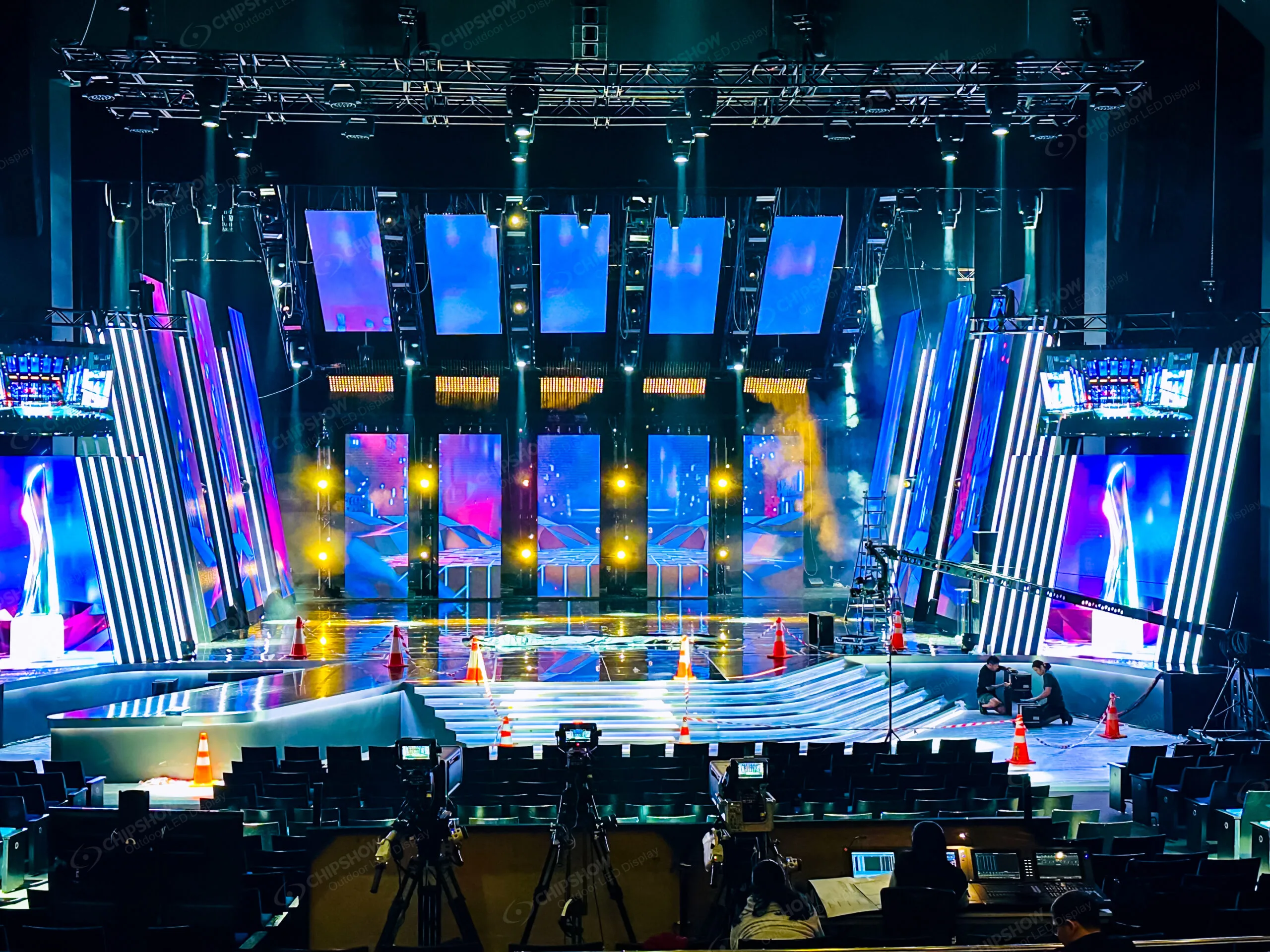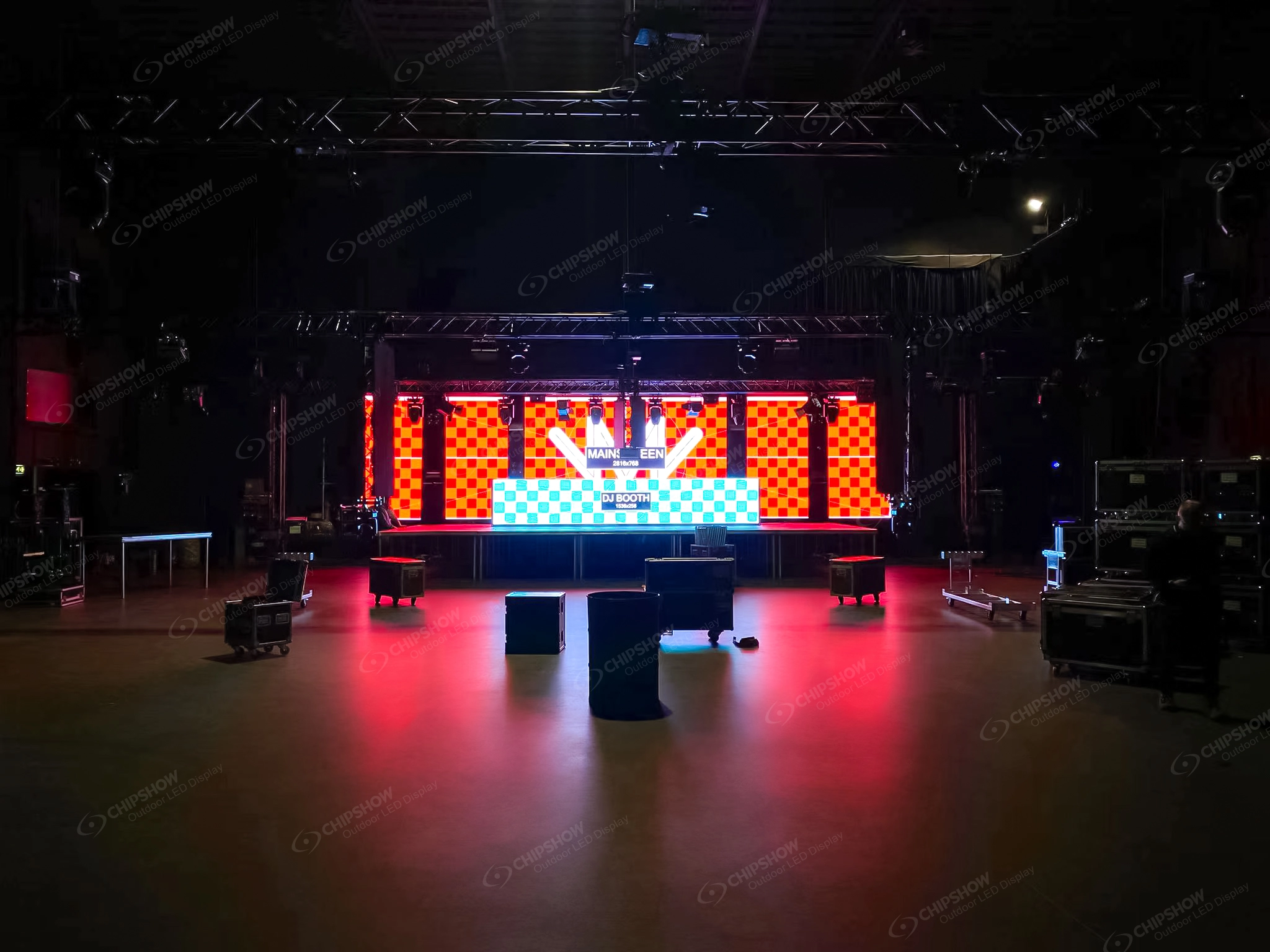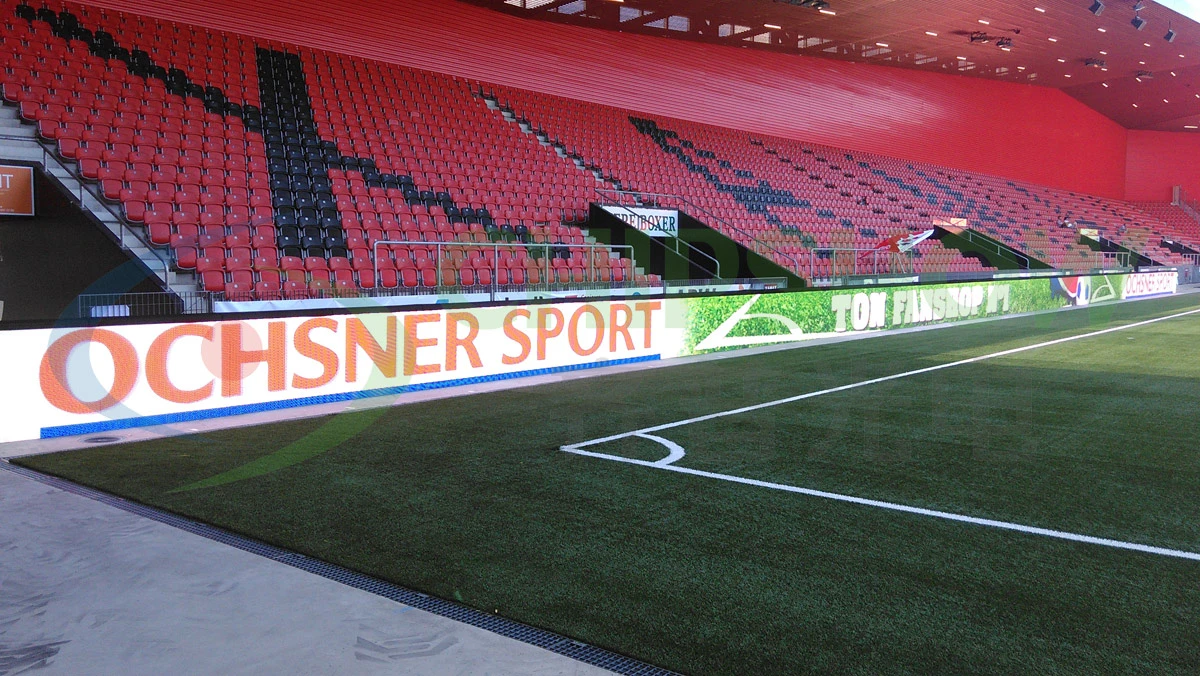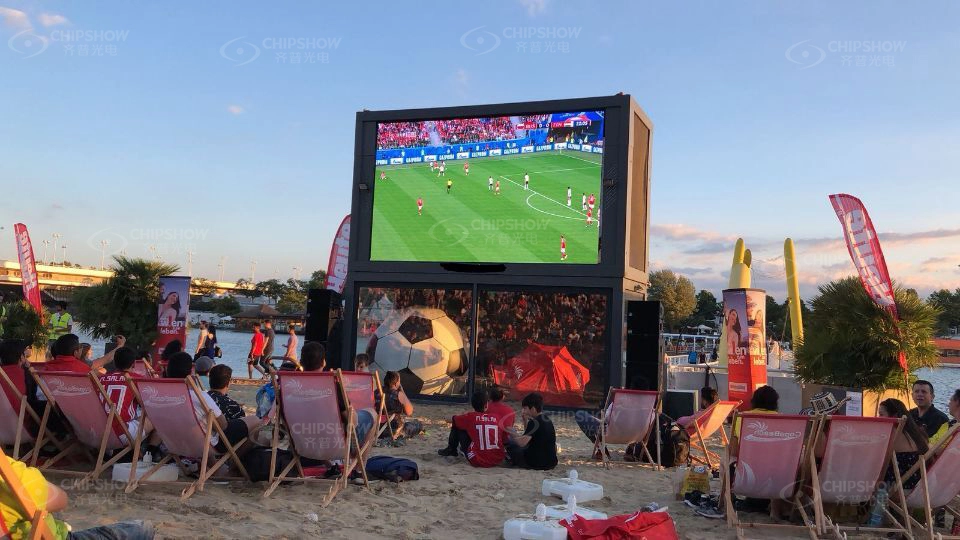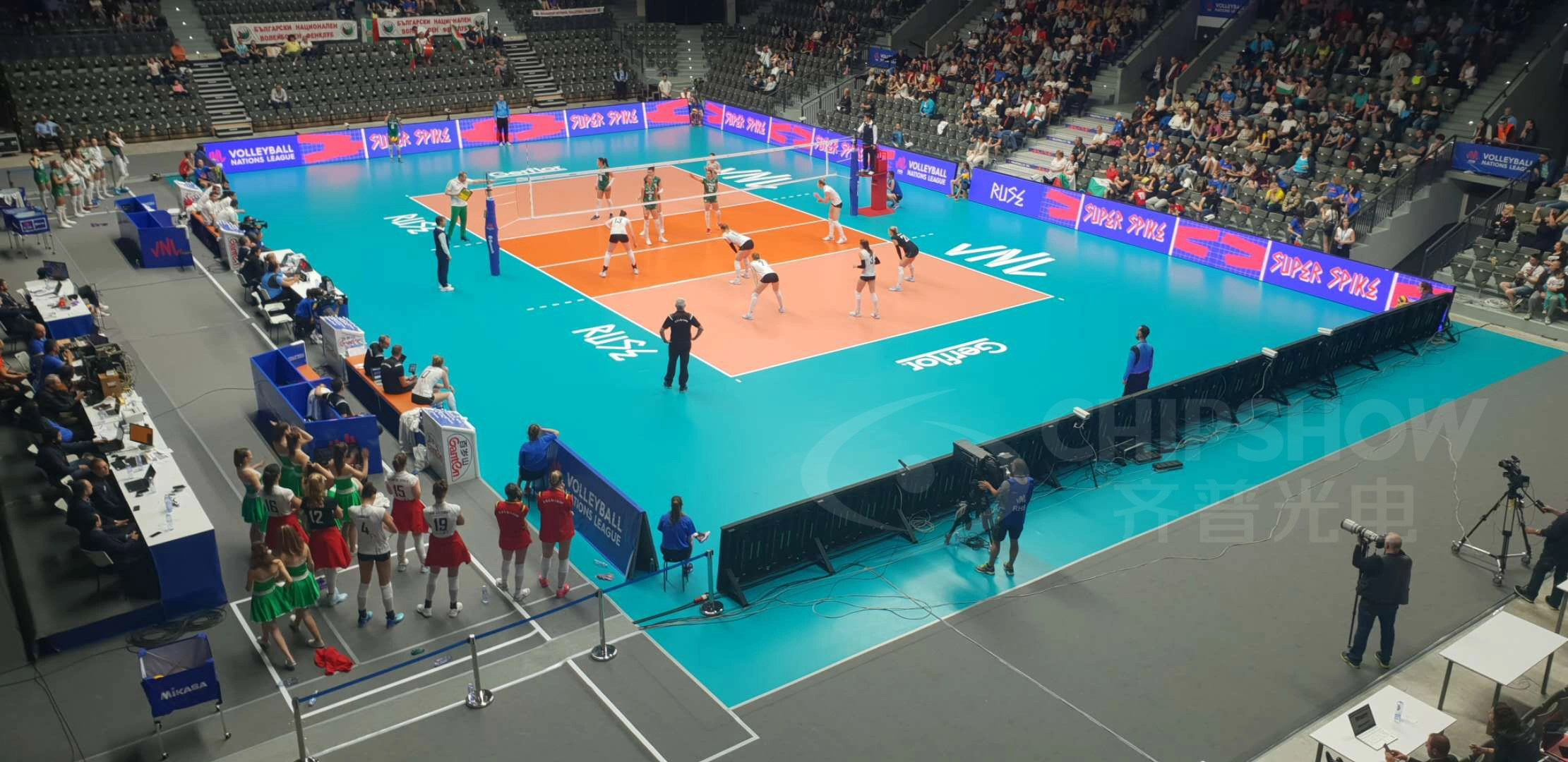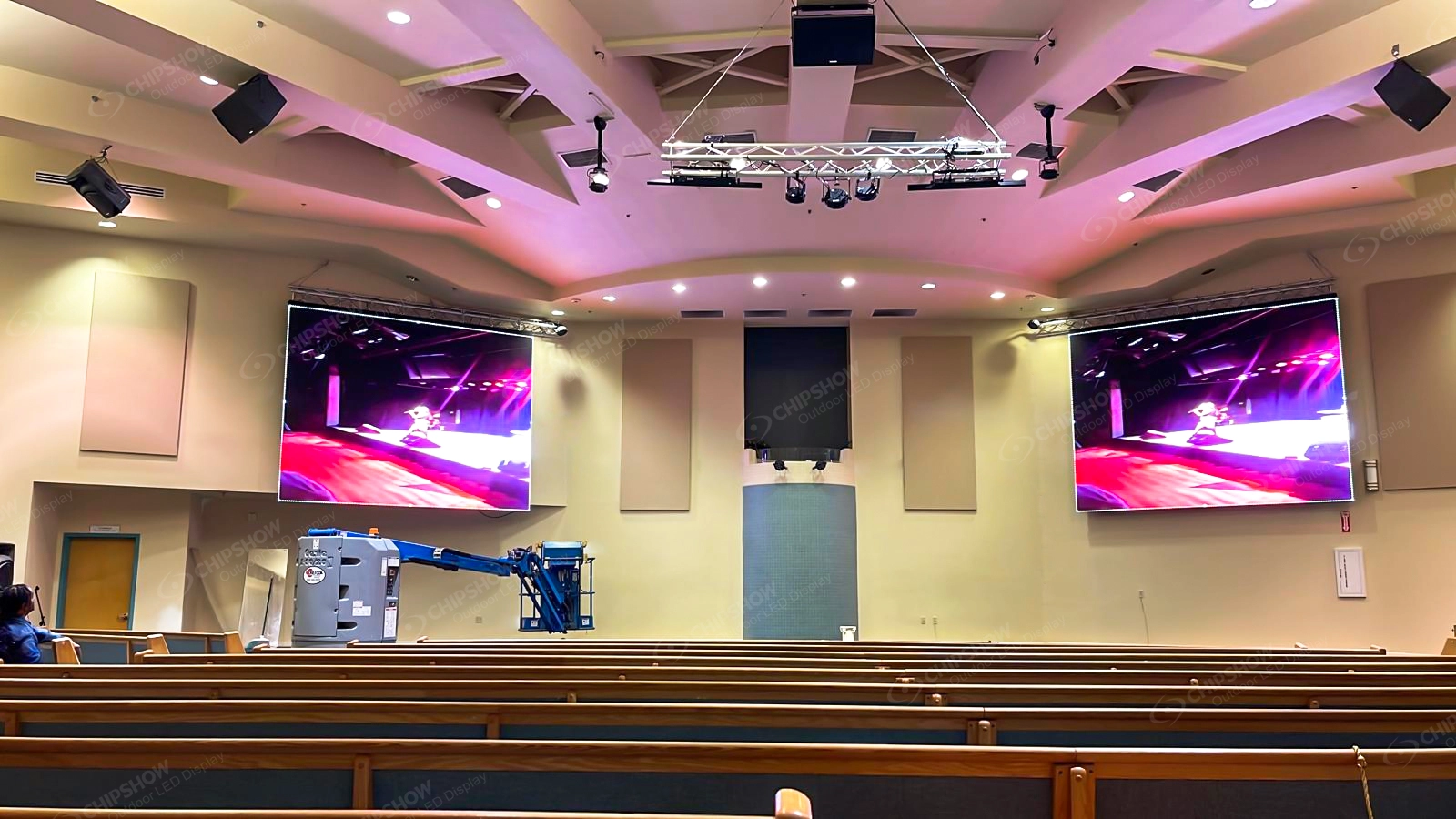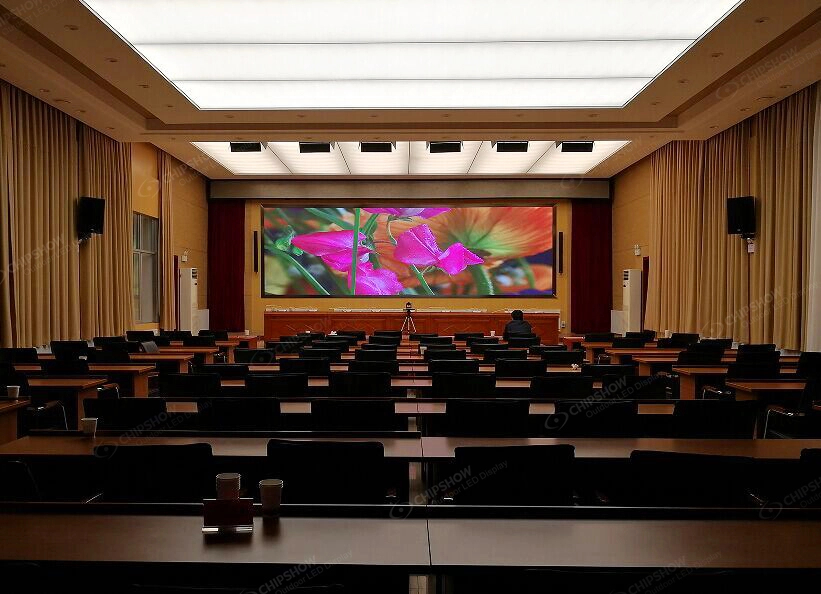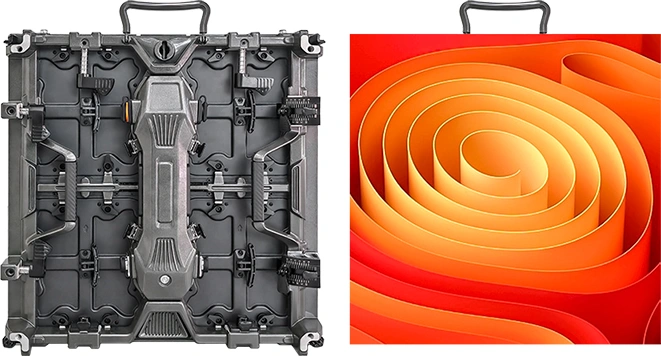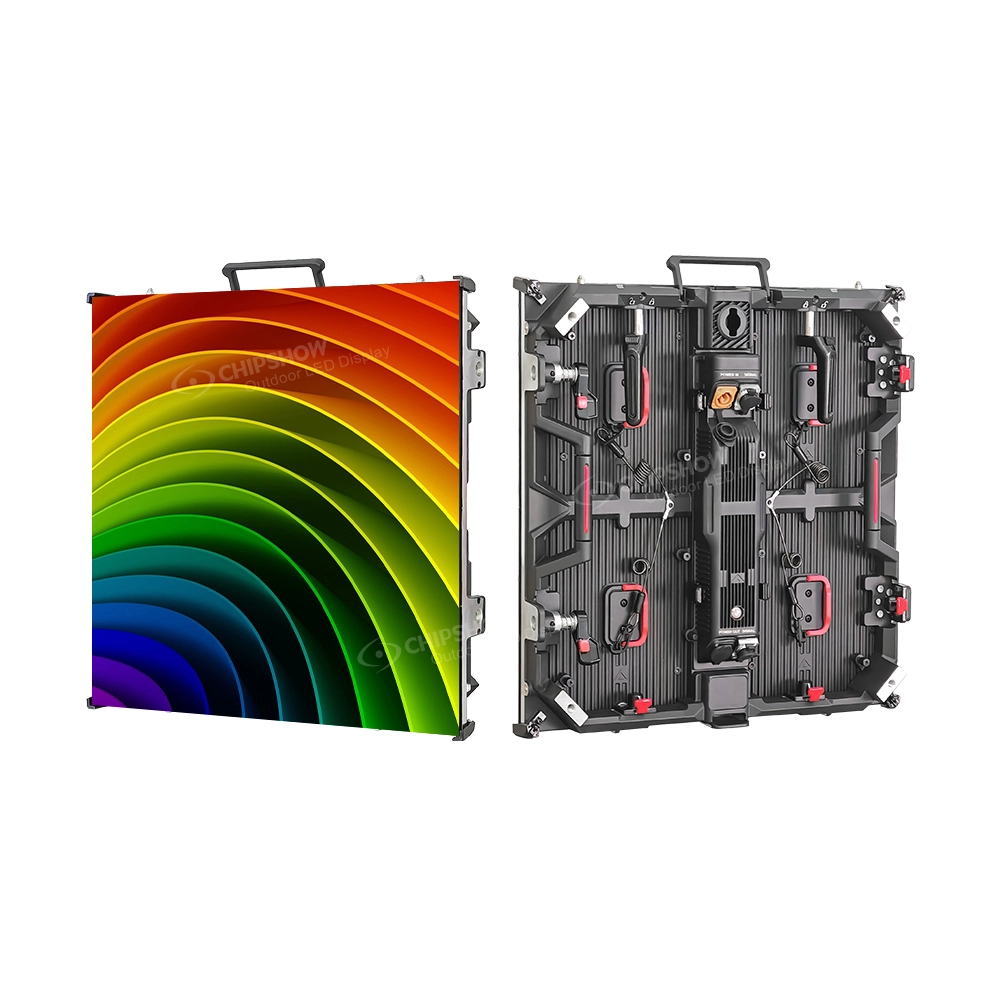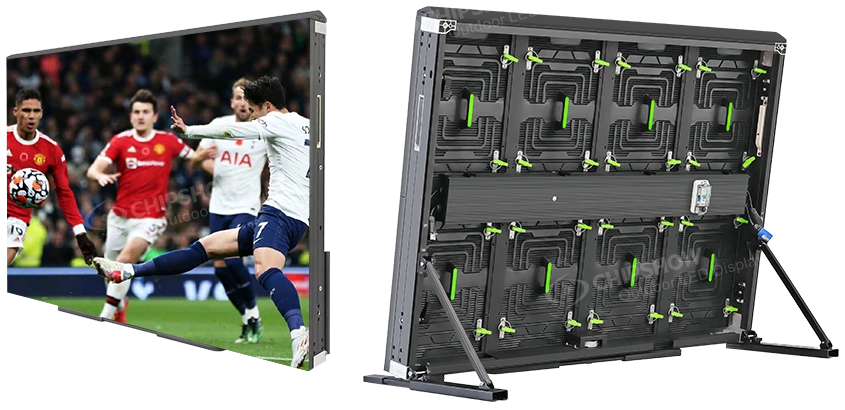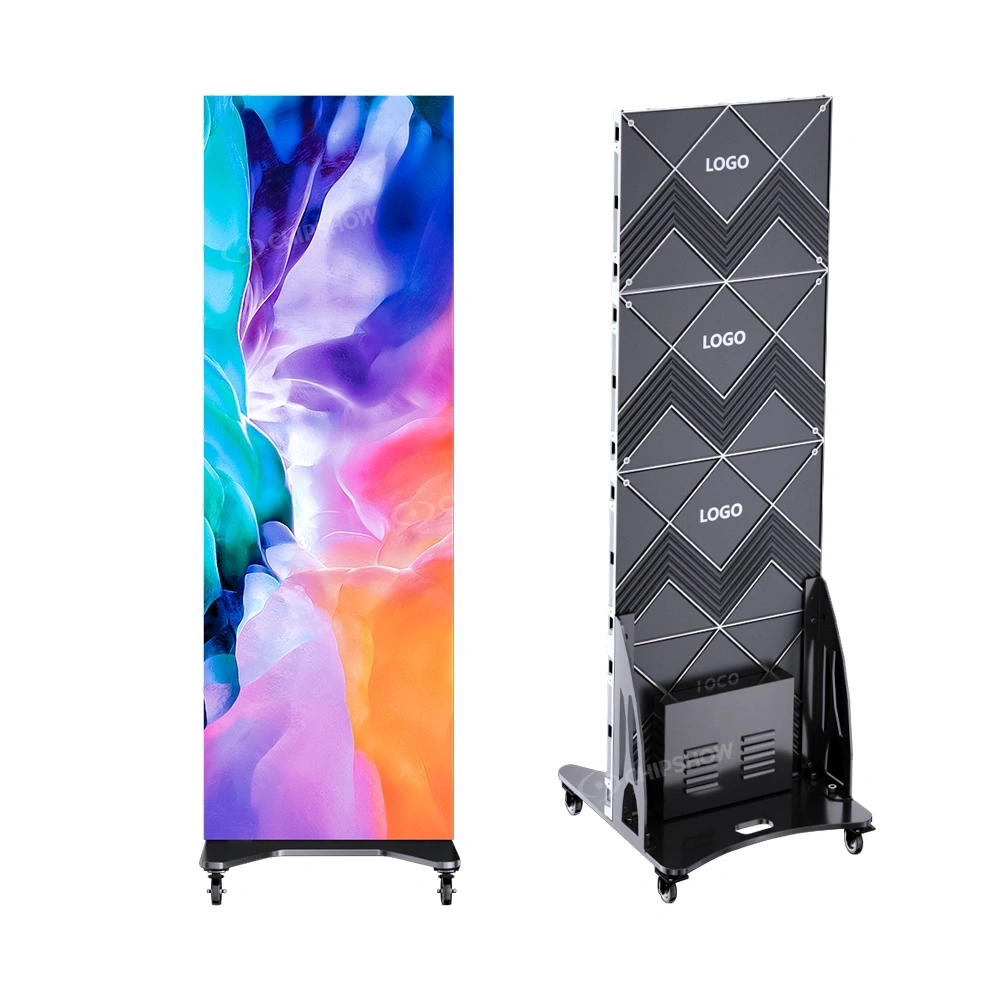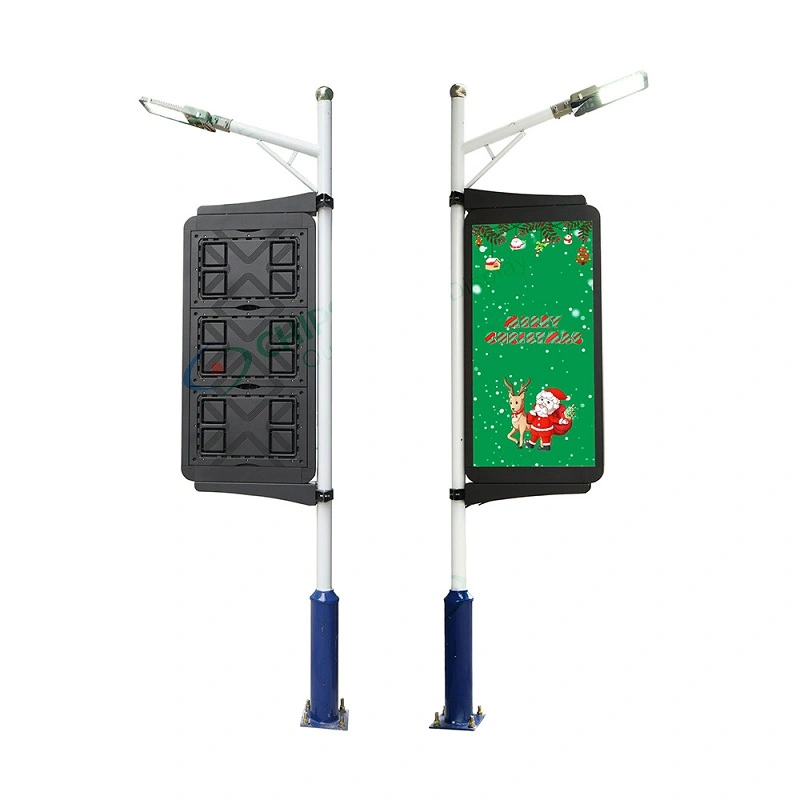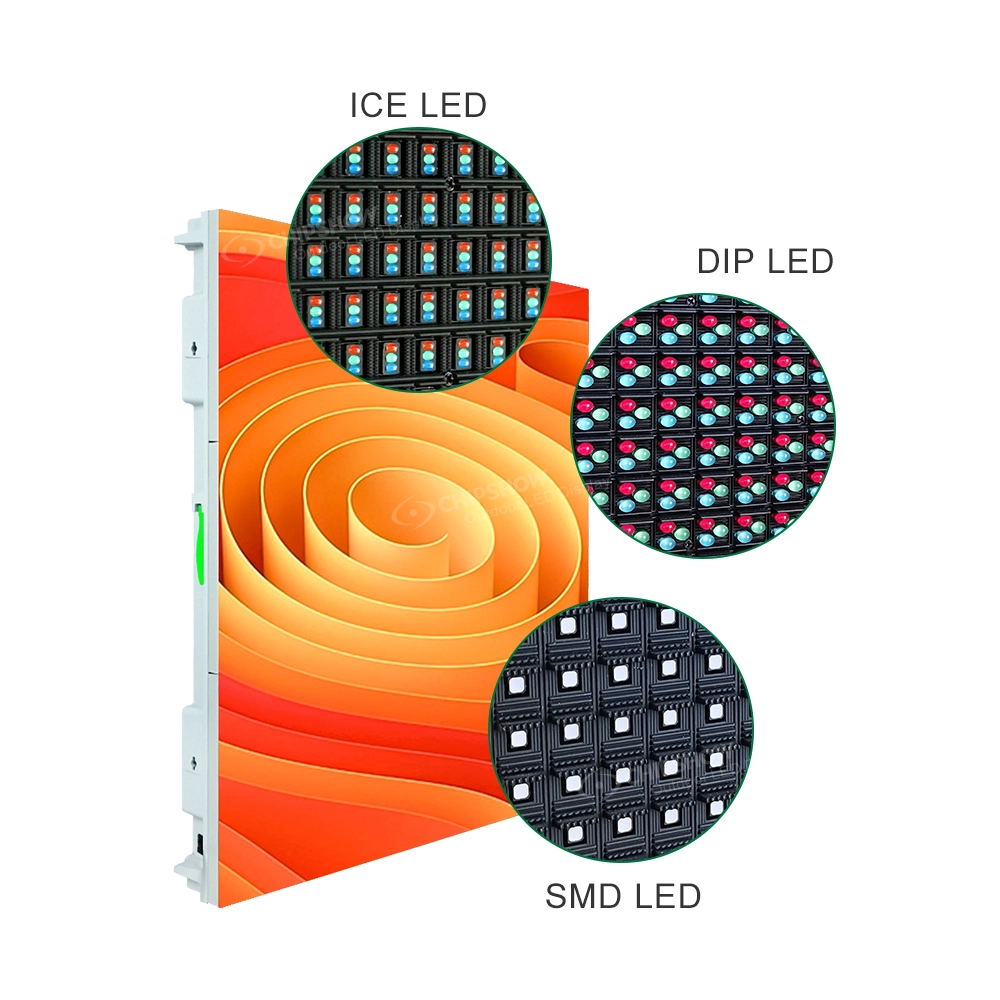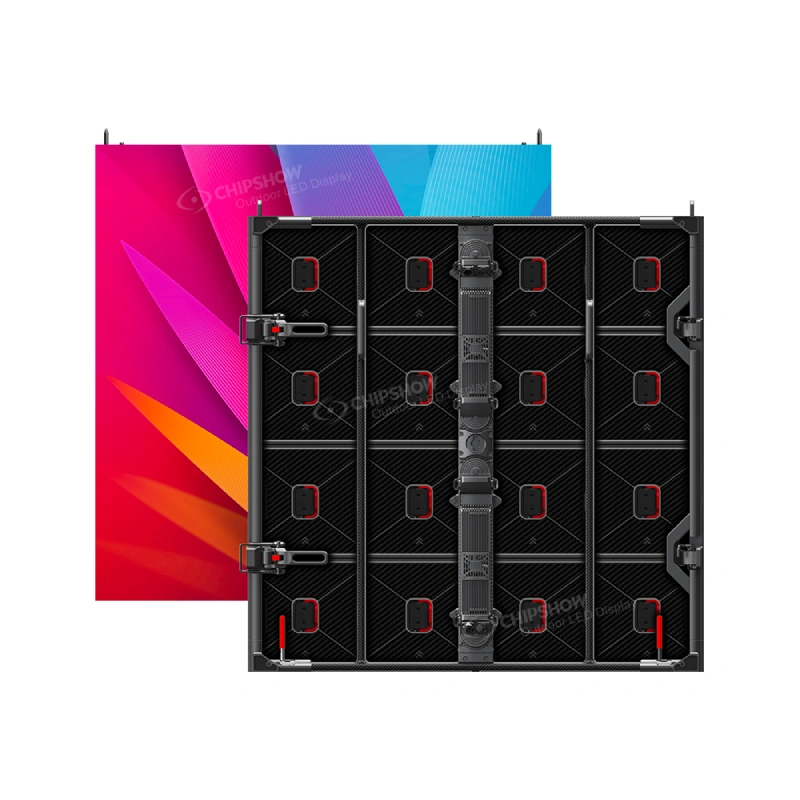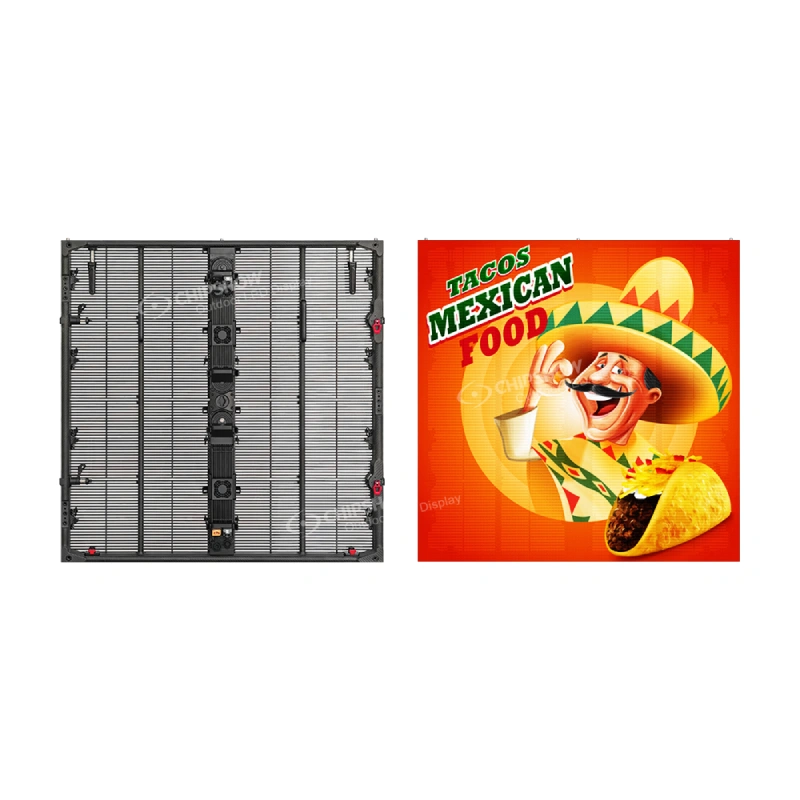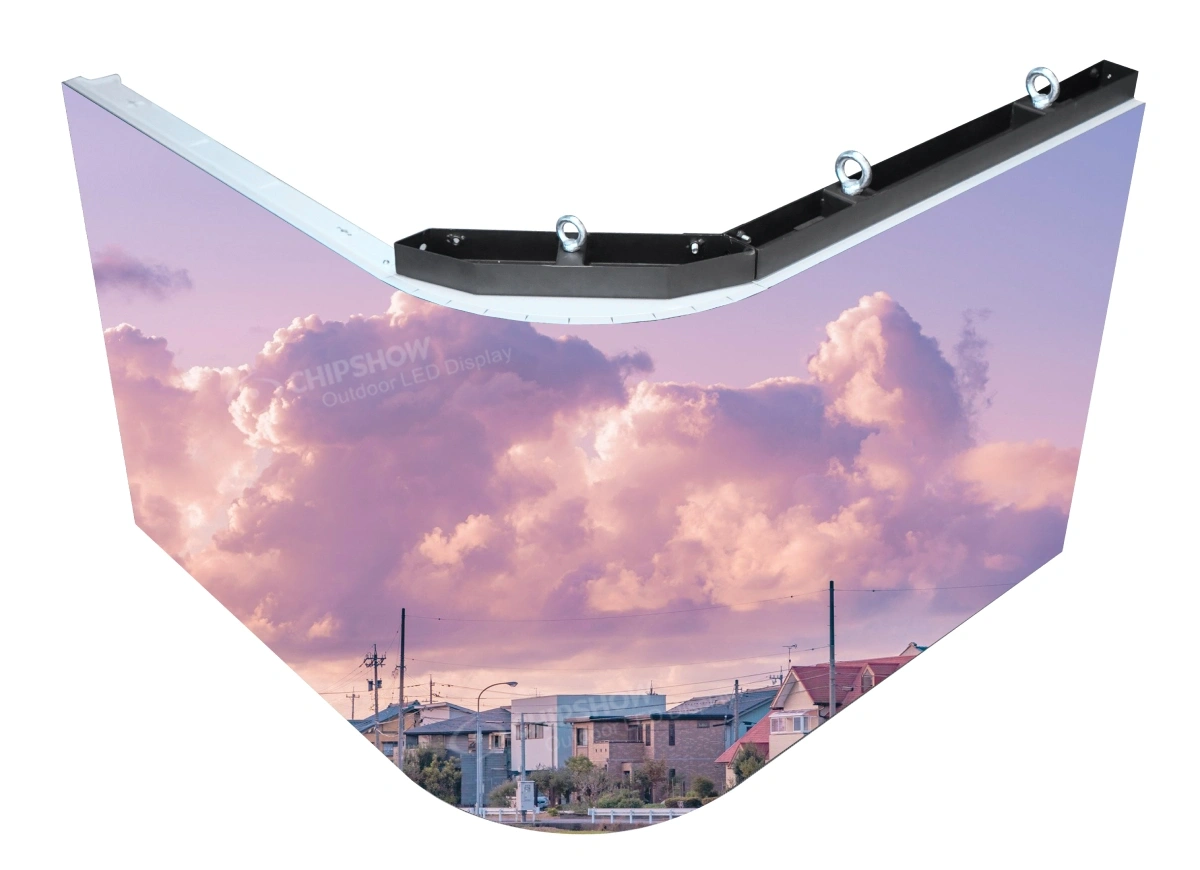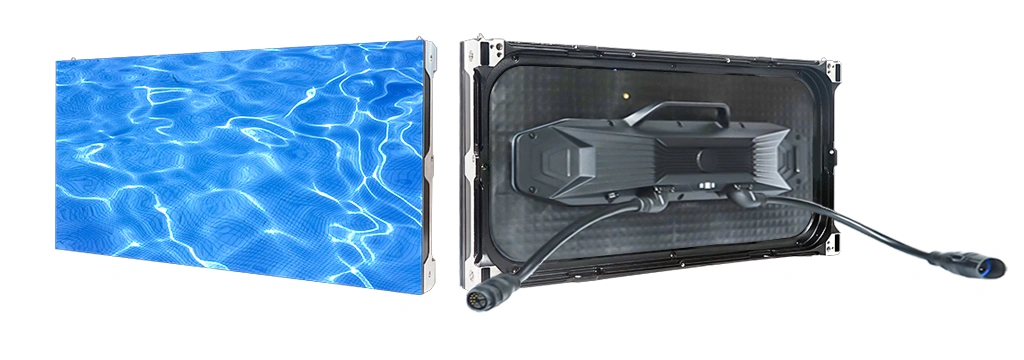
Outdoor LED buyers often ask about brightness, pixel pitch, IP rating, cabinet weight, and price. Those are important metrics during the procurement phase. But after installation, another question becomes more urgent: How will the screen actually be operated every day?.
For a DOOH media owner, this means advertising schedules, uptime, brightness control, and proof of playback. For a signage integrator, it means fewer site visits, easier handover, and fewer after-sales disputes. For a traffic or industrial project contractor, it means reliable message publishing, power control, and predictable maintenance.
NovaStar controllers and ViPlex software can help manage many operational workflows, but software cannot rescue every project mistake. A successful outdoor LED project requires the buyer to understand two categories from the beginning: factory-locked decisions and field-operational software management.
This guide explains the difference and demonstrates how Chipshow C-Slim and C-Smart projects can be paired with NovaStar-based workflows for real outdoor operation.
1. Factory-Locked Decisions: What Software Cannot Fix Later
The biggest mistake in outdoor LED procurement is assuming that a control system can compensate for weak hardware. If the screen is under-specified at the hardware level, NovaStar software may help manage operation, but it cannot change the physical limits of the screen.
Cabinet Weight and Structural Cost:
Software cannot reduce structural load if a screen is too heavy for the mounting condition.
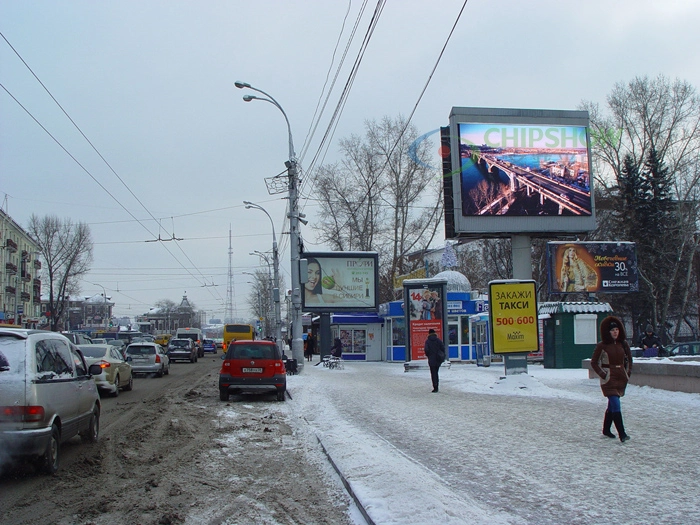
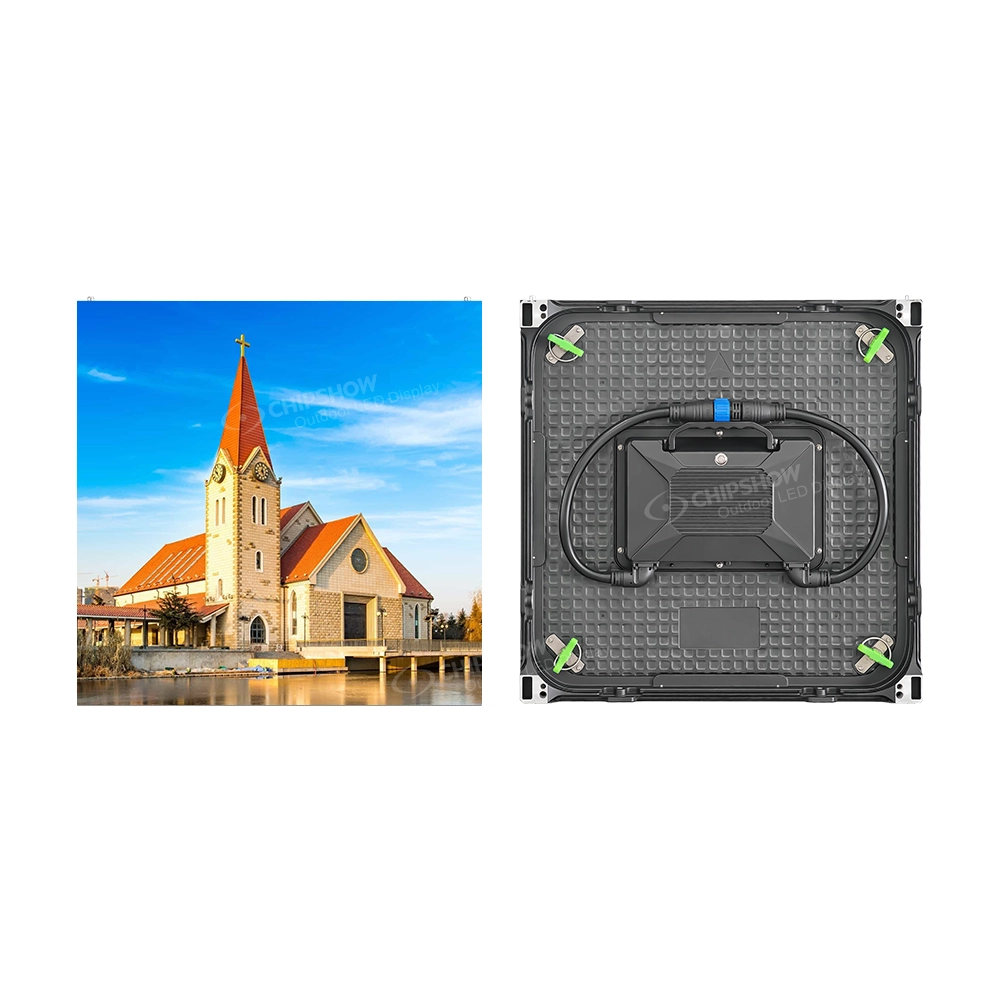
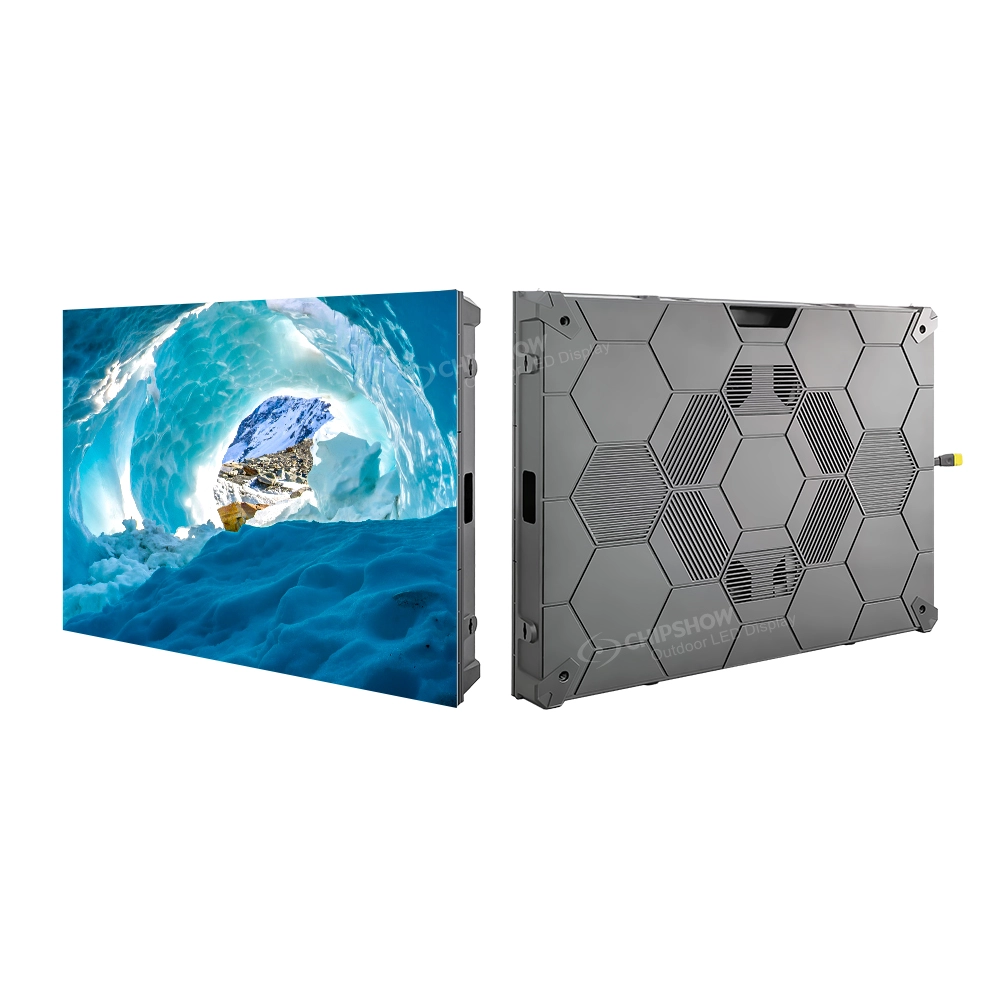
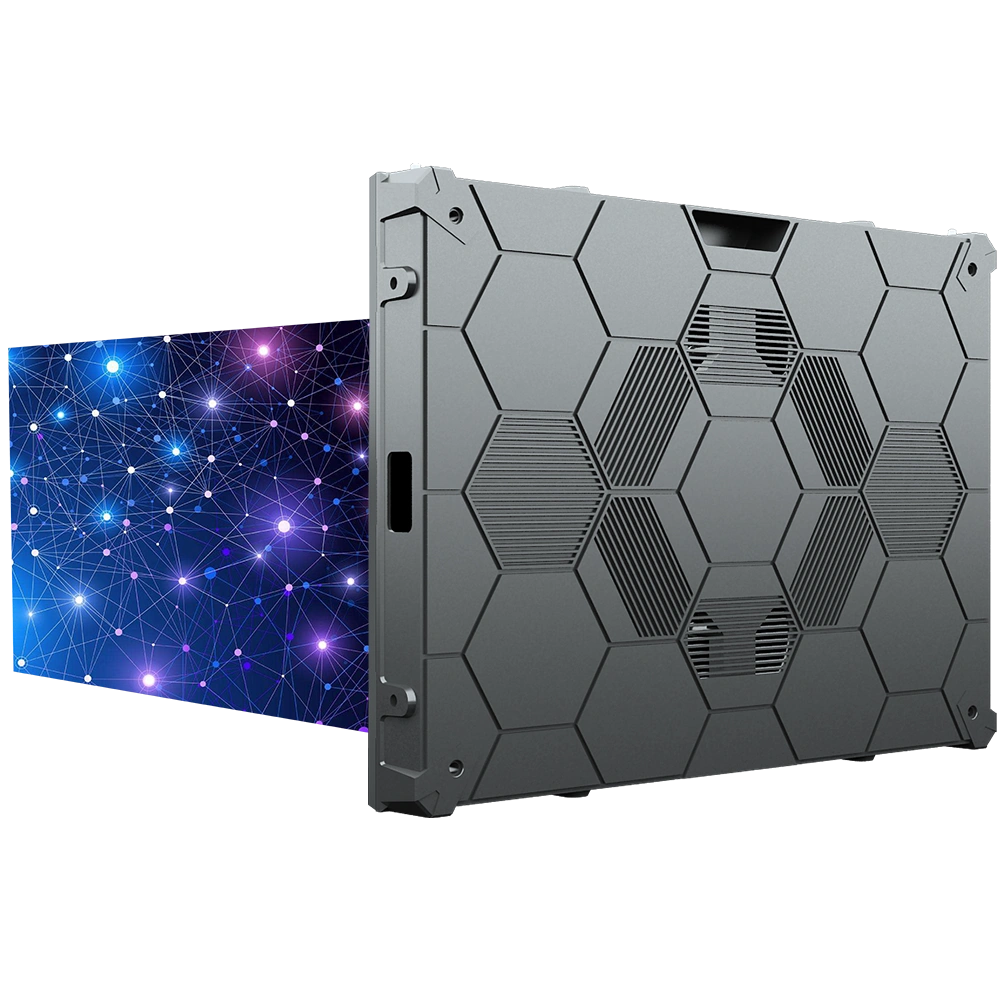
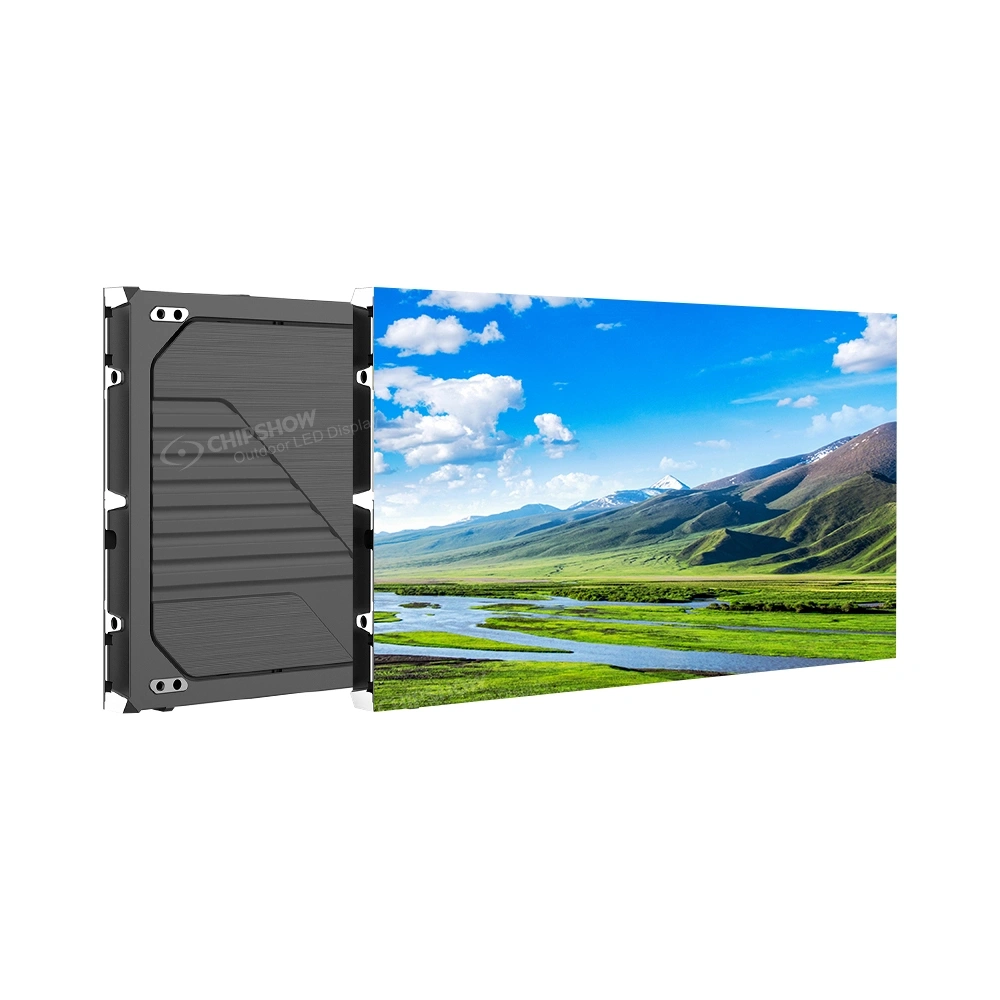
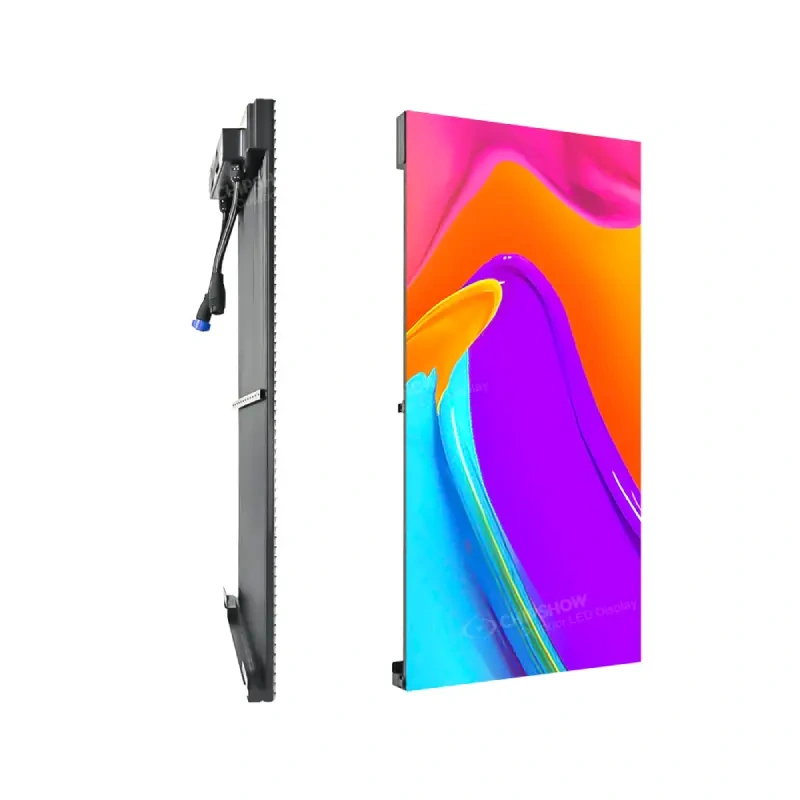
For outdoor billboards, cabinet weight affects the steel structure, installation equipment, and labor planning. Products like the Chipshow C-Slim feature a lightweight design that helps reduce installation complexity and makes front-service maintenance more practical before the control system is even selected.
Brightness Capability and Visibility:
Software cannot create brightness that the hardware does not inherently have.
Outdoor LED screens need enough brightness for direct sun or long-distance viewing. Brightness control software is useful only when the panel is already specified correctly for the site’s ambient light.
IP Protection and Weather Resistance:
A software workflow cannot fix poor sealing or weak connectors.
For C-Slim and C-Smart projects, the IP rating, cabinet design, and corrosion resistance must be confirmed before purchase to withstand rain, dust, and coastal air.
Service Access Constraints:
If technicians cannot safely reach the module, the project becomes expensive to maintain.
If rear access is impossible on a building façade, the cabinet must be designed for front service from the beginning. Software may help identify a fault, but physical access is a structural requirement.
2. Field-Operational Issues: What NovaStar and ViPlex Can Manage
Once the screen hardware is correctly specified, NovaStar-based workflows can help operators manage daily operation more efficiently, transforming the hardware into a functional media asset.
Content Scheduling Automation: ViPlex-based workflows can support playlist creation, schedule management, content publishing, and screen grouping. This allows a billboard to show commuter ads in the morning and retail ads during the day, reducing manual content changes.
Dynamic Brightness Adjustment: Daylight, night operation, and local regulations require different output levels. A NovaStar-compatible brightness workflow helps operators adjust output according to time or ambient conditions, which can support better energy management.
Power Management Routing: Long-running outdoor screens may not need to operate at full power during every hour. ViPlex-based workflows can support planned operation and deliberate power control in suitable configurations.
Remote Status Monitoring: Screens are exposed to harsh outdoor variables. Management workflows help teams identify when a screen is offline or when a device requires attention earlier, which is highly cost-effective for distributed DOOH networks where dispatching a technician is expensive.
3. Control Logic by Buyer Application
Different deployment environments require distinct hardware and control strategies.
Persona A: DOOH Media Owner / Outdoor Billboard Operator
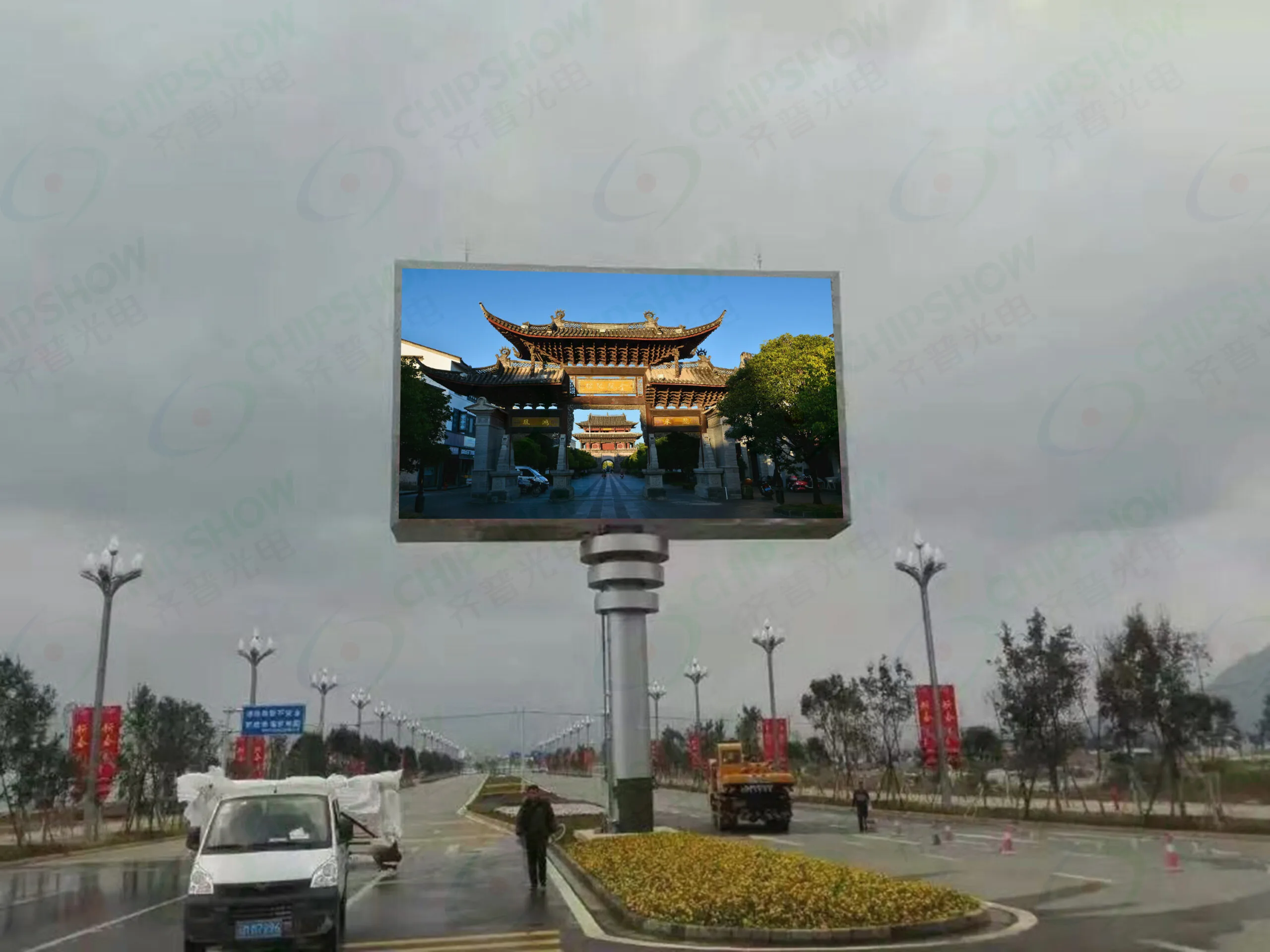
The Hardware Fit: C-Slim is designed for fixed outdoor billboard projects where lightweight structure, high brightness, and front-service access matter for long-term operation.
The Control Fit: NovaStar VX Pro is typically considered when the project needs large-format video processing, live input, or image mosaics. ViPlex-based management is more suitable when the billboard mainly runs scheduled advertising playlists.
Persona B: Signage Integrator / Fabricator
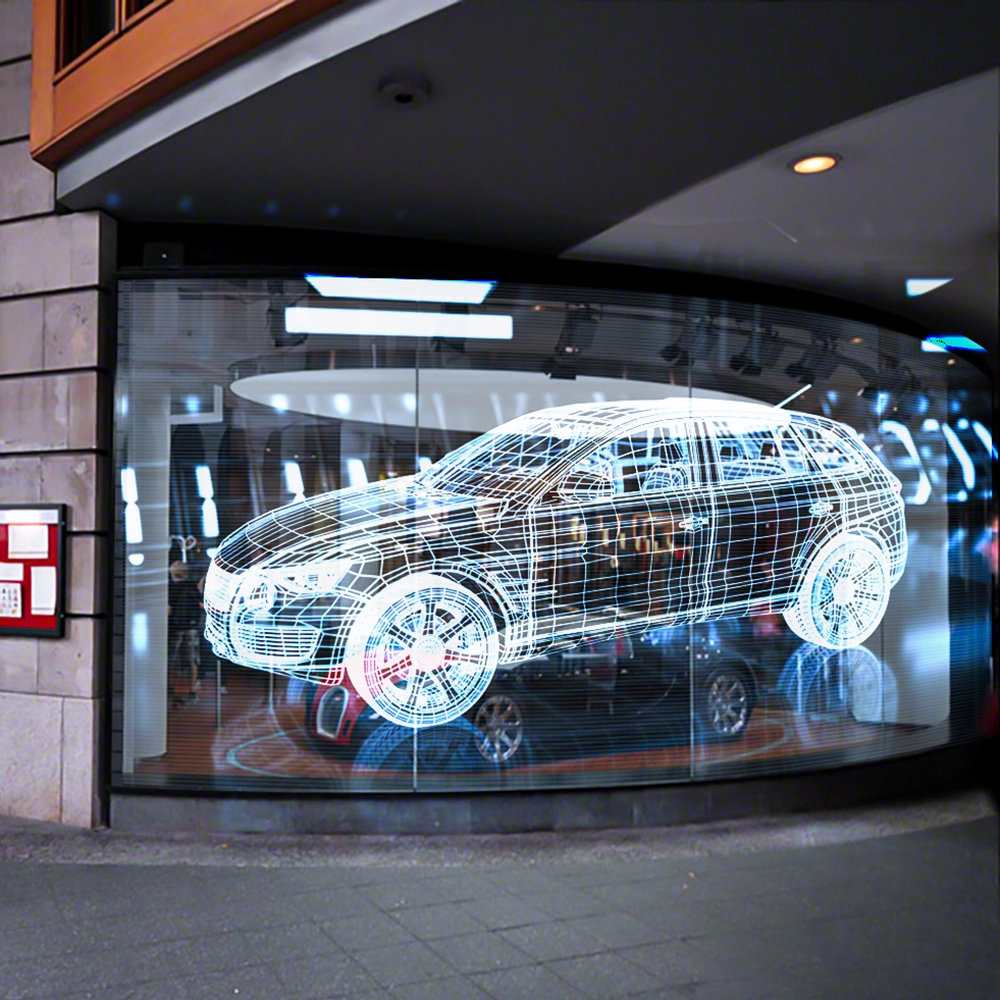
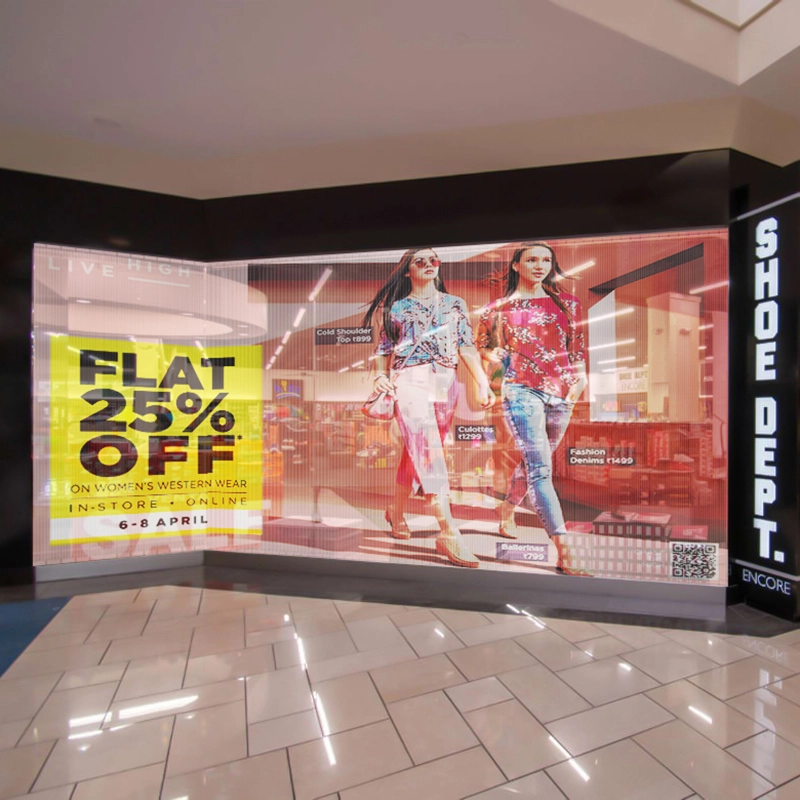
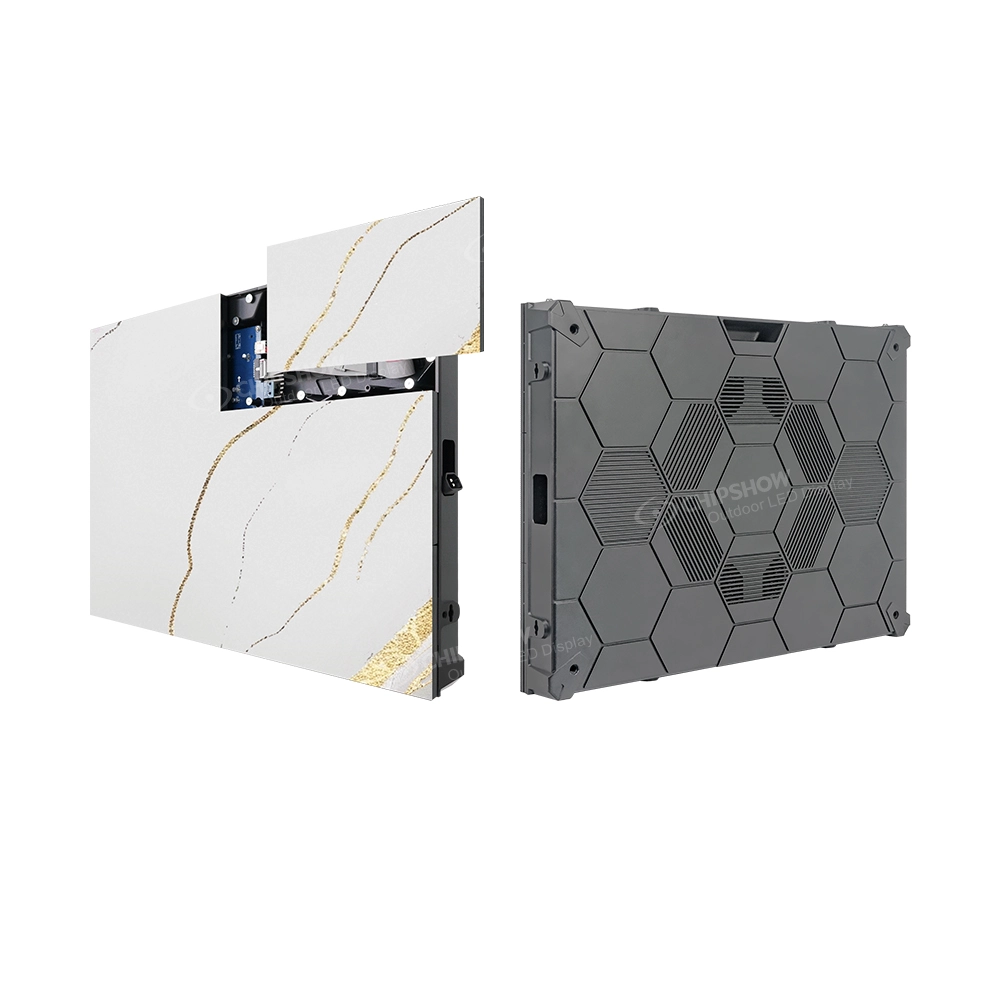
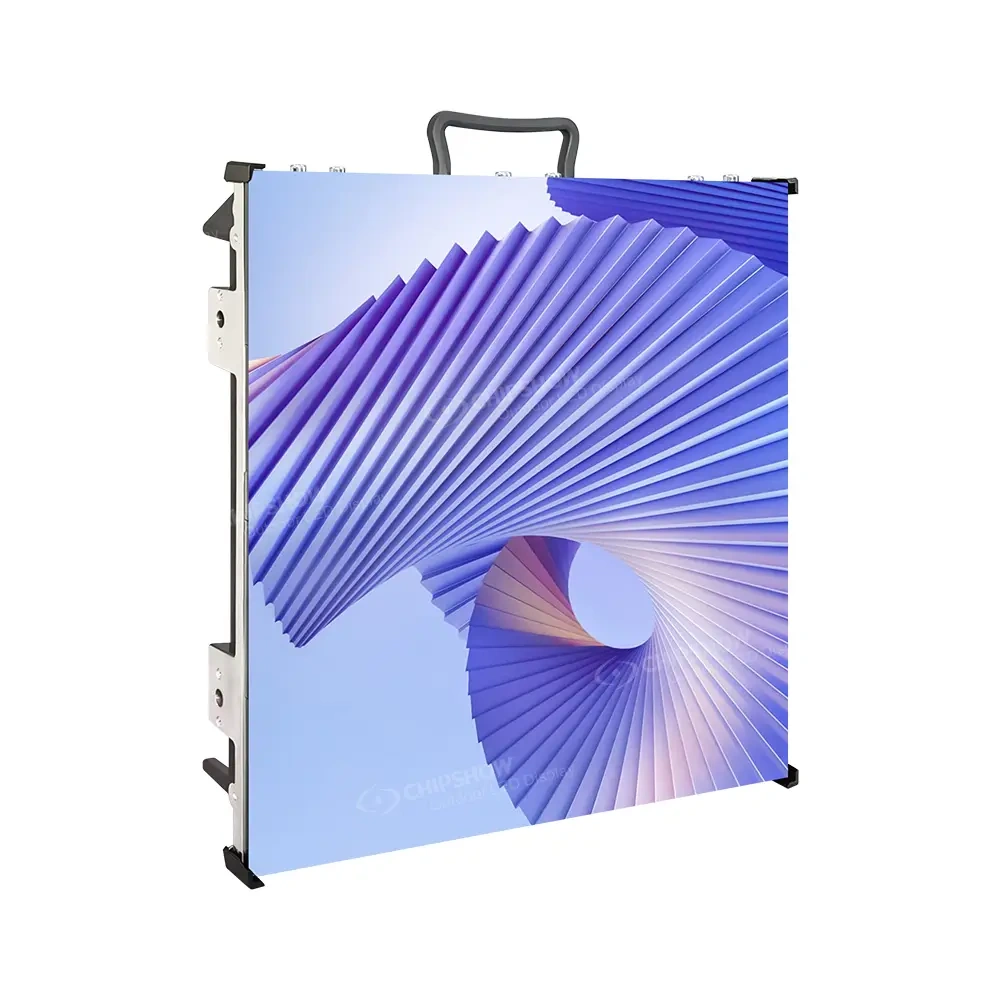
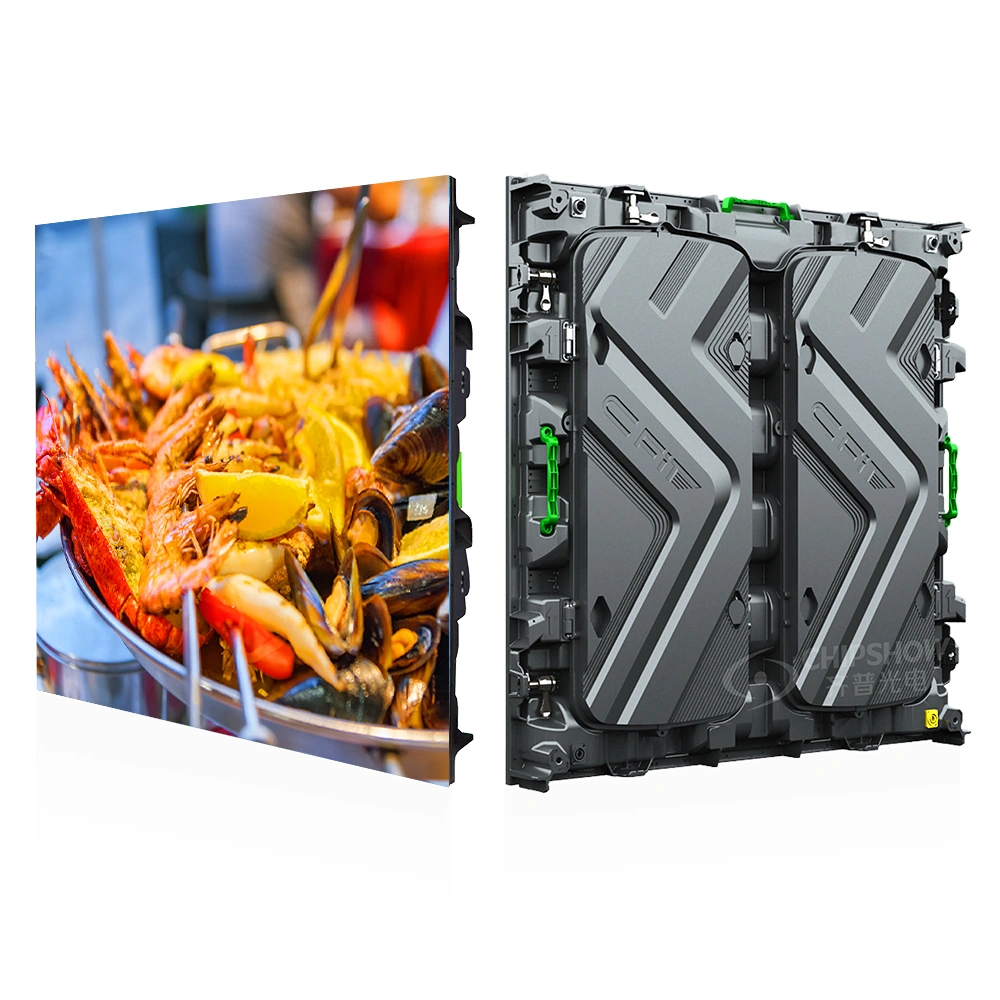
The Hardware Fit: C-Smart fits shopfronts, façades, monument signs, and commercial entrances where installation must be manageable after handover.
The Control Fit: For integrators, ViPlex makes client handover easier. Instead of requiring a technician, a ViPlex workflow supports playlist publishing and brightness adjustments, allowing retail clients to change promotions easily and reducing after-sales pressure.
Persona C: Traffic, Industrial, and Infrastructure Buyer
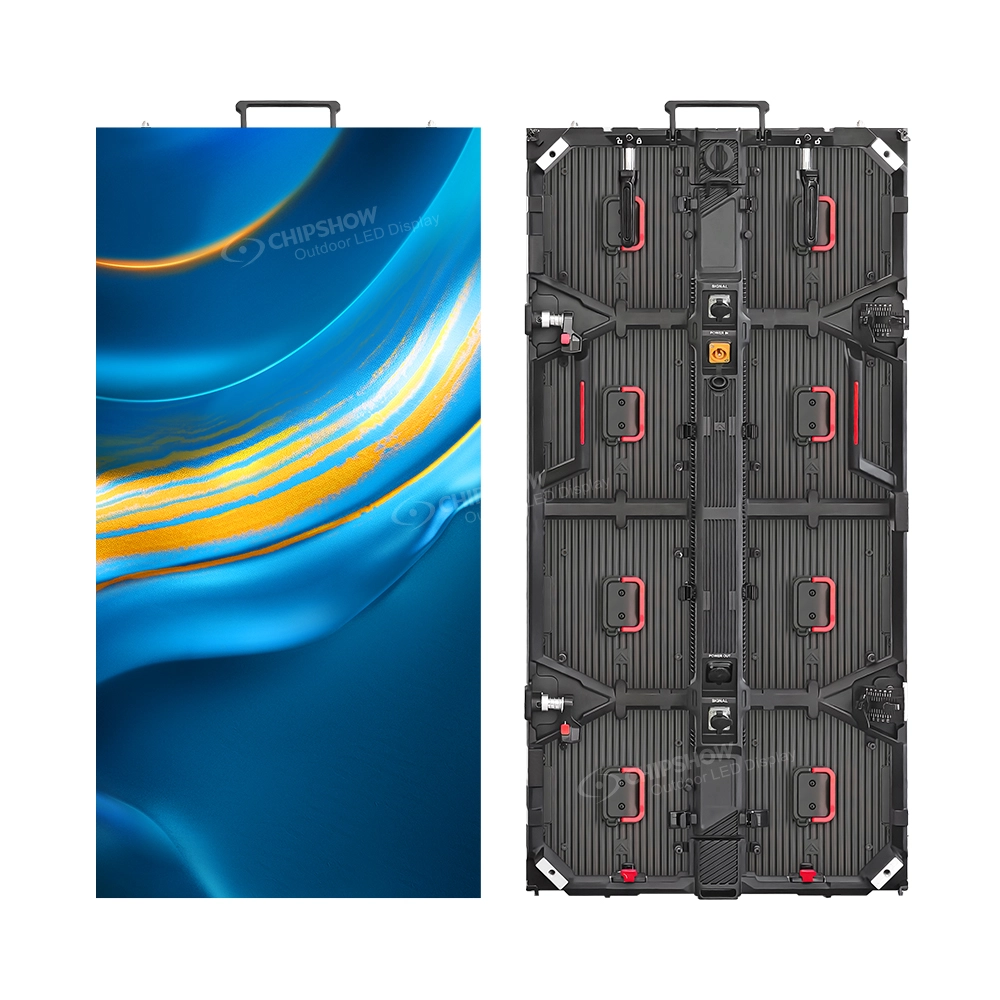
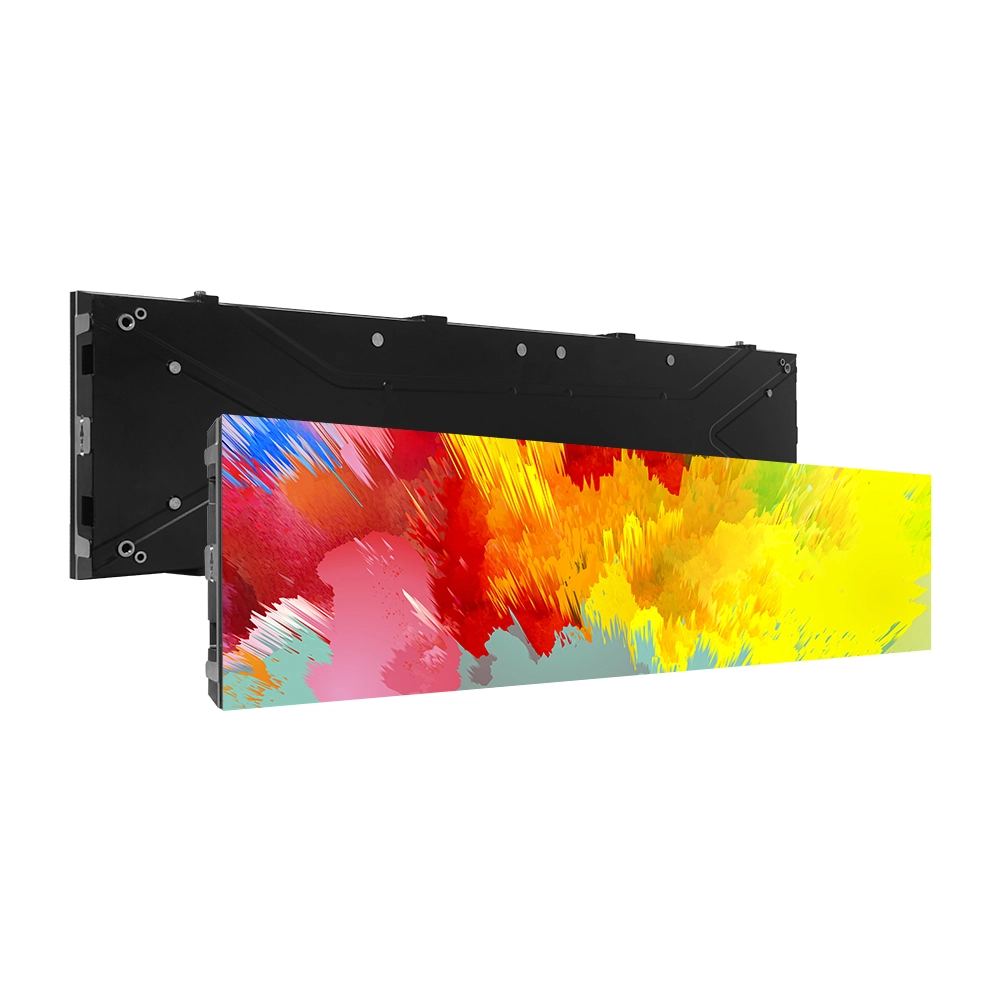
The Hardware Fit: C-Smart Long-View DIP is suitable for long-distance reading on roadside messages, industrial park information, and campus guidance screens.
The Control Fit: For infrastructure, the goal is operational reliability, not creative campaigns. ViPlex workflows support scheduled message playback and status checks, ensuring the screen shows the right message at the right time without unnecessary site visits.
4. Crucial Engineering Deployment Rules
When configuring your selected NovaStar hardware on-site, integration teams must adhere to strict operational boundaries to avoid catastrophic failures.
The 15-Panel Daisy-Chain Limit: When powering up a massive outdoor rig, an instantaneous breaker trip is often a cascading power overload, not a faulty leakage protector. As an industry rule of thumb, a single main power cable run should never daisy-chain more than 15 standard rental or fixed cabinets to prevent massive inrush surge currents.
The “Save to HW” Mapping Rule: If the screen powers on but the image appears sliced or inverted, open NovaLCT to re-map the data path. Technicians must always click “Save to HW” (Save to Hardware); otherwise, the mapping will erase the moment the screen loses power.
Mandatory .RCFGX Profile Matching: Premium screens rely on specific receiving card configuration files (.rcfgx) tied to exact LED binning batches. Uploading a mismatched, generic configuration file downloaded from a public forum will corrupt color accuracy and degrade the refresh rate.
5. Official NovaStar Resource Downloads
Review the following processor and software manuals to plan your control workflow prior to final configuration.
Download NovaStar VX2000 Pro User Manual
Download NovaStar VX1000 Pro User Manual
Download NovaStar VX600 Pro User Manual
Download NovaStar VX400 Pro User Manual
Download ViPlex Express User Manual
Download ViPlex Handy User Manual
Note: For your project-specific, factory-calibrated .rcfgx receiving card profiles, please contact Chipshow engineering support directly with your batch number.
Key Takeaway
A successful European outdoor LED screen project is not only about pixel pitch, cabinet weight, brightness, or IP rating.
The control system determines how the display operates after installation.
For C-Slim, it can support DOOH operation, large-format signal control, advertising scheduling, and brightness management.
For C-Smart, it can support smart signage operation, content updates, power control, and multi-site screen management.
The best configuration depends on the application.
Start with the project workflow, then select the controller and software configuration.
Chipshow can help review screen size, content type, installation environment, operating plan, and control requirements to recommend a suitable NovaStar-based workflow for European outdoor LED projects.
Compare product references and EU stock options for your venue with the Europe LED screen selector before requesting a quote.